---
title: "40+ Best Instagram Walls for Websites + Real Examples"
date: 2022-03-17
modified: 2025-11-13
canonical_id: instagram-wall
author: "dushkotalevski"
category:
- blog
- instagram
- social-media-feeds
summary: "Check out an extensive list of Instagram wall examples to get inspiration and start showing your social activity beyond your Instagram account."
draft: false
seo:
og_image: "https://embedsocial.com/wp-content/uploads/2022/03/instagram-walls-examples.jpg"
og_image_alt: "Instagram wall"
og_image_width: 920
og_image_height: 480
title: "40+ Best Instagram Walls for Websites + Real Examples"
description: "Check out an extensive list of Instagram wall examples to get inspiration and start showing your social activity beyond your Instagram account."
structured_data: article
---
Instagram is perhaps the most used social media network among content creators and e-commerce brands nowadays. After all, it offers endless brand possibilities for building communities and engaging your customers via authentic content.
That said, you can always expand the reach of your Instagram [user-generated content](/blog/what-is-user-generated-content/), and all you need is a digital product called an **'Instagram wall'**.
Also known as an Instagram widget for websites, these digital [social media walls](/blog/social-media-feed/) collect all your content into website widgets, which you can embed anywhere. You just connect your accounts and the service automatically pulls in your content.
So, keep on reading, as I cover the benefits of using an Instagram wall and show you the best templates you can use today with a few great examples!
## What is an Instagram wall?
> An Instagram wall is a **curated, digital feed that automatically displays your Instagram content** in one visually organized layout.
>
> *'Instagram wall' definition*
Instagram walls get content from your profile, including hashtags, mentions, [Instagram Stories](/blog/instagram-stories-for-business/), etc., and then display them on your websites, event screens, or other digital displays.
That way, instead of static images, you get a living website gallery that updates itself, showcases your brand through authentic social content, and offers all the [social proof](/blog/social-proof-examples/) you might need.
Best way to create an Instagram wall? Sign up for a third-party [social media aggregator](/blog/social-media-aggregator/) like EmbedSocial, which is a complete [UGC platform](/blog/ugc-platforms/) for managing your social media walls.
With it, you will get something like this, which you can further customize to include different fonts, colors, shapes, buttons, links, and many other elements:
(function(d, s, id) { var js; if (d.getElementById(id)) {return;} js = d.createElement(s); js.id = id; js.src = "/cdn/ht.js"; d.getElementsByTagName("head")\[0\].appendChild(js); }(document, "script", "EmbedSocialHashtagScript"));
## What Instagram wall features should you look for?
When choosing an Instagram wall, you have to ensure that it matches your needs. That said, you should look for these features in any case:
- Display photos from your own account or any public Instagram account
- Collect and display [Instagram posts with hashtags](/instagram-hashtag-feed/) and mentions
- Set up a specific layout and choose the right brand colors
- [Embed your Instagram feed](/blog/embed-instagram-feed-for-free/) with other social platforms, like Facebook or Twitter
- Moderate your collected content so you show exactly what you want
- Have an Instagram wall that automatically syncs when you publish new content
- Add a shoppable UGC widget, extremely important for e-commerce brands
Trust me, you shouldn't settle for anything less than the above. You need total control and flexibility when it comes to picking the right Instagram wall.
## Why use an Instagram wall?
An Instagram wall widget turns your social moments into a vibrant, unified display of your brand.
It pulls customer photos, event highlights, and your own latest posts into a real-time display that grabs attention and builds customer trust. Here are its main benefits:
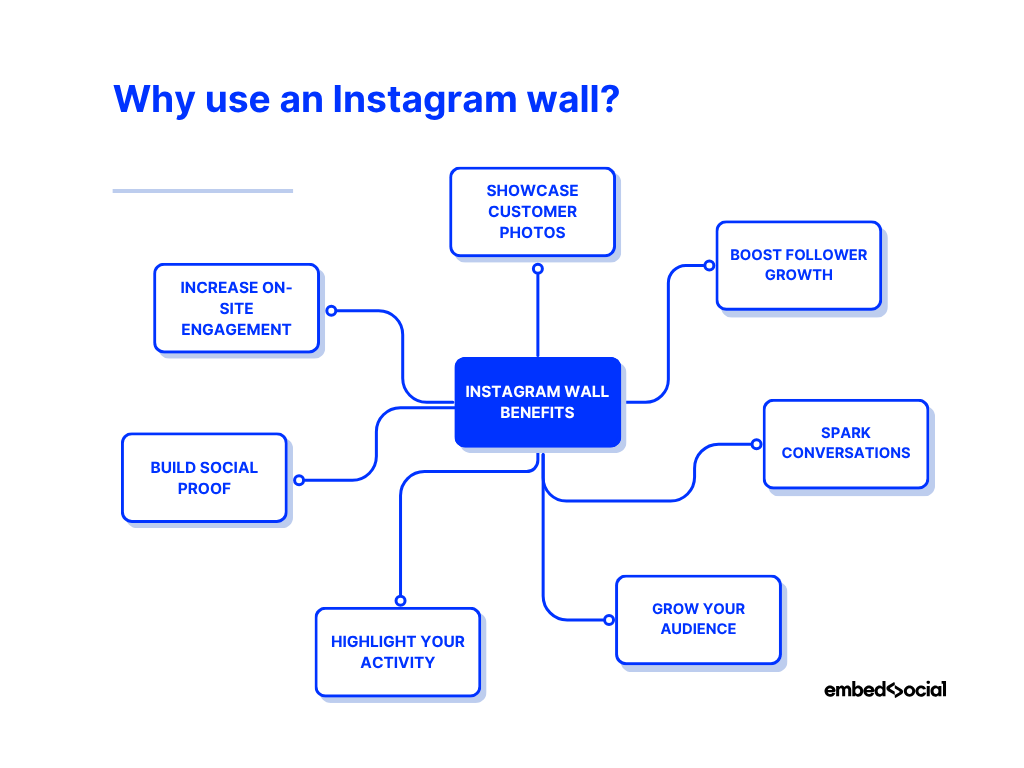
- **Showcase customer photos**: highlight authentic visuals created by the people who love you;
- **Boost follower growth**: help visitors discover your Instagram profile and follow you;
- **Spark conversations**: use hashtags to fuel buzz around your brand, product launch, or event;
- **Grow your audience**: reach new people drawn in by your community’s high-quality content;
- **Highlight your activity**: display your latest posts, office moments, or retail ambience;
- **Build social proof**: use real engagement and follower stats to strengthen your credibility;
- **Increase on-site engagement**: keep visitors scrolling longer with a fresh visual feed.
As you can see, an Instagram wall decorates your site, but it also does wonders for promoting and enhancing your online presence and credibility.
> **Pro tip:** In addition to creating an Instagram feed to showcase your social media activity, you can add a **'Follow us' link** to it so more people discover and follow you on Instagram.
## 40+ Instagram walls you can use right now
Depending on what type of content you want displayed on your Instagram social wall and what its purpose is, you can pick from all kinds of Instagram walls:
### 1\. The Classic Instagram Wall
This is the most common type of Instagram widget, and it's a great way to showcase all of your images in one place. You can use this type of wall to show off your products and services:

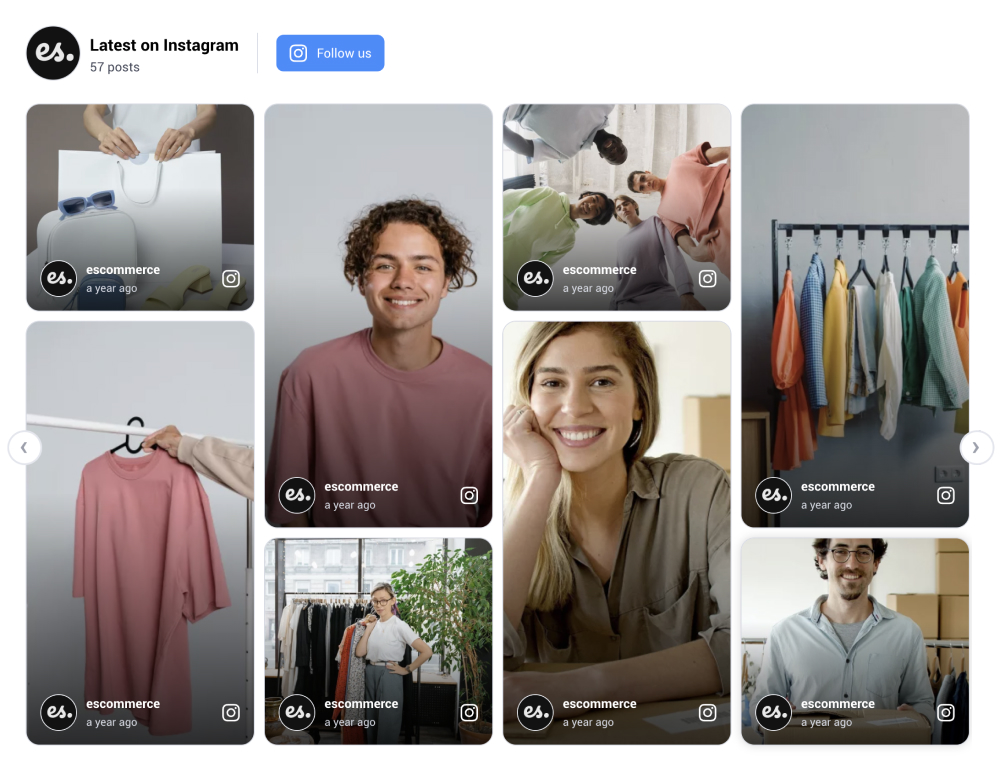
### 2\. Instagram masonry wall
The masonry layout works on any website and is best for showcasing Instagram posts generated from a hashtag. It is perfect for structuring different formats of posts, like photos and Reels, so the wall looks like a waterfall:
Visit demo page
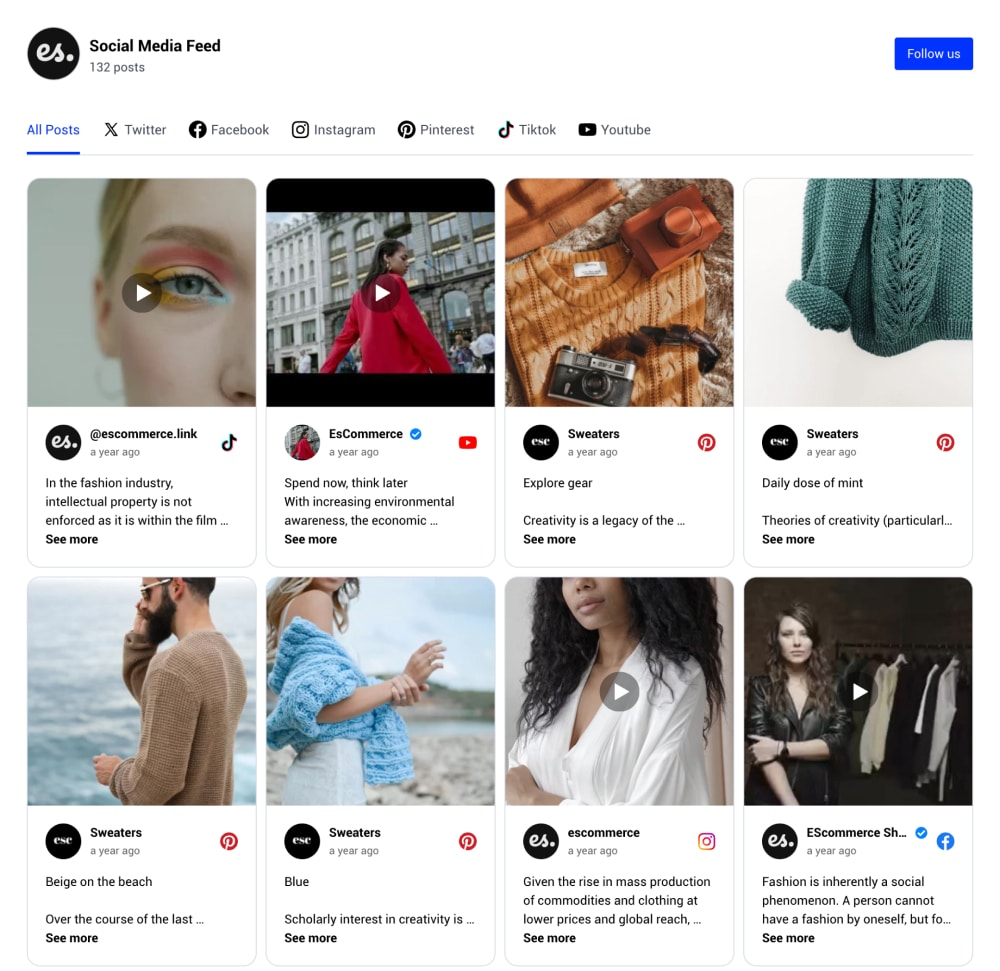
### 3\. Instagram social media wall
This is a social media wall containing posts from other platforms such as Facebook, YouTube, TikTok, etc. It includes a header with filters to view posts for each particular network. You can change it to infinite scroll, load more buttons, or numbered pagination:
Visit demo page
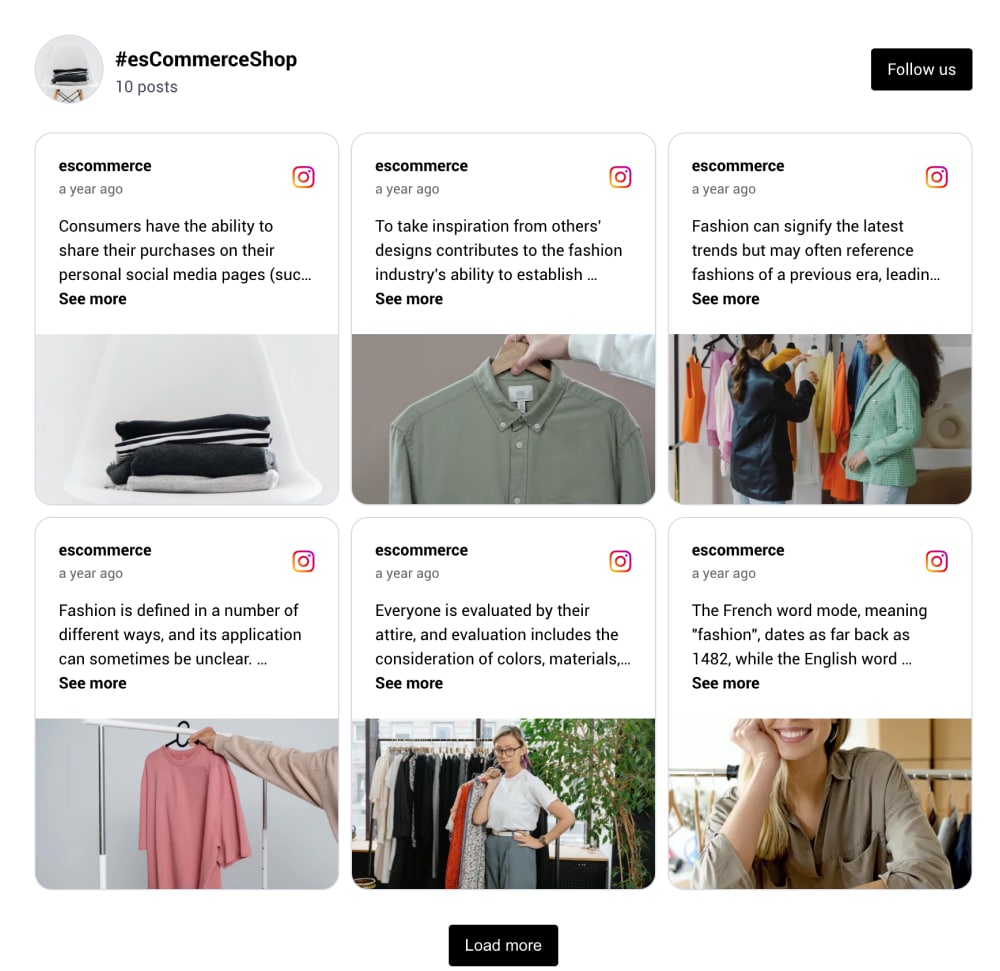
### 4\. Classic Instagram hashtag wall
To display Instagram posts that use a particular hashtag, you will need to use a social media aggregator that will make sure you generate the posts with your branded hashtags.
This wall is great for showcasing results from social media contests or engaging website visitors with user-generated content:
Visit demo page
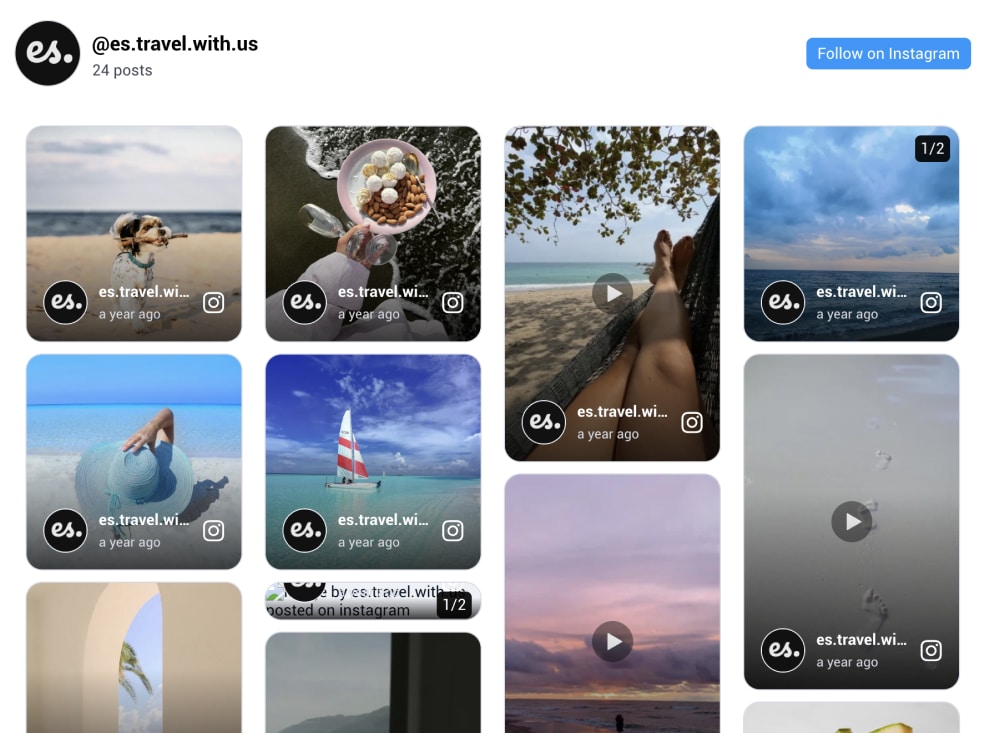
### 5\. Instagram photo gallery wall
This Instagram wall showcases the Instagram posts with a focus on the photos. It is perfect for building a photo gallery wall.
When clicking on any image, it can display it in a full lightbox. The system provides a setting to use high-quality photos, so it can be perfect for photography or portfolio websites where you need to showcase photos of your work:
Visit demo page
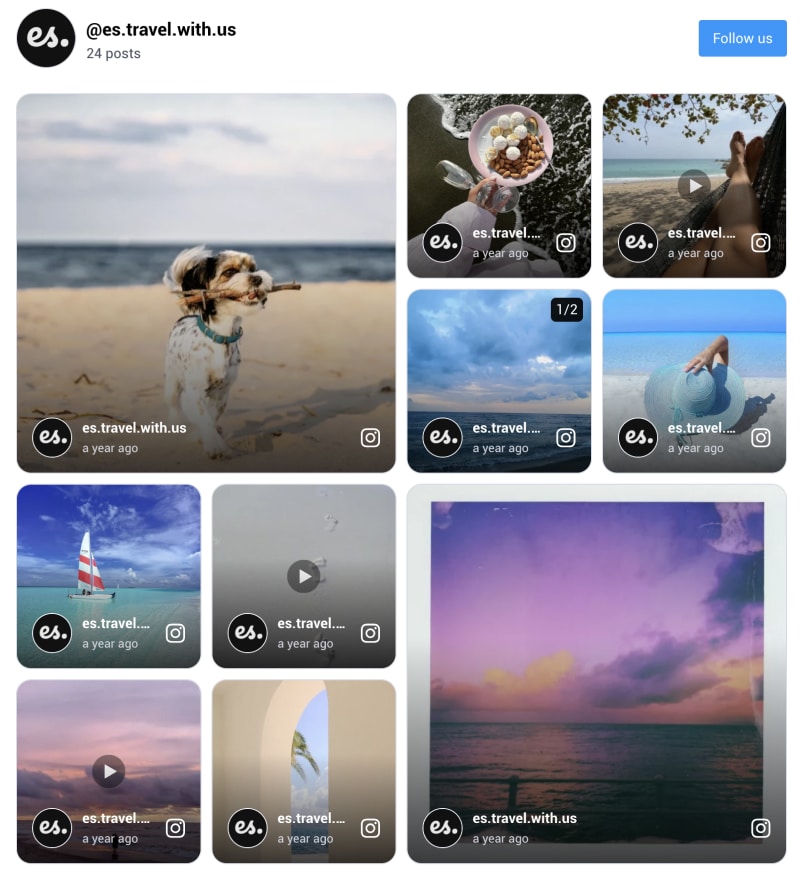
### 6\. Instagram wall with collage layout
Use a modern collage layout to display the latest Instagram posts in a modern format.
The collage layout is aimed for homepages or pages with products, where you can also tag products and create a collage look for a social shop on your website:
Visit demo page
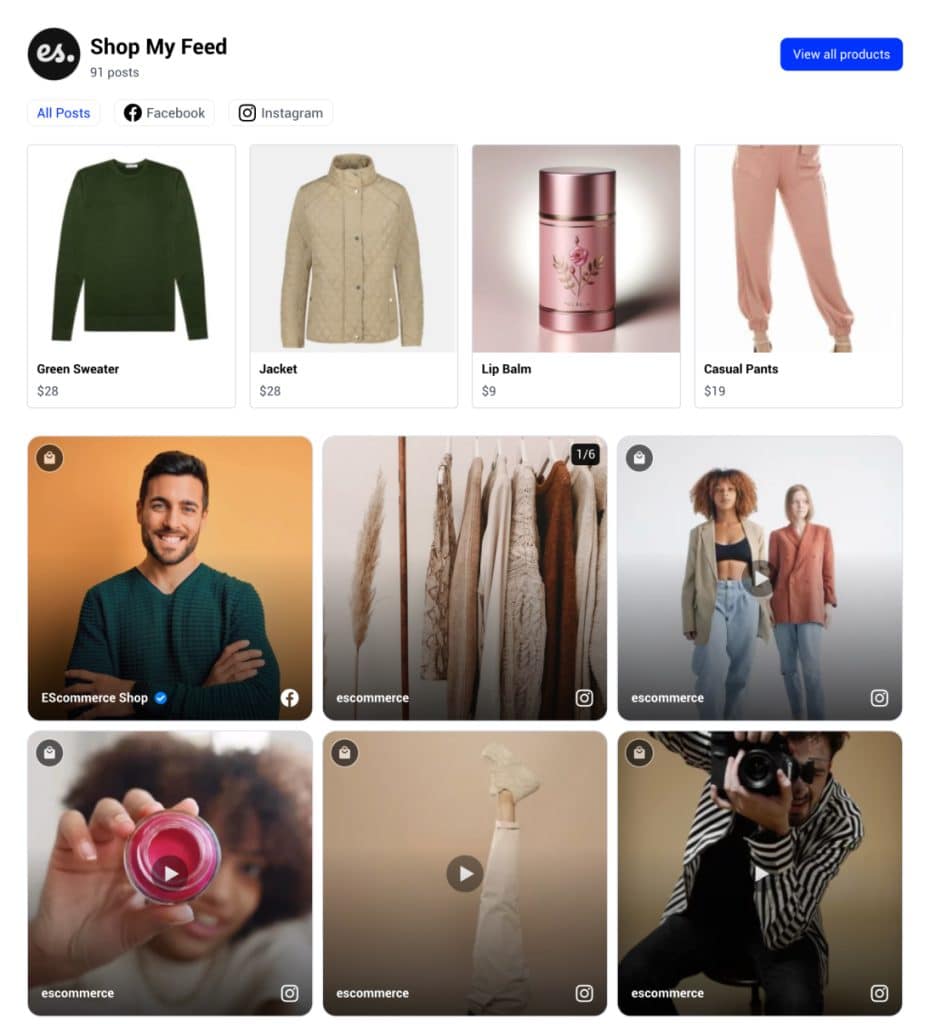
### 7\. 'Shop my Feed' wall
This is a very popular usage of Instagram walls, and it is the option to transform Instagram UGC into [social commerce](/blog/social-commerce/). The widget includes posts showcasing the brand's products/services and a link leading to their respective product pages for a quick purchase:
Visit demo page
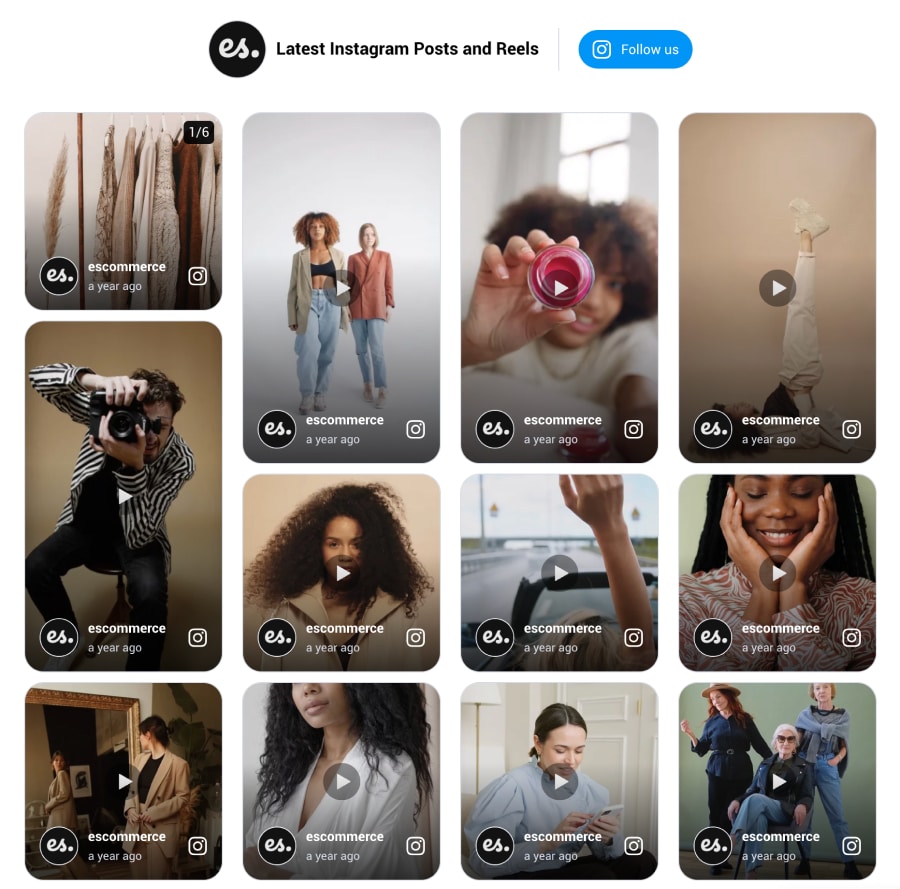
### 8\. Instagram Reels wall
When you [embed Instagram reels](/blog/embed-instagram-reels/) on your website, you make your pages more interactive and add social content for your visitors. Here is one example of a widget showing Instagram posts and videos in one place:
Visit demo page
* * *
Interested in more Instagram wall templates?
We got over [40 ready-to-go Instagram templates](/templates/feed/instagram), such as the ones below:
## 10 great examples of Instagram walls on websites
Here's how different brands and industries utilize our Instagram walls to engage their visitors:
### 1\. Instagram wall for education

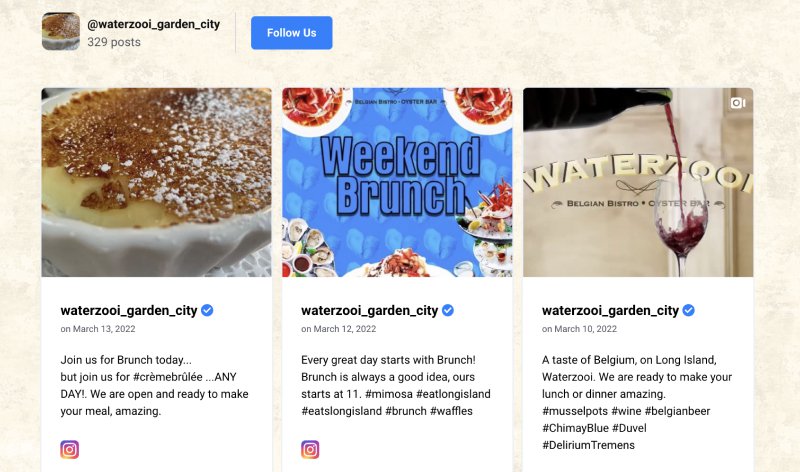
### 2\. Restaurant Instagram activity
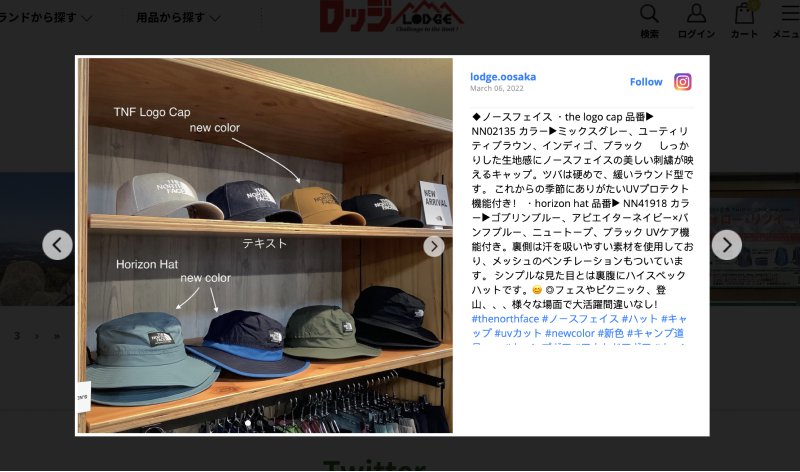
### 3\. A Japanese e-commerce brand
### 4\. Example of an Instagram wall slider
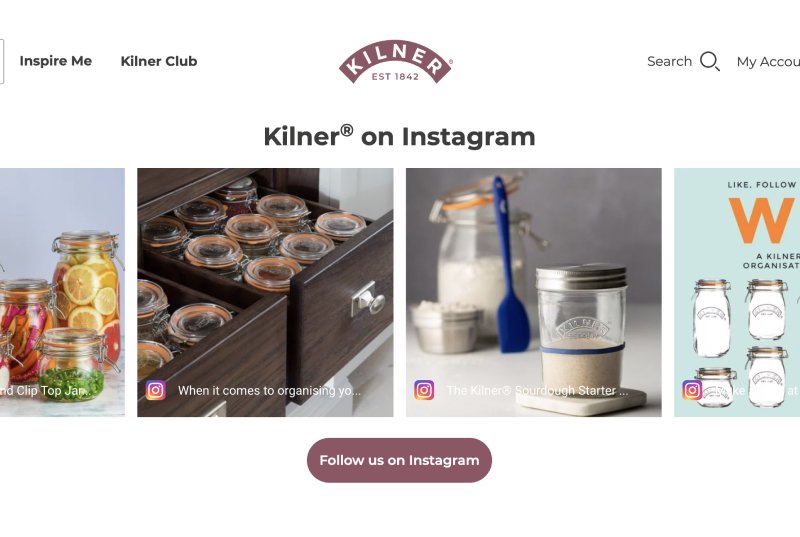
[See a demo of a Slider template](/templates/classic-instagram-slider-widget/)
### 5\. Grid wall example for a food brand

### 6\. Travel brand

### 7\. Extreme sports equipment shop
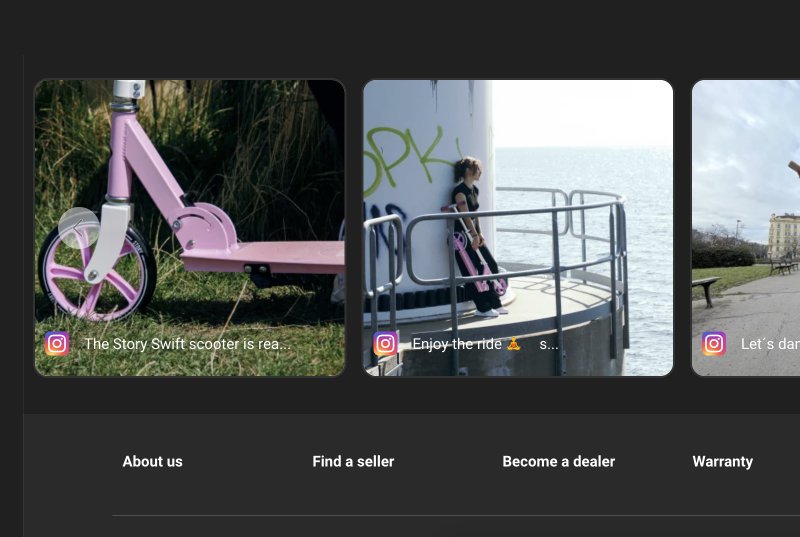
[See a demo of a Carousel template](/templates/instagram-carousel-widget/)
### 8\. Collage template

[See a demo of a Collage Template](/templates/classic-instagram-collage-widget/)
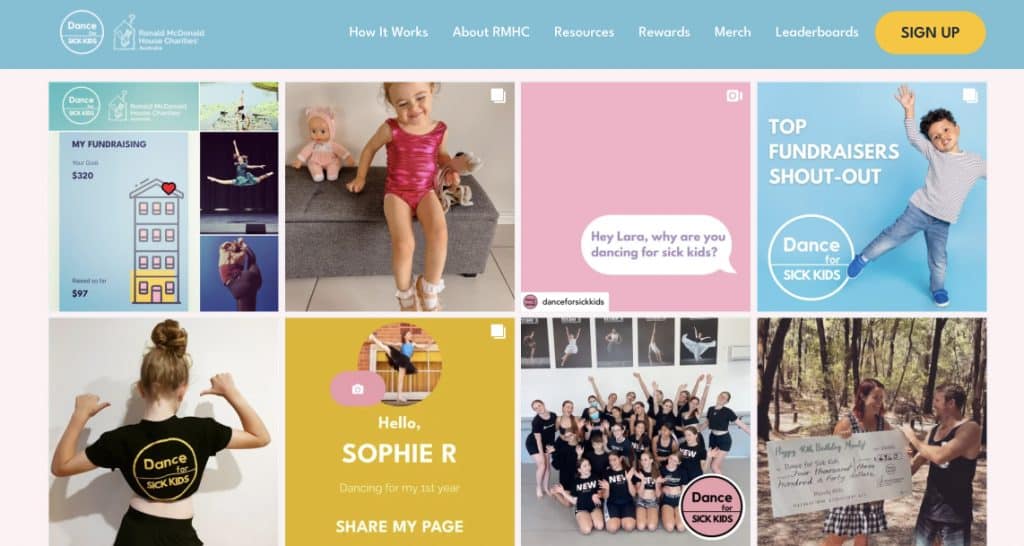
### 9\. NGO Instagram feed
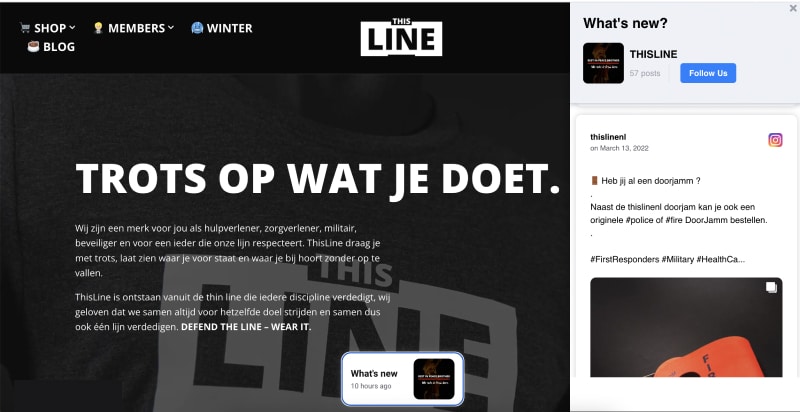
### 10\. Fashion brand using the 'What's new' Instagram widget
## How do I create an Instagram wall?
There are a few different ways to generate and display a social media wall on your website:
- Manually copy and embed content via the Instagram post's menu
- A self-hosted Instagram gallery plugin for WordPress themes
- A third-party Instagram gallery tool (like [EmbedSocial](/social-media-aggregator/))
Here's the quick-step guide for using EmbedSocial to build your own Instagram wall:
1. Sign up for an EmbedSocial account (free, trial, or paid)
2. Connect your Instagram business account
3. Choose your Instagram content (account, hashtag, mentions, stories, etc.)
4. Choose the layout of the widget
5. Customize and moderate the Instagram widget
6. Copy and paste the code into your website's body section
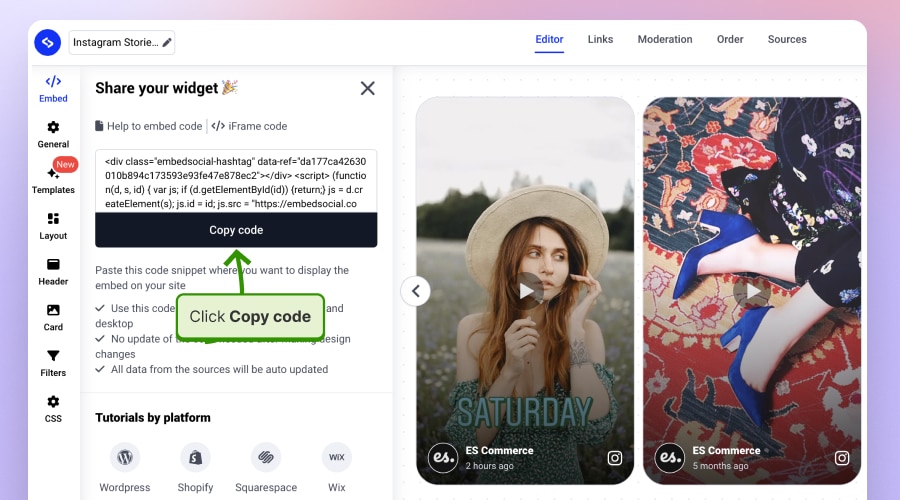
You can embed the same code on all your websites, or create different widgets (with different codes) for all of them.
EmbedSocial has access to all major [social media APIs](/social-media-api/) and allows you to connect multiple social media channels to collect different types of content.
To start now, you can choose the free forever plan and use the [free Instagram wall](/products/free-social-media-aggregator/) but with limited features like moderation and customization.
## Conclusion: Turn your Instagram presence into a living brand experience!
An Instagram wall gives your website a steady stream of real moments. Plus, it keeps your pages alive, fresh, and always up to date with every post you publish.
Moreover, it builds trust faster than any polished banner ever could. After all, people believe what they can see, and an Instagram wall shows them the real story behind your brand.
So, whether you want more followers, more engagement, or simply a website that finally looks alive, an Instagram wall does the heavy lifting for you.
**Add your Instagram wall via [EmbedSocial](/) and turn your site into a place to come back to!**
## FAQs about Instagram walls
**What is an Instagram wall used for?**
An Instagram wall is used to display real-time Instagram content on websites, event screens, or digital displays. It helps brands showcase authentic visuals, boost engagement, and highlight customer posts in a dynamic way.
**Can I create an Instagram wall without coding?**
Yes. most Instagram wall tools, including [EmbedSocial](/), let you build and customize your wall with drag-and-drop settings. You simply connect your Instagram account, adjust the layout, and embed one line of code on your site.
**Can I show hashtag or mention posts on an Instagram wall?**
Absolutely. Instagram walls can pull content from hashtags, mentions, or tagged posts, allowing you to run campaigns, [collect UGC](/blog/collect-ugc/), or display event-driven content automatically.
**Do Instagram walls update automatically?**
Yes. once connected, your Instagram wall refreshes whenever new posts appear on your profile or selected hashtag source. This keeps your display active and up to date without manual uploads.
**Where can I display an Instagram wall?**
You can embed it on any website, project it at live events, add it into livestreams, or show it on digital signage in stores. Anywhere a screen exists, an Instagram wall can bring your brand to life.