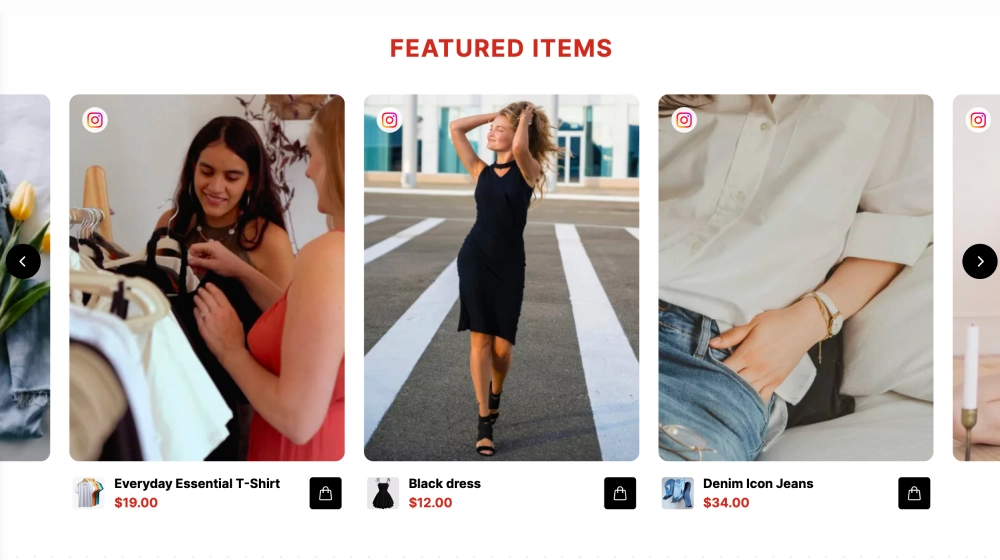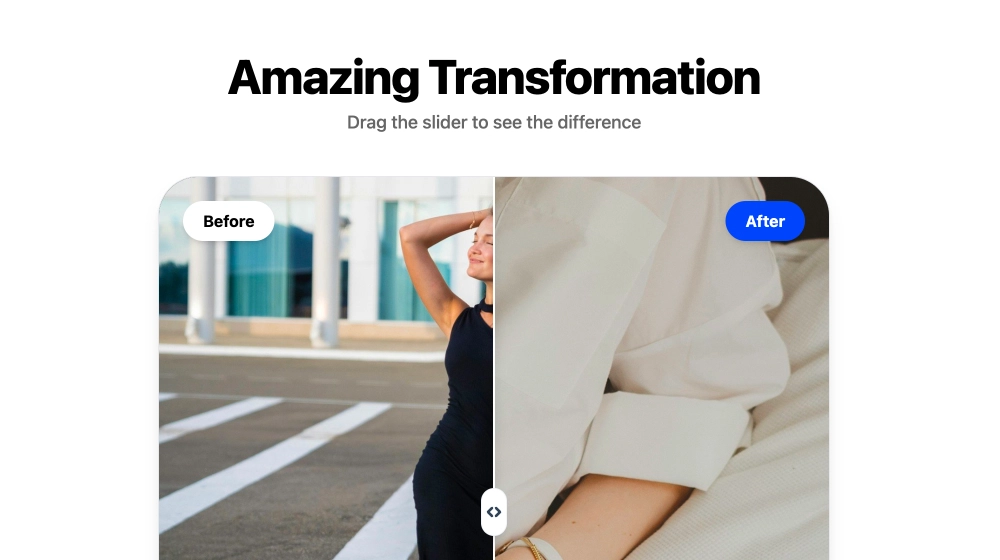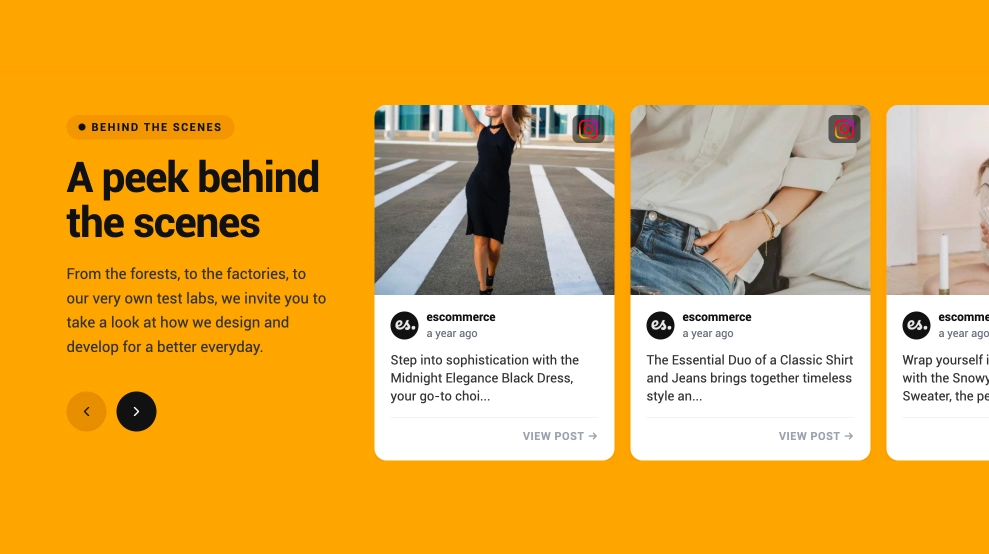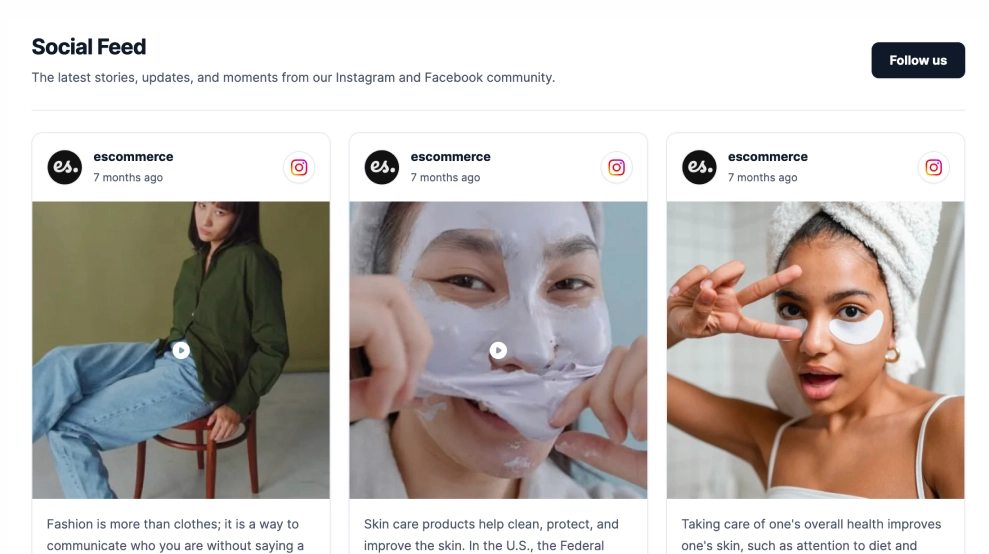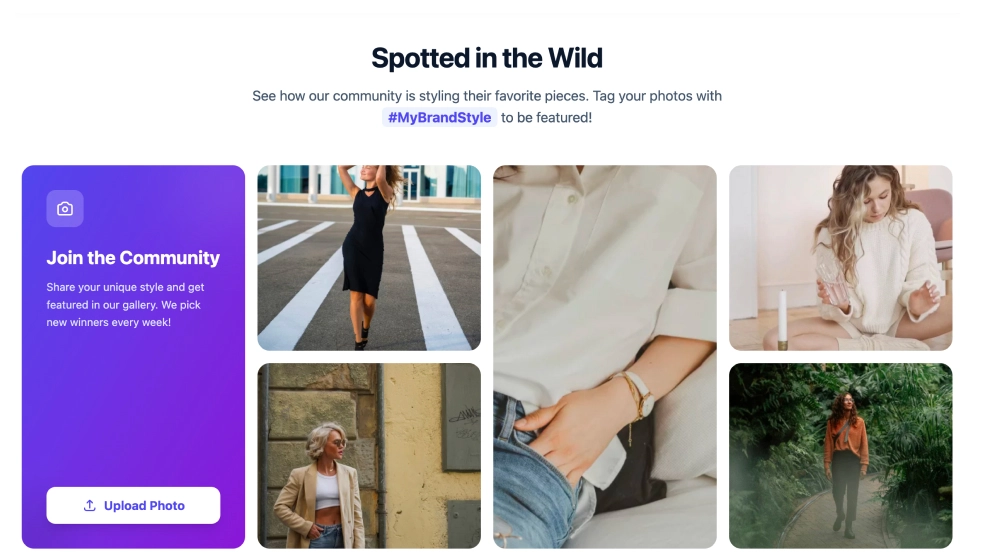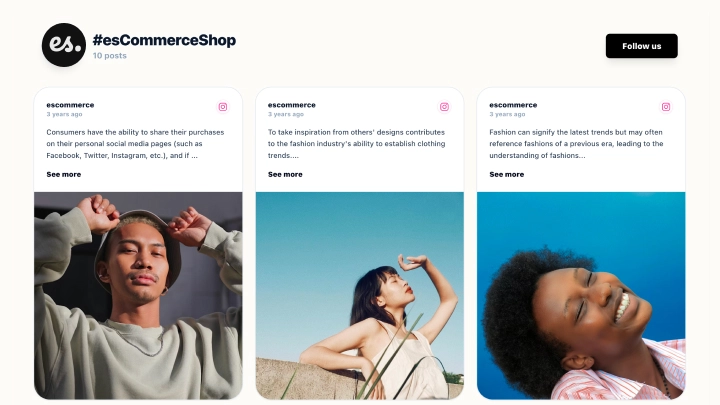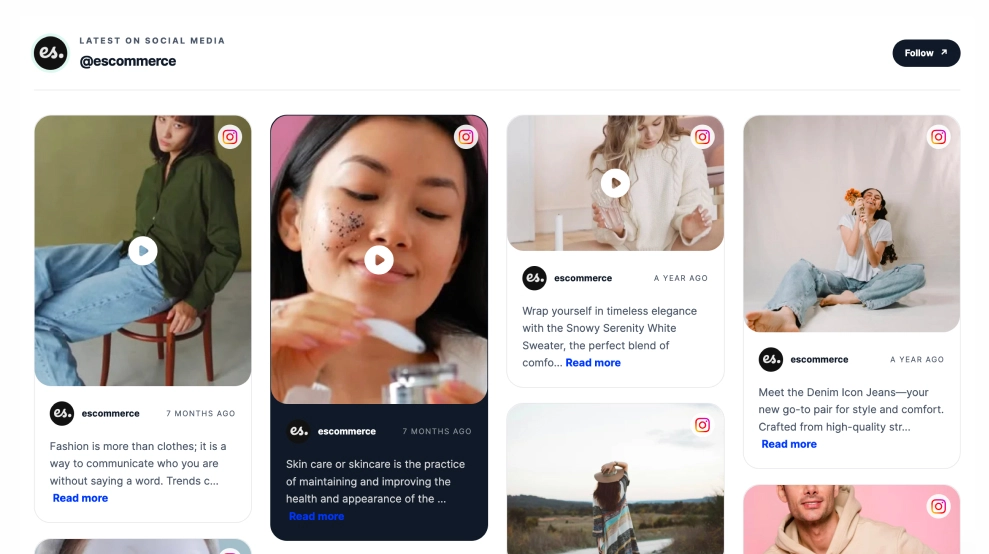
The Instagram Masonry Feed brings your latest posts onto your website in a layout that feels more curated than a standard grid. By mixing different card heights, media types, and caption lengths, it keeps the feed visually active while still making each post easy to browse.
What makes it work
-
Masonry-style layout: The staggered card arrangement gives the feed a more editorial, organic feel than uniform rows.
-
Mixed content presentation: Images, video posts, and caption-led cards can sit together naturally in the same feed.
-
Strong visual browsing: Large media blocks keep the content image-first, which works especially well for lifestyle and product brands.
-
Instagram source cues: Profile name, Instagram icon, and timestamps make the feed instantly recognizable.
-
Caption previews: Visitors get enough text to understand the post without overwhelming the layout.
-
Follow CTA: The
Followbutton gives the section a clear next step for people who want more than a quick browse. -
On-site social presence: The feed helps your website feel fresher and more connected to your live social content.
Best fit for
-
Fashion, beauty, and lifestyle brands
-
Ecommerce homepages
-
Brand storytelling sections
-
Landing pages that need visual social proof
-
Businesses that want Instagram content to feel more designed than embedded
How to embed it
-
Connect your Instagram feed in EmbedSocial.
-
Choose the Instagram Masonry Feed template.
-
Customize the section title, visible captions, profile details, and follow button.
-
Set how many posts to display and how the masonry layout should behave across devices.
-
Copy the embed code.
-
Paste it into your website, landing page, or CMS and publish.
Show your Instagram content in a layout that feels more like a curated visual wall than a standard social feed.