01
Show social proof and sell more
Embed on WordPress, Lovable, Shopify, Wix, Squarespace, Webflow, Weebly, and increase conversion rates up to 10%.
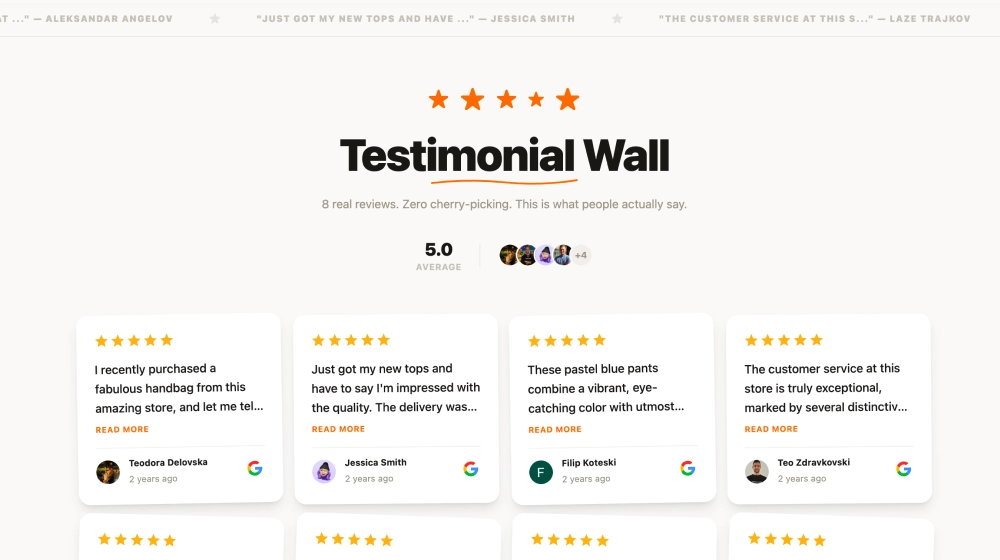
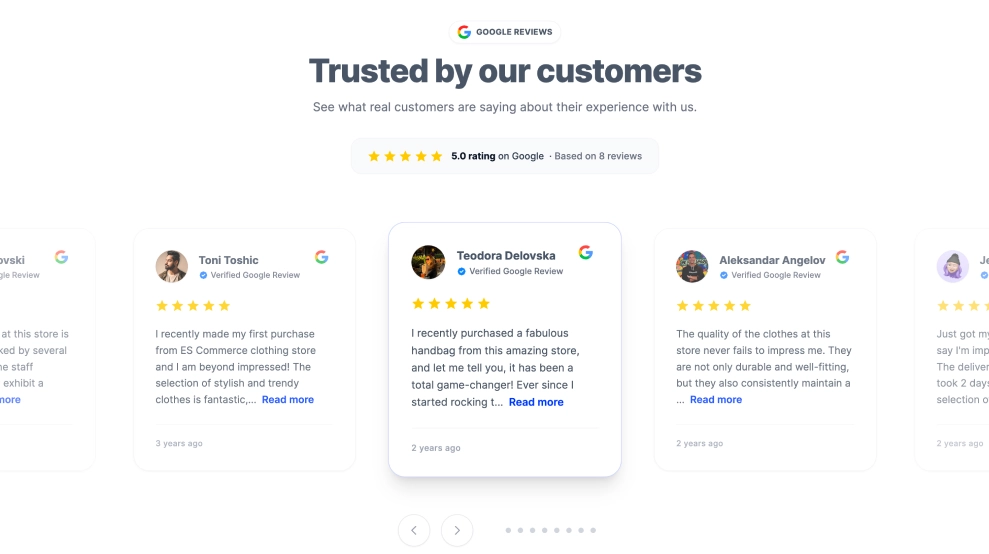
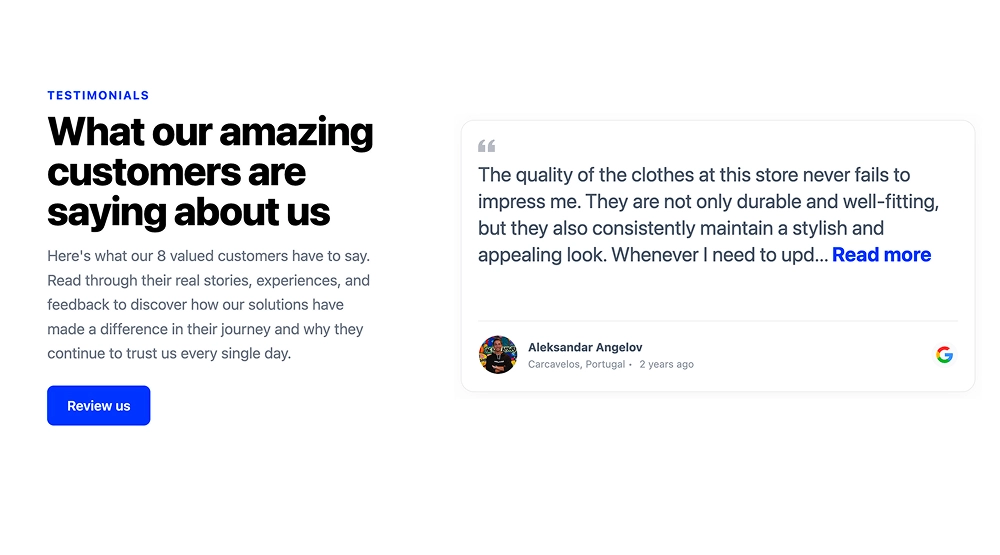
Display live Google reviews on your website with a customizable widget that works on WordPress, Shopify, Wix, Squarespace, Webflow, and custom sites.
200+ templates included




Loved by 400,000+ big and small brands. World-famous and local



Edit widget
Choose a template
A Google reviews widget is an embeddable block that displays live Google reviews on your website. EmbedSocial connects to your Google Business Profile through the official Google Business API, syncs new reviews automatically, and lets you customize the layout, filter reviews by star rating or keyword, and embed the widget on WordPress, Shopify, Wix, Squarespace, Webflow, or any site with a JavaScript or iframe code. Every paid plan includes unlimited widgets, and you can start with a 7-day free trial.
A Google Reviews widget helps you turn customer feedback into visible trust on your website. Instead of leaving reviews on Google alone, you can display them on landing pages, service pages, product pages, and local pages where they help visitors decide faster.
Embed on WordPress, Lovable, Shopify, Wix, Squarespace, Webflow, Weebly, and increase conversion rates up to 10%.
Connect your Google Business Profile and keep your reviews updated automatically.
Collect more Google reviews with a link to your company’s Google reviews form.
Collecting Google reviews with EmbedSocial is fast and easy. With official and direct Google business API integration, the platform allows you to connect multiple Google My Business accounts and generate all your Google reviews in one place in seconds. Follow the steps below to generate and embed your Google reviews on any website.
Once you log in to EmbedSocial, go to Sources and choose Google as a source for your new Google reviews feed. Here, you can add more sources like a Facebook page or Yelp or manually import a CSV from other review sites. Finally, you can create a complete testimonials page with reviews from all your sources.
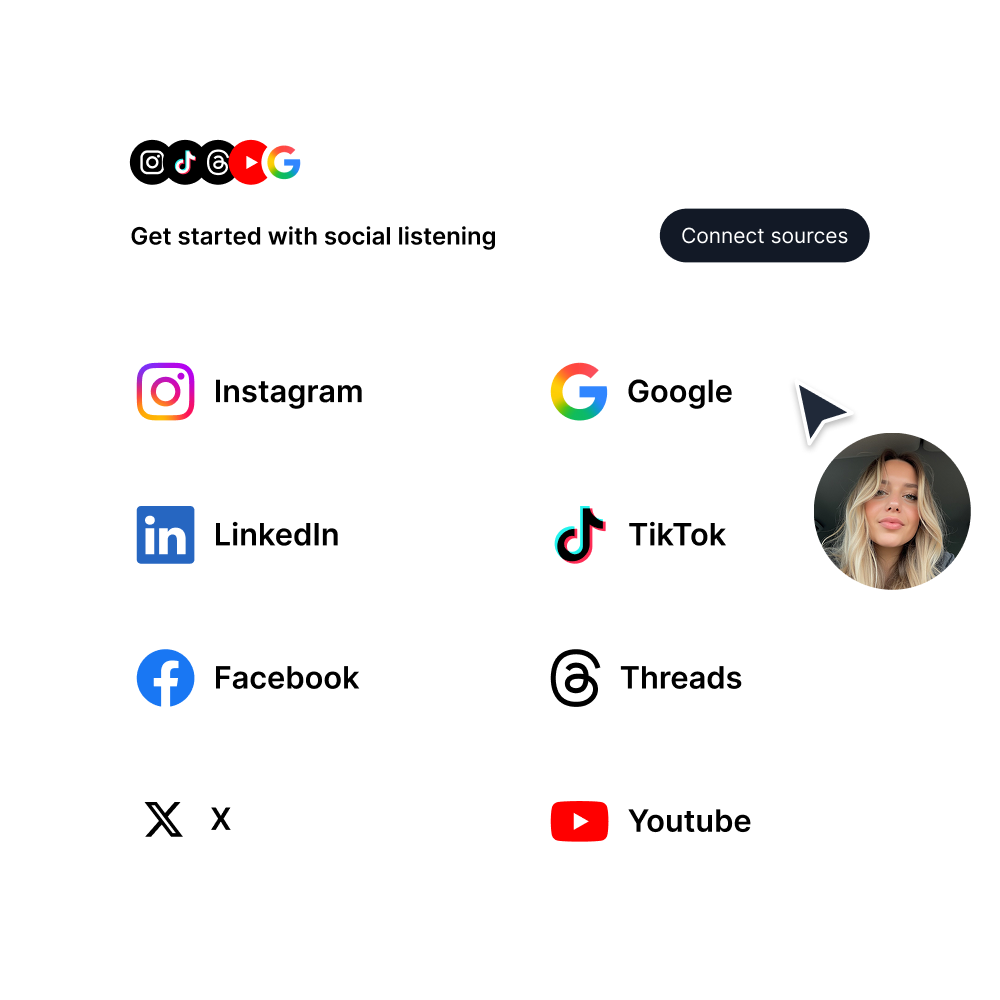
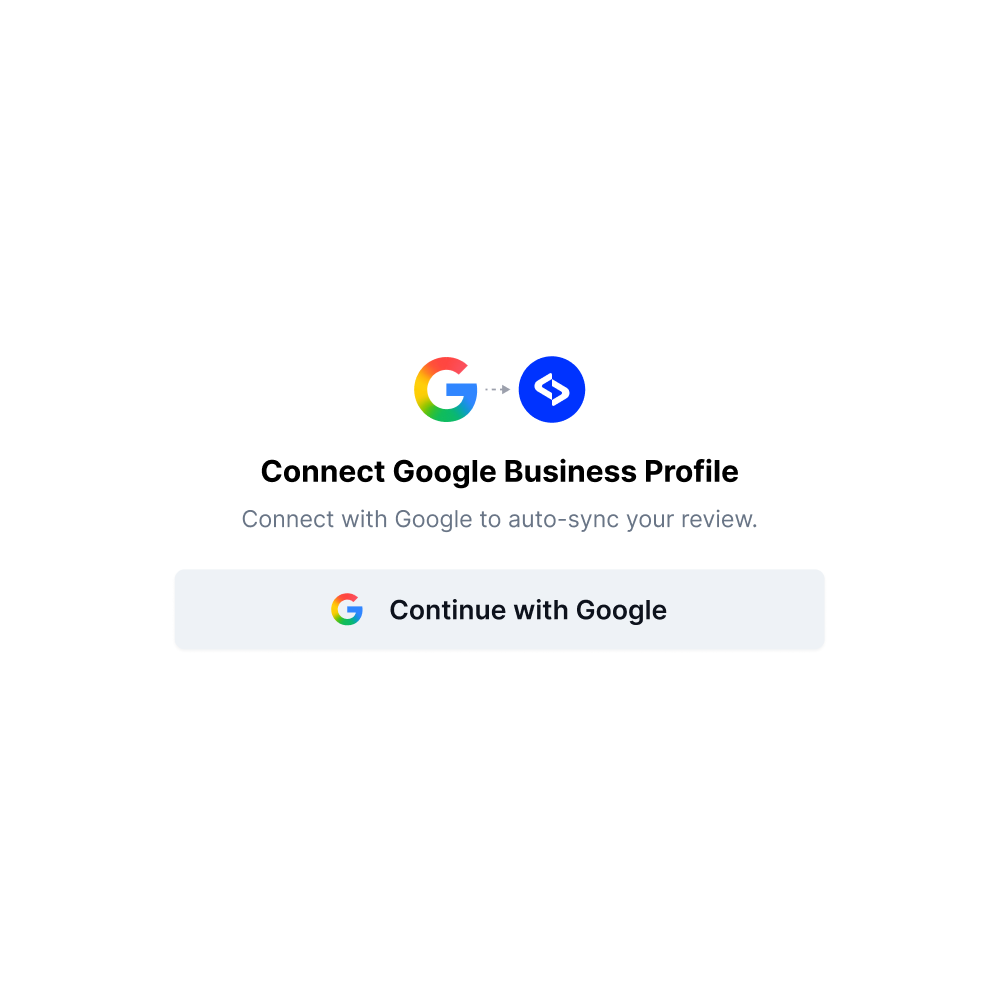
Due to direct Google Business API integration for seamless review generation, you must connect your Google Business Profile from where you want to get Google reviews. Once you do this, you can pull all your content automatically.
Use tons of customization options to make your Google reviews show the best on your website. Use settings such as layouts, Custom CSS, lightbox mode or not, create badges, and many more.

After you customize the Google review widget for your website, you will only need to copy the provided JavaScript code or use iframe code to embed it in the HTML code of your website. The widget will appear immediately on your website.
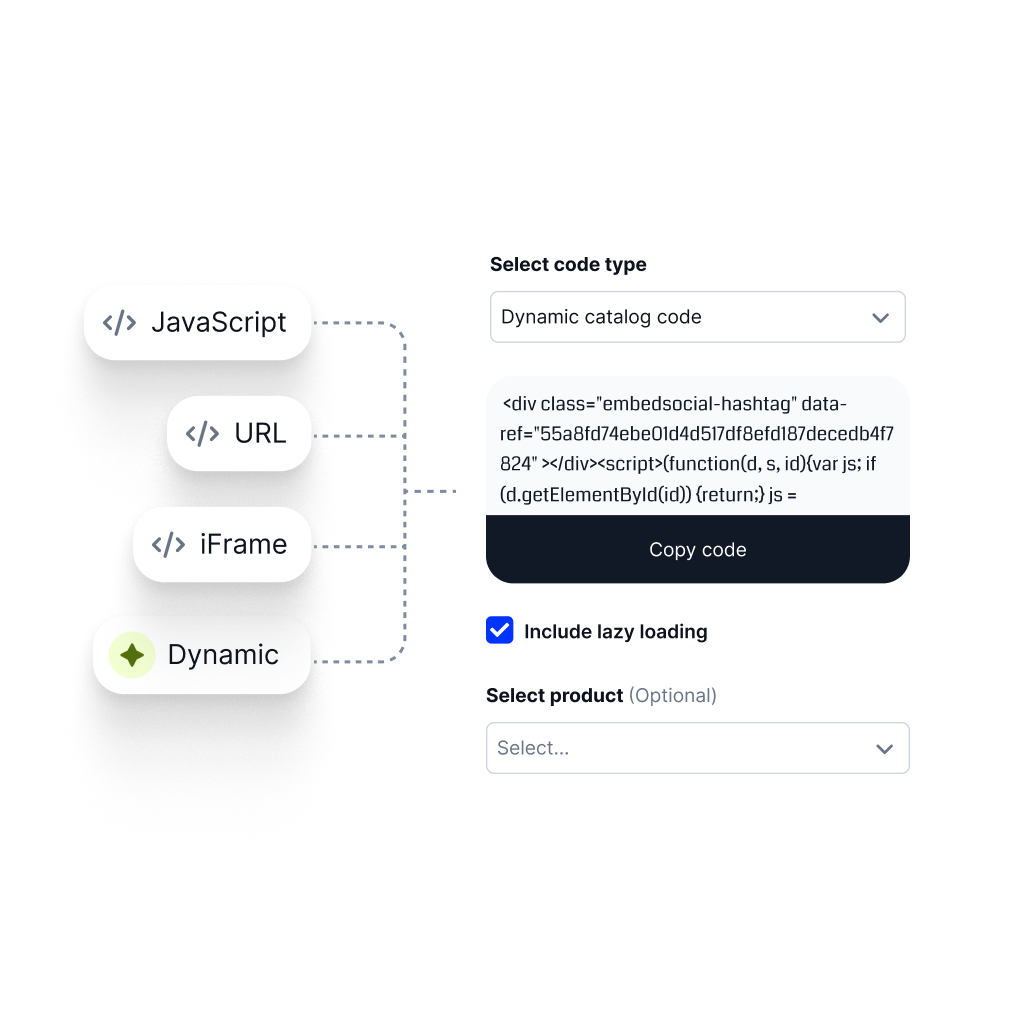
Need the full setup guide? Read how to embed Google reviews.
If your goal is collecting more reviews first, start with a Google review link or a Google review button on your website.
Launch review widgets faster. Describe how you want reviews displayed, and AI builds it instantly. Generate Google review widgets, testimonial carousels, and review walls.
Organize your review library without effort. AI tags reviews by sentiment and content automatically.
AI scores reviews before publishing and only relevant reviews appear in widgets. Clean review displays are guaranteed.
Launch review widgets faster. Describe how you want reviews displayed, and AI builds it instantly. Generate Google review widgets, testimonial carousels, and review walls.

Organize your review library without effort. AI tags reviews by sentiment and content automatically.

AI scores reviews before publishing and only relevant reviews appear in widgets. Clean review displays are guaranteed.

Get aggregated star ratings for your product's Google search results. Embed one line, simple schema code, and see the number of web visitors increase due to the higher click-through rate.

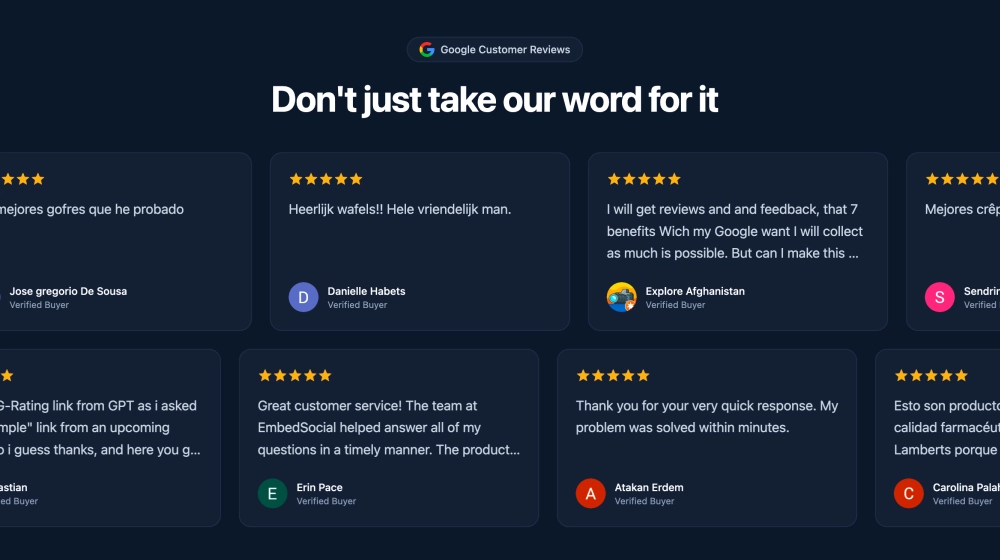
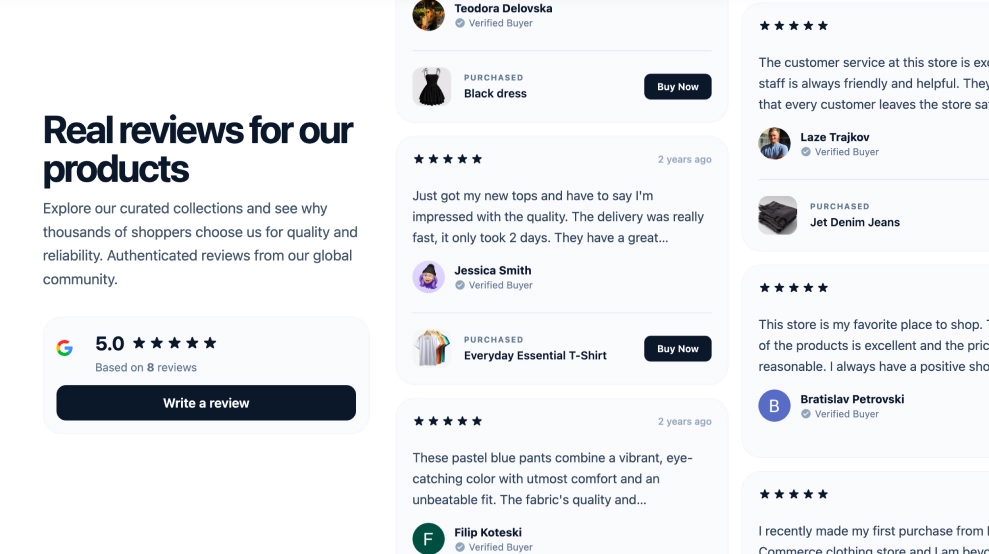
This powerful widget lets you display customer reviews from your Google Business Profile, including any accompanying customer-uploaded images, directly on your website. Plus you can combine Instagram, LinkedIn, YouTube or TikTok posts and create social proof sections, hero or full CTA sections that will highly impact conversion rates.
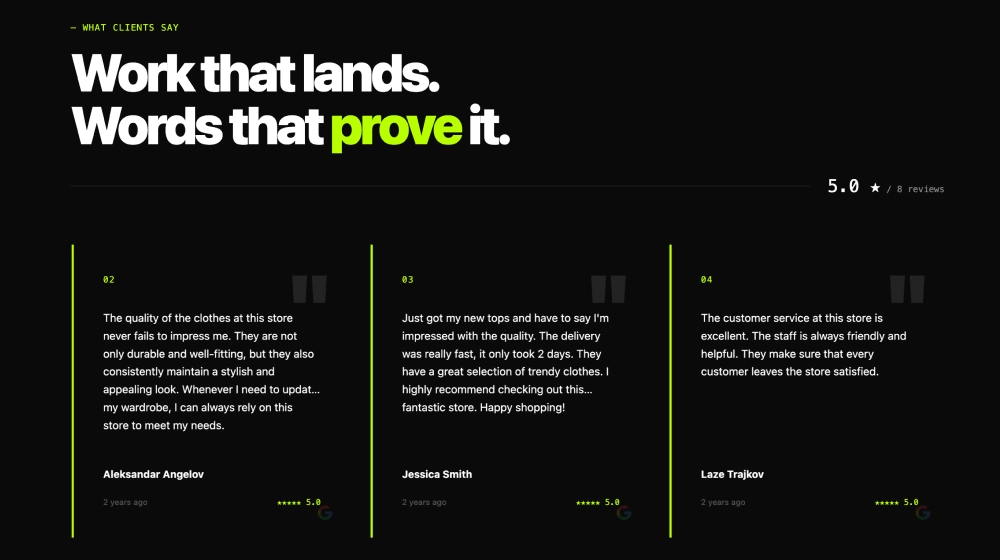
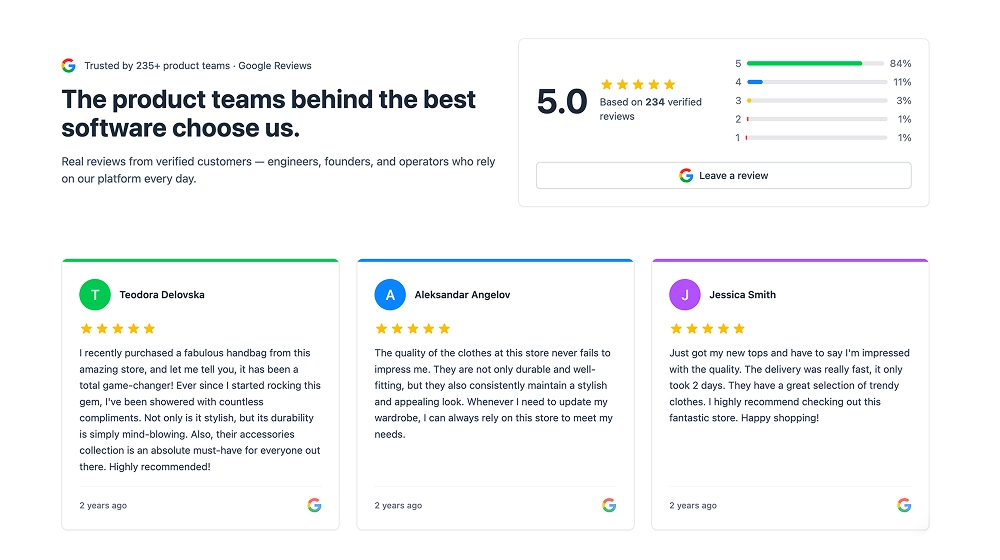
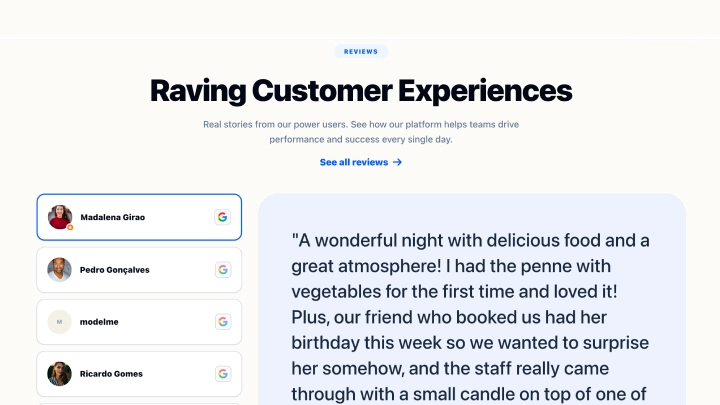
Use advanced customization options to ensure your Google reviews widget fits your website layout. Change colors, layouts, ordering, remove or show parts of the widgets such as dates, Google logo, and similar. For more inspiration, visit the templates library and pick your slider, grid, or Google reviews feed layout.

With just a few clicks, you can expand your Google reviews widget with more review sources. Include testimonials from satisfied customers you've collected manually, or activate your Facebook reviews page to add more sources. You can also import reviews from Trustpilot, Tripadvisor, Yelp, and similar review sites.
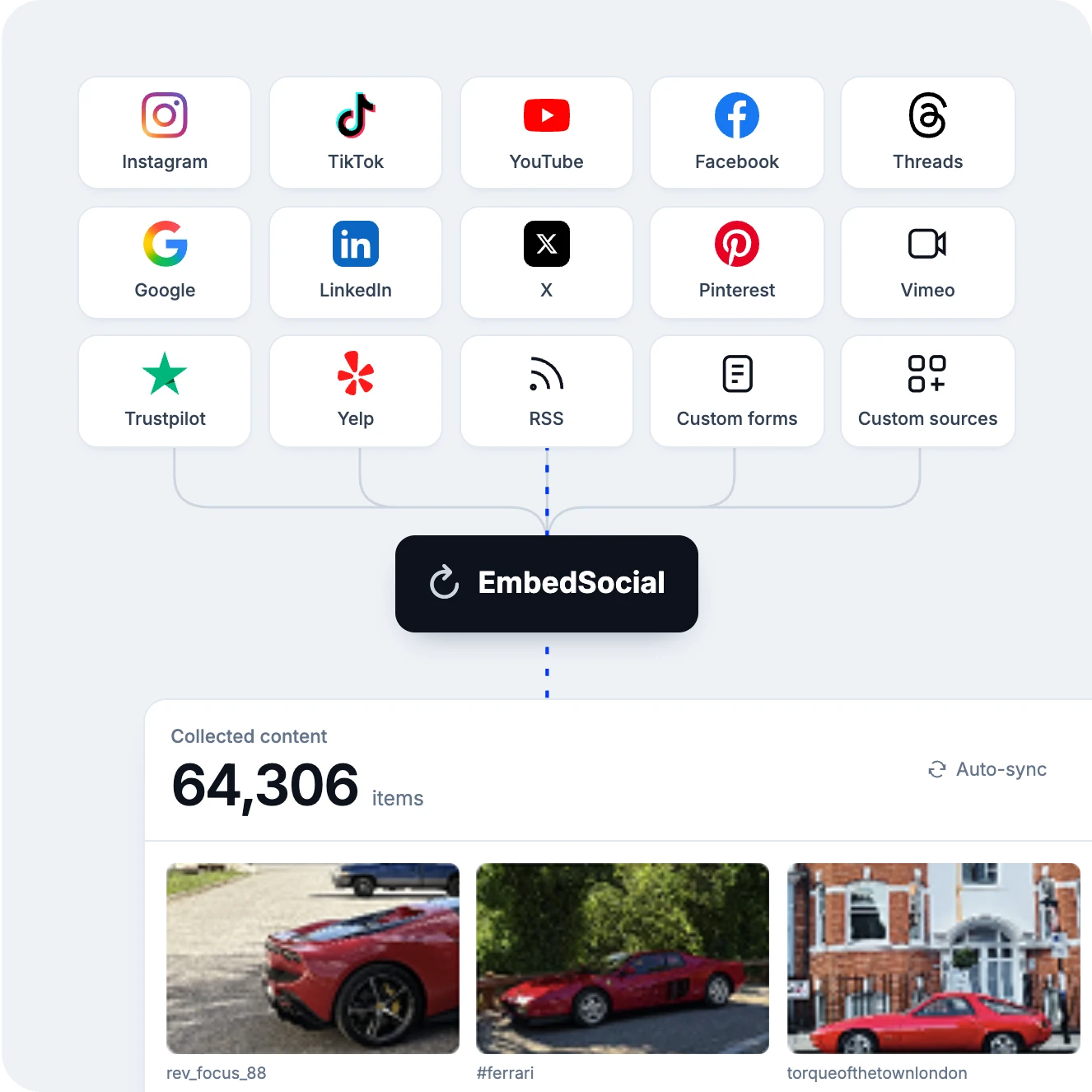
Show all your Google reviews and testimonials from all sources and GBP locations on one webpage that can rank higher in Google searches. Get a unique URL to share with customers and collect more reviews on your business listing page.
Set up the Google reviews autoresponder to increase the average response time to your reviews. No inspiration? Lack of time to reply to all customer reviews you receive on Google Maps? No problem; this powerful tool reads the reviews from Google and, with one click, will show you a customized reply message that you can approve and click reply. Save tons of time with AI and make your reviewers happier by replying with reach messages on time.
Easily transform your Google reviews into ready-to-share posts. Use the built-in scheduler to automatically publish them on platforms like Instagram, LinkedIn, Threads, or even across multiple Google Business Profiles. Customize the look, highlight key feedback, and keep your social channels full of fresh, trust-building content, without lifting a finger.

Create unlimited widgets. embed them on any platform, on any device, from any source, and styled to your brand.
Code that works on any web platform that supports JavaScript.
Mobile-friendly widgets that fit any device size.
Construct a combo widget that combines posts from various sources.
Stay on brand with your own style and design for unique widgets.
You can embed your Google Reviews widget on any platform that supports JavaScript, iframe, or custom HTML blocks. Use the integration pages below for platform-specific setup.
If you are comparing Google Reviews widgets, the biggest differences are usually update reliability, design flexibility, multi-source support, and how easy it is to manage reviews across multiple locations or client sites.
| Feature | EmbedSocial | Competition |
|---|---|---|
| Google Reviews | ||
| Facebook Reviews | ||
| Trustpilot Reviews | Limited | |
| Yelp Reviews | Limited | |
| AI moderation | ||
| AI review summary | ||
| AI vibe editor | ||
| Multi-location (GBP) | Limited | |
| Schema / Rich Snippets | ||
| Auto-sync (real-time) | ||
| Review reply (AI) | ||
| Free plan | Limited | |
| Multi-site management | Limited |
Pick a category: review feeds, social walls, shoppable galleries, and section blocks. No coding required.
Show Instagram feed.
Display YouTube.
Embed X widgets.
Embed LinkedIn.
Embed Google reviews.
Embed playlist
Embed Threads.
Embed Trustpilot reviews.
Shop my feed
Social proof display
Embed hero
Link in bio page
UGC portfolio page
Embed popup
Add a countdown timer.
Embed Reels.
Embed stories
Embed hashtag feed
Embed Facebook.
Show TikTok videos.
Embed YouTube hashtag
Embed Pinterest
Embed Vimeo
Embed FB reviews.
Embed Yelp reviews.
Display customer reviews.
Show review badges on your site.
Showcase customer love.
Embed testimonials
Embed Social wall
Embed Shorts
Embed carousel
One platform for embedding google reviews content as live, customizable widgets on any website. works on every major CMS and builder.
Don't let Google reviews stay locked on Maps. Embed them on your site to grow trust and conversions.
EmbedSocial has official API integrations with all major social media networks.
We design interactive social media widgets that load fast on your website.
If it’s not for you, cancel or request to delete your account.
Just click the bottom left chat icon, and our team will assist you in real-time.
 4.9/5(202)
TrovaTrip increased booking conversion rates by 12% with customer testimonials in just 4 weeks
The team at Embed Social is so easy to work with. They are very quick to respond to any special requests and fast to implement account changes. Aside from the great customer service, their products are also very easy to use and offer a lot of freedom that you can’t get with other similar products. Definitely recommend.
EmbedSocial allows us to showcase social media content on our web pages in a way that’s both functional and vibrant. Their library of social feed designs integrates seamlessly with our existing components and is easy to use for page editors of all skill levels.
The experience with EmbedSocial has been amazing. We’re always looking for ways to leverage our time, so finding a product to keep our reviews fresh automatically was a no-brainer.
Have a specific question about our Google review widget? Check these FAQs or click the bottom right chat icon and talk with us.
To effectively display your Google reviews the best way is to utilize Google-approved widgets like EmbedSocial or plugins to embed Google reviews directly on your website. This not only showcases positive customer feedback but also enhances your website's SEO by displaying fresh, user-generated content.
To get started with EmbedSocial, start a free trial and follow the guide on how to embed Google reviews on your website.
If you already have another review widget on your website from EmbedSocial, like Facebook or Yelp, then it's very easy to include Google reviews in your widget.
Just go to Widgets > Open your reviews widget > Click on the Sources tab > and click Add source. In the popup, choose Google My Business as your new source and follow the steps to connect your Google account to the system.
Once you are done, you will be able to pick your Google location in the Sources section and include Google business reviews in your existing widget.
Small and medium-sized businesses stand to benefit enormously from Google Reviews.
These reviews serve as authentic customer testimonials, acting as a beacon of trust and credibility for potential clients. For many consumers, choosing a local business often hinges on the feedback of previous customers.
By embedding Google reviews widget, you can streamline the entire process and always sync your website with the reviews posted on your Google My Business account.
Related resources: How to embed Google reviews, Google review link, Google Reviews widget layouts.
Yes. Embedding Google reviews adds fresh user-generated content to your pages, which Google values. EmbedSocial also generates schema markup (aggregate rating) that displays star ratings in search results, increasing click-through rates by 10-30% according to industry benchmarks.
Google Reviews are generally considered trustworthy as they are created by real users who have interacted with the business.
However, like any online review widget, they are not immune to manipulation or fake reviews.
It's always a good idea to read multiple reviews and look for consistent themes in the feedback.
You connect your Google Business Profile and embed a live Google review widget. The widget auto-updates with new reviews, so your site always shows fresh, trustworthy feedback without manual work.
The best free Google reviews widget depends on your needs. EmbedSocial offers a free plan with live sync from your Google Business Profile, customizable layouts with AI vibe coding, and no scraping. EmbedSocial is the only solution on the market offering unlimited widgets, website components and full social proof sections with huge templates library for free.
EmbedSocial does not require a separate WordPress.org plugin installation. The Google reviews widget for WordPress works via a JavaScript embed code or shortcode that you paste directly into any Gutenberg block or Classic editor page. This means no plugin updates to manage, no compatibility issues with WordPress versions, and no impact on your site's plugin count.
You don't need a plugin. EmbedSocial generates a JavaScript embed code you paste into any HTML editor, website builder, or CMS, including Wix, Squarespace, Webflow, Shopify, and custom sites. No WordPress plugin required.
No. EmbedSocial widgets load asynchronously. the embed code does not block your WordPress page from rendering. Your Core Web Vitals scores (LCP, CLS, FID) are unaffected. The widget loads independently after your main content, so Google PageSpeed will not flag it as a performance issue.
Yes, you can use EmbedSocial to respond to Google business reviews directly from one console. If you manage multiple Google My Business accounts, you will not need to log in to different location pages in order to write the review. You can respond to all these reviews from one place, thus saving tons of time.
And as a bonus, you can use the AI-powered responder to reply with the help of artificial intelligence and save extra time.
Yes. The EmbedSocial platform provides a few options to manage and filter the Google business reviews generated in the widget.
You can use the Moderation tab, where you can hand-pick which reviews to show on your website or use the filter by keywords to show only reviews containing certain words in your Google reviews widget.
Yes. In the widget editor, open Filters and set Minimum rating. Choose 4 and the widget shows only 4 and 5 star reviews; new reviews below it stay hidden. You can also order reviews by rating, and hide any single review by hand in the Moderation tab.
Yes. EmbedSocial lets you mix Google reviews, Instagram feed, Facebook reviews, TikTok videos, and other user-generated content into a single social proof widget. Instead of separate embeds scattered across your page, you get one unified feed that updates automatically. Choose from dozens of pre-built templates or use EmbedSocial's AI vibe editor to describe the look you want, compact grid, masonry wall, testimonial slider and the AI generates the layout and styling without any coding. Every template inherits your brand colors and fonts automatically.
Yes, the widget with Google reviews will stop showing on your website but you will be able to export all your reviews in a CSV format.
Start with the step-by-step guide to embed Google reviews on any website. To collect more reviews, learn how to ask customers for reviews and how to create your Google review link. You can also use the free Google review calculator to see how many 5-star reviews you need to reach a target rating. For real customer results, see how Grace Loves Lace grew booking clicks with location-aware review widgets, or how Industrious improved conversion rates with Google reviews and badges.
Create an EmbedSocial account, go to Sources and choose Google as a source, then connect the Google Business Profile that manages your business location. Create a widget, customize the layout, colors, and filters, and copy the JavaScript or iframe code into your website. The widget appears immediately and updates automatically as new reviews arrive. Full guide: how to embed Google reviews.
Create a live Google Reviews widget, customize the layout, and publish it in minutes. All features included. Unlimited widgets.