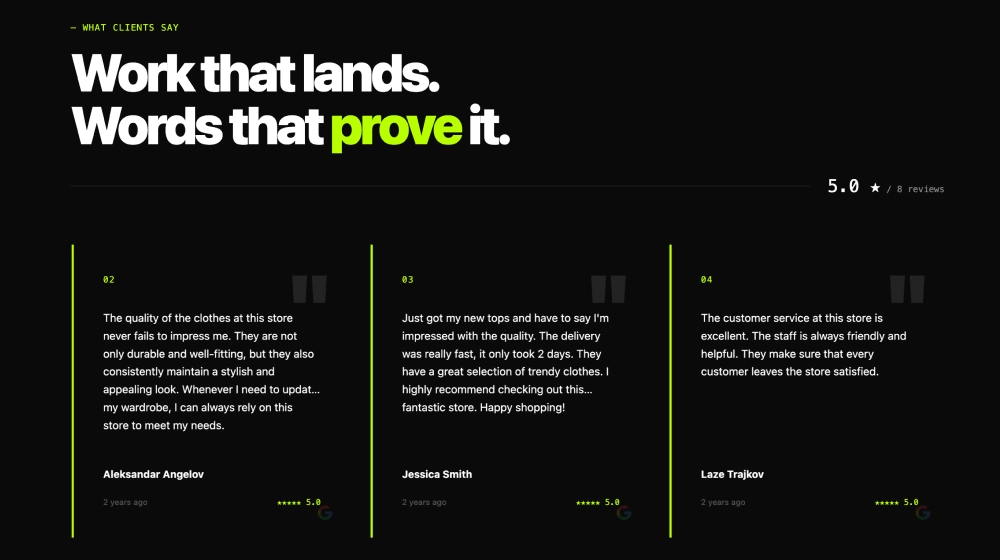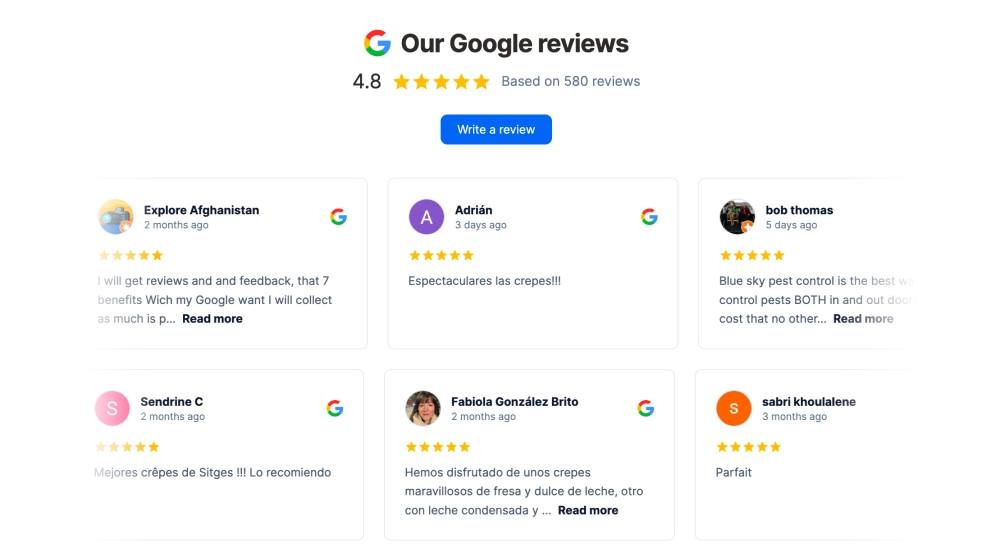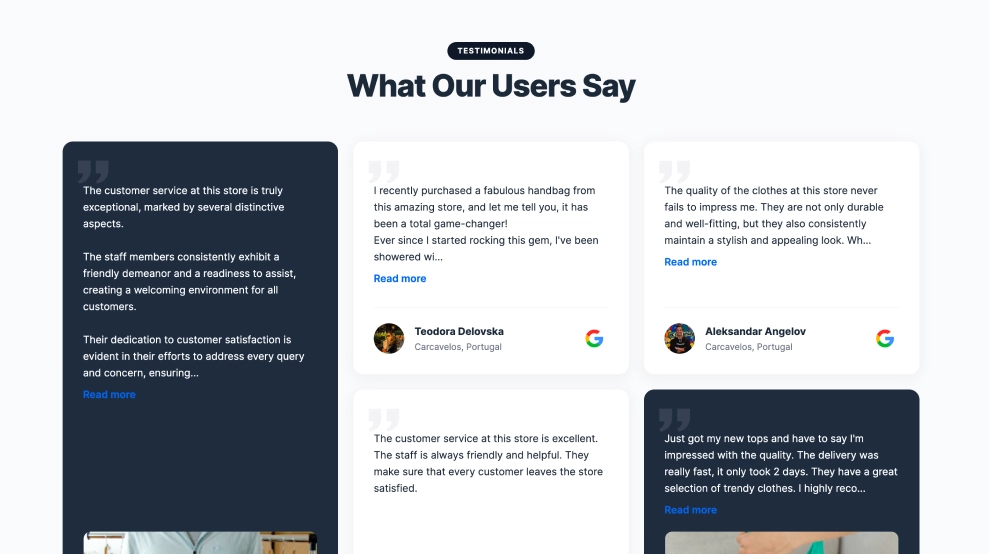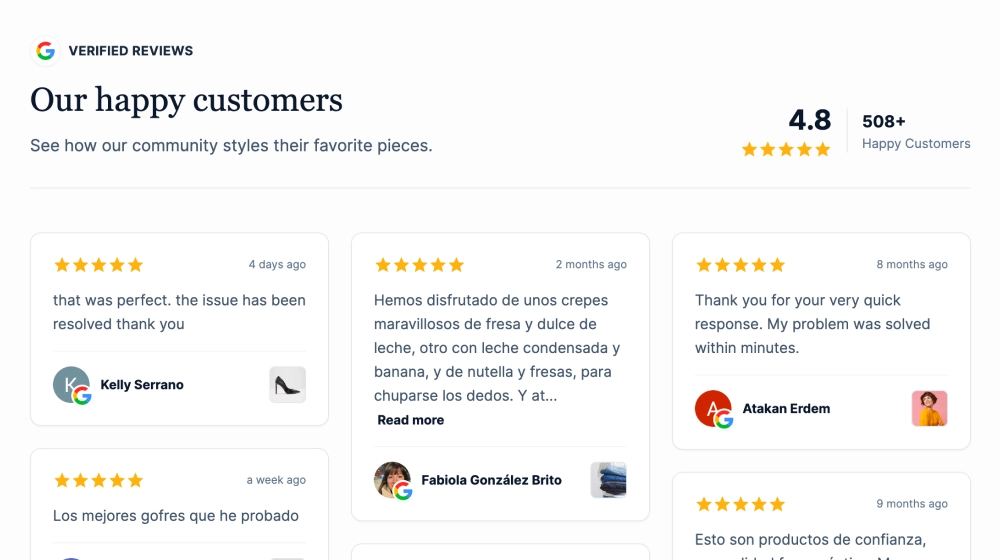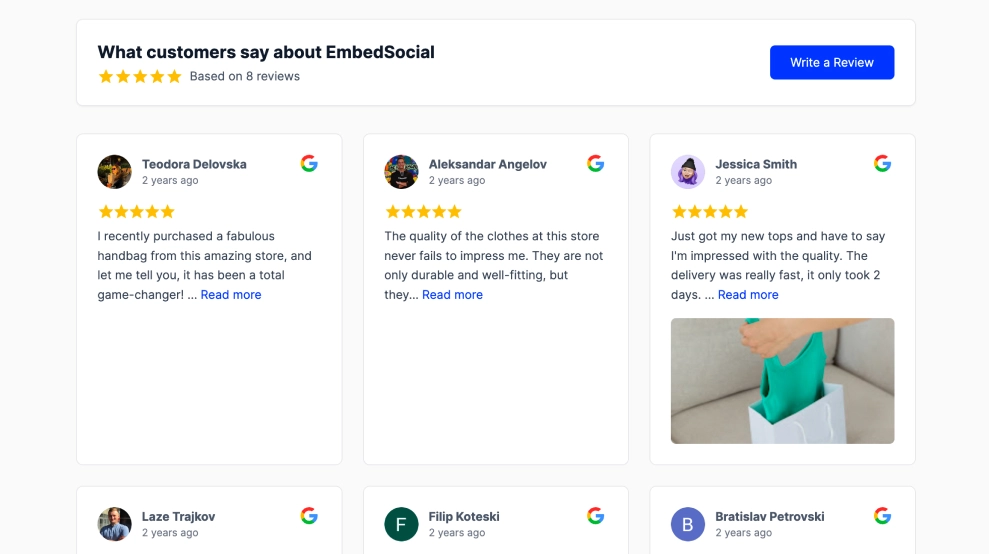
Google reviews tabs show your reviews as a list of reviewers on one side and the full text of the selected review on the other. Visitors click a name to read that person’s review, so long reviews get room to breathe without making the page longer.
What the tabs show
- A heading area with a label, your title, a short subtitle and a See all reviews button
- A list of reviewer tabs, each with avatar, name, how long ago they reviewed and the Google icon
- The selected review in full, with its star rating
It fits a homepage or reviews section for restaurants and local businesses, service pages, and booking, pricing or contact pages where a detailed review does more than a star count.
How to add Google reviews tabs to your website
- Click Try this template to get started.
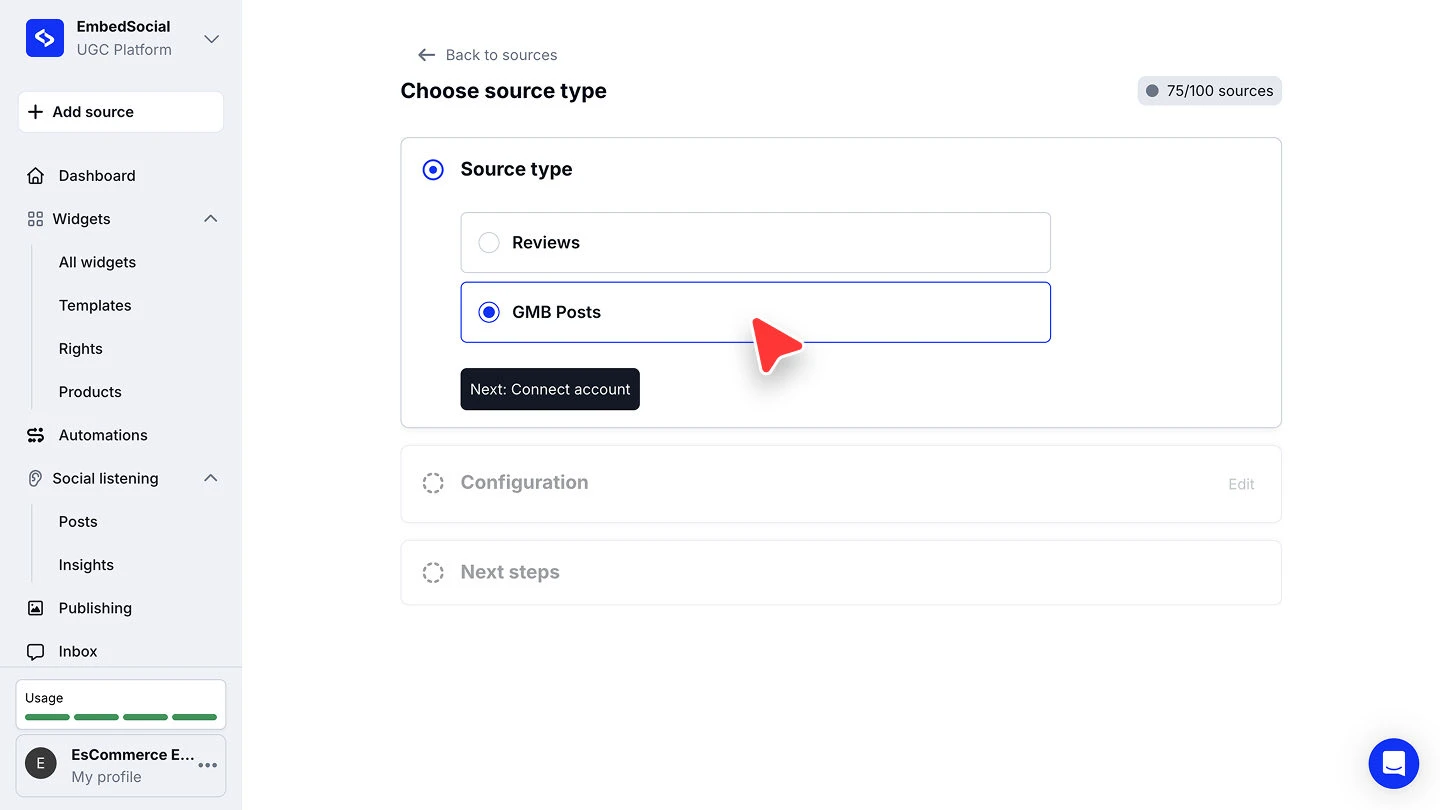
- Click + Add source, choose Google, select Reviews and click Next: Connect account.
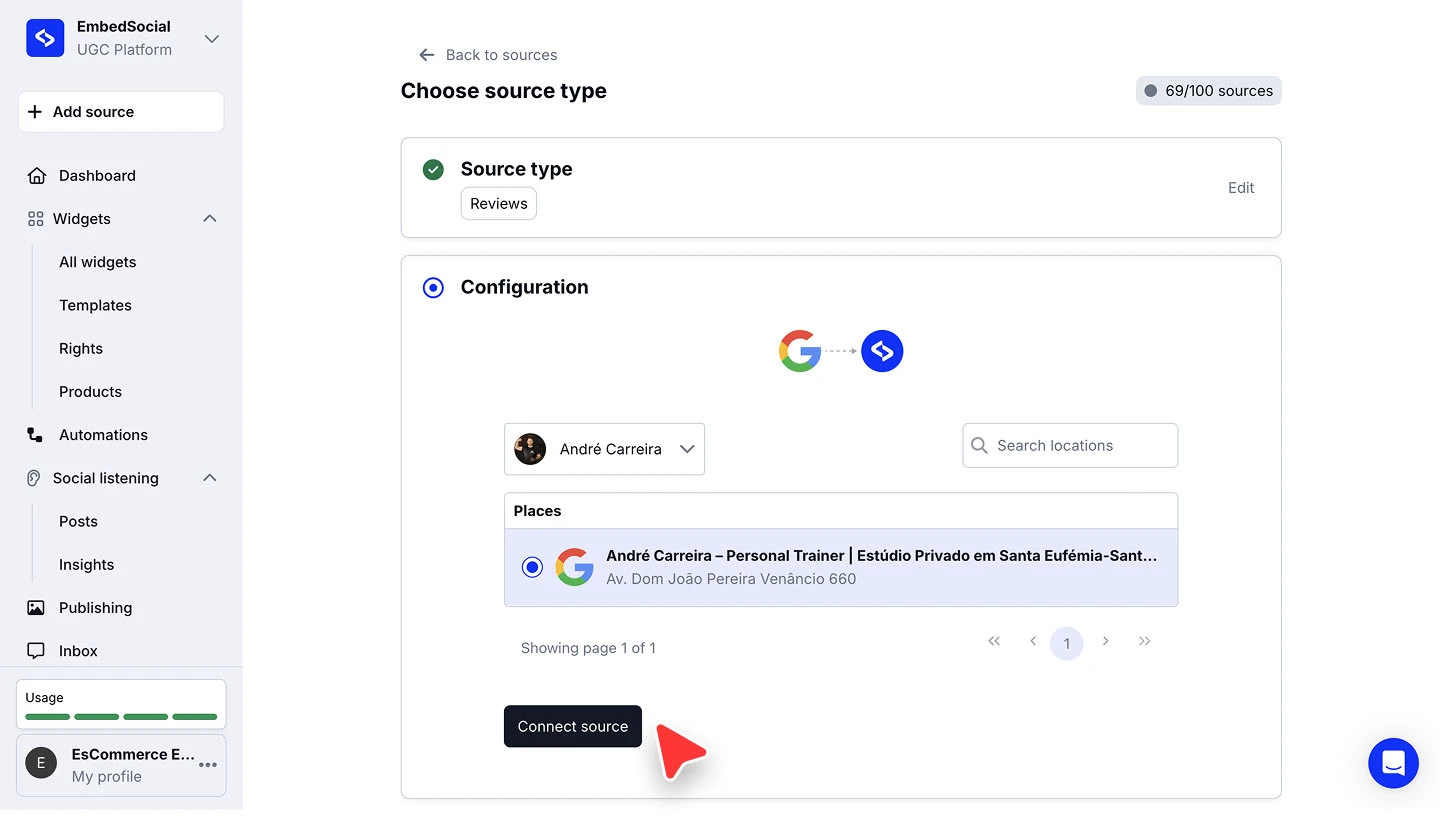
- Sign in with the Google account that manages your business, approve the permissions, then pick your location under Places and click Connect source.
- When you’re asked to pick a widget template, choose Google Reviews Tabs.
- In the widget editor, click Embed, then Copy code, and paste it into your website builder’s custom HTML or embed block.



The full walkthroughs are in our Google source guide and embed guide.
Tabs, slider or grid?
Tabs suit businesses whose best reviews are long stories. If your reviews are short, a Google reviews slider shows more of them in less space. For every Google reviews layout, start from the Google reviews widget.