Show live content, not a screenshot
Embed the widget by link so your Canva design shows your current reviews and posts instead of an image that goes stale.
Add Google reviews, Instagram feeds, TikTok videos, and testimonials to any Canva design with the URL embed option. No code required.
Choose a template




Loved by 400,000+ big and small brands. World-famous and local



Adding live reviews, social feeds, and UGC to a Canva design supports trust, engagement, and conversion without manual upkeep.
Embed the widget by link so your Canva design shows your current reviews and posts instead of an image that goes stale.
Show real Google reviews, Instagram, TikTok, and customer UGC where visitors are deciding to engage.
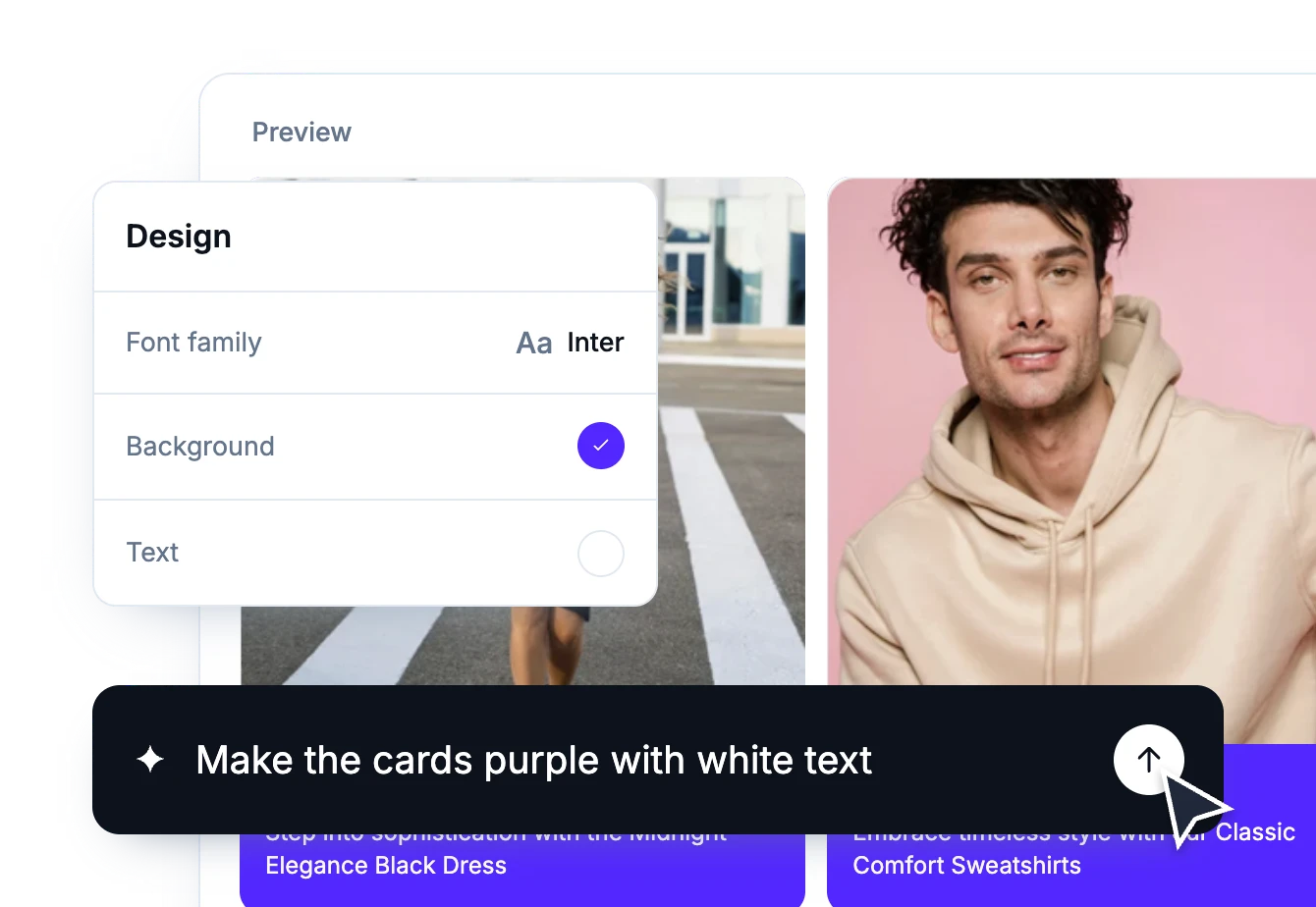
Use moderation, filtering, and AI-generated layouts to publish a social media feed that fits your Canva design.
Canva does not accept JavaScript or iFrame embed codes, but it does support embedding by link. Your widget has a URL format built for exactly that.
Get pre-built ideas to edit widgets faster.
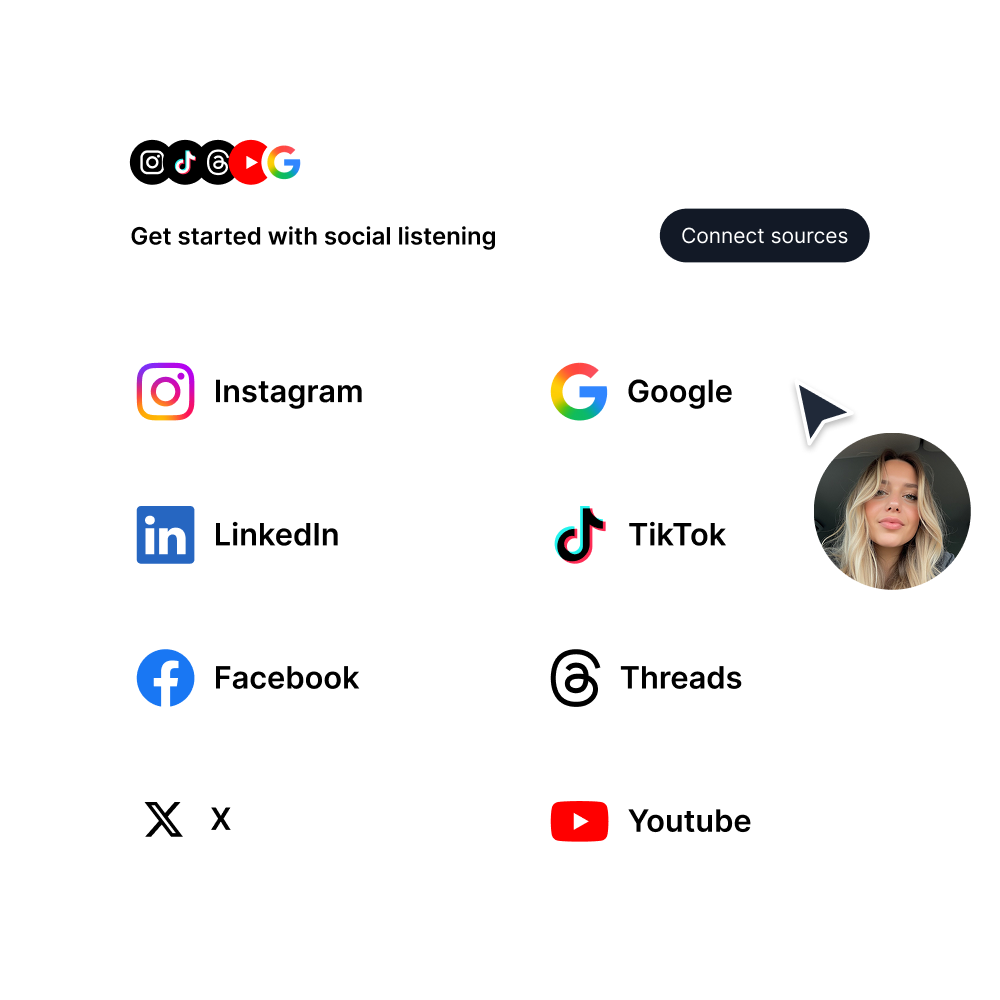
Create your widget, connect your sources, customize the design, then copy the widget URL and paste it into Canva with the Embed app.
Pick a category: review feeds, social walls, shoppable galleries, and section blocks. No coding required.
Show Instagram feed.
Display YouTube.
Embed X widgets.
Embed LinkedIn.
Embed Google reviews.
Embed playlist
Embed Threads.
Embed Trustpilot reviews.
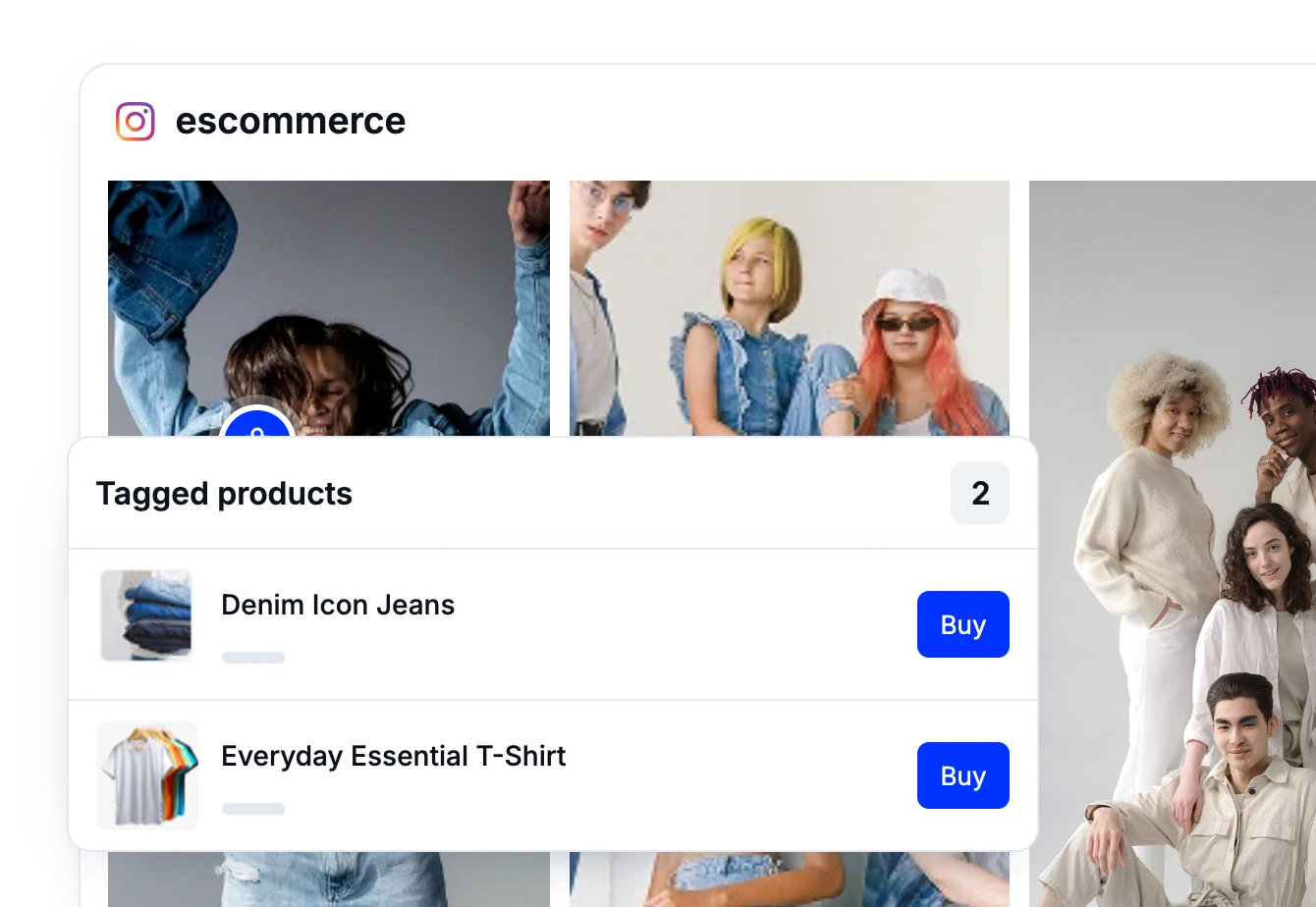
Shop my feed
Social proof display
Embed hero
Link in bio page
UGC portfolio page
Embed popup
Add a countdown timer.
Embed Reels.
Embed stories
Embed hashtag feed
Embed Facebook.
Show TikTok videos.
Embed YouTube hashtag
Embed Pinterest
Embed Vimeo
Embed FB reviews.
Embed Yelp reviews.
Display customer reviews.
Show review badges on your site.
Showcase customer love.
Embed testimonials
Embed Social wall
Embed Shorts
Embed carousel
Your customers are already creating content that showcases your brand. Now, it’s time to turn that content into a growth engine.
Don’t let valuable user content go unnoticed. Start leveraging it today to grow your sales, improve credibility, and save hours of manual work.
EmbedSocial has official API integrations with all major social media networks.
We design interactive social media widgets that load fast on your website.
If it’s not for you, cancel or request to delete your account.
Just click the bottom left chat icon, and our team will assist you in real-time.
 4.9/5(202)
TrovaTrip increased booking conversion rates by 12% with customer testimonials in just 4 weeks
The team at Embed Social is so easy to work with. They are very quick to respond to any special requests and fast to implement account changes. Aside from the great customer service, their products are also very easy to use and offer a lot of freedom that you can’t get with other similar products. Definitely recommend.
EmbedSocial allows us to showcase social media content on our web pages in a way that’s both functional and vibrant. Their library of social feed designs integrates seamlessly with our existing components and is easy to use for page editors of all skill levels.
The experience with EmbedSocial has been amazing. We’re always looking for ways to leverage our time, so finding a product to keep our reviews fresh automatically was a no-brainer.
Check these FAQs or click the bottom right chat icon and talk with us.
Yes. Canva doesn’t accept JavaScript or iFrame embed codes, but it does support embedding by link. Feed widgets and reviews widgets built in the universal editor have a URL format, so you copy that link and paste it into Canva’s Embed app. It takes two steps and no code.
Open your widget and click the Embed tab (the </> icon) in the left sidebar. Open the format dropdown, switch to the URL option, then click Copy URL to grab your widget link.
In Canva, open your design and go to Apps in the left toolbar. Search for “Embed” and select the Embed app. Paste your widget URL into the “Paste embed link here” field and press Enter.
All feed widgets, including the older feed widgets, plus the reviews widgets built in the universal editor. That covers Google reviews, Instagram feeds, TikTok videos, YouTube feeds, Facebook posts and reviews, testimonials, shoppable UGC galleries, and social wall widgets.
No. Canva doesn’t accept JavaScript or iFrame embed codes, so the URL option is the one you want. Copy the link, paste it into the Embed app, and you’re done.
Yes. The link points at your live widget, so the design shows the same content as the widget on your website rather than a fixed image.
Any Canva design that supports the Embed app. The same widget URL works whether you are building a presentation, a portfolio, a one-page site, or a document.
Yes. The URL is one of the formats in the Embed tab’s dropdown, alongside the standard website embed code. Switching format to copy a link for Canva changes nothing about the widget already running on your site.
Yes. The free plan supports a Google Maps source with a review badge and currently shows 5 random Google reviews. For full review imports, shoppable widgets, and advanced controls, check the pricing plans at /pricing/.