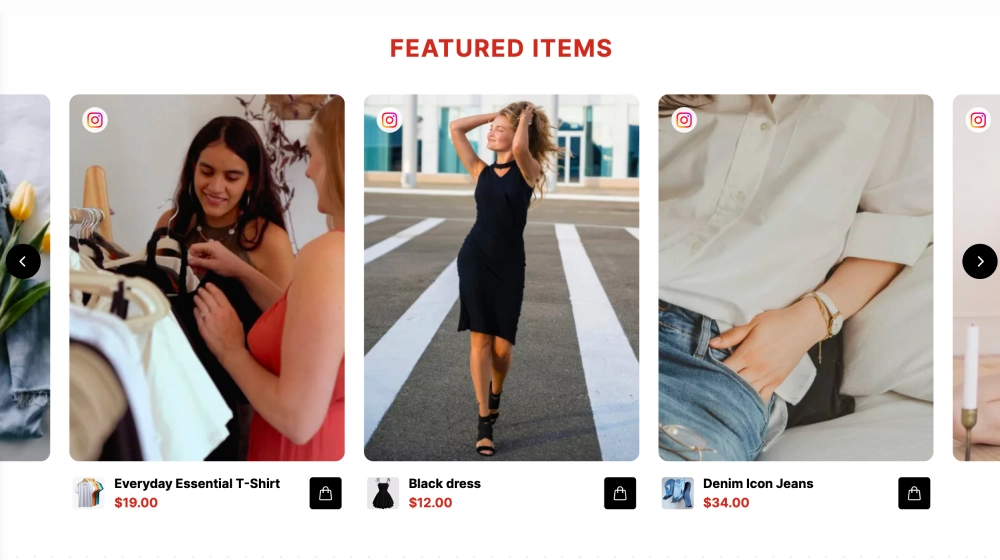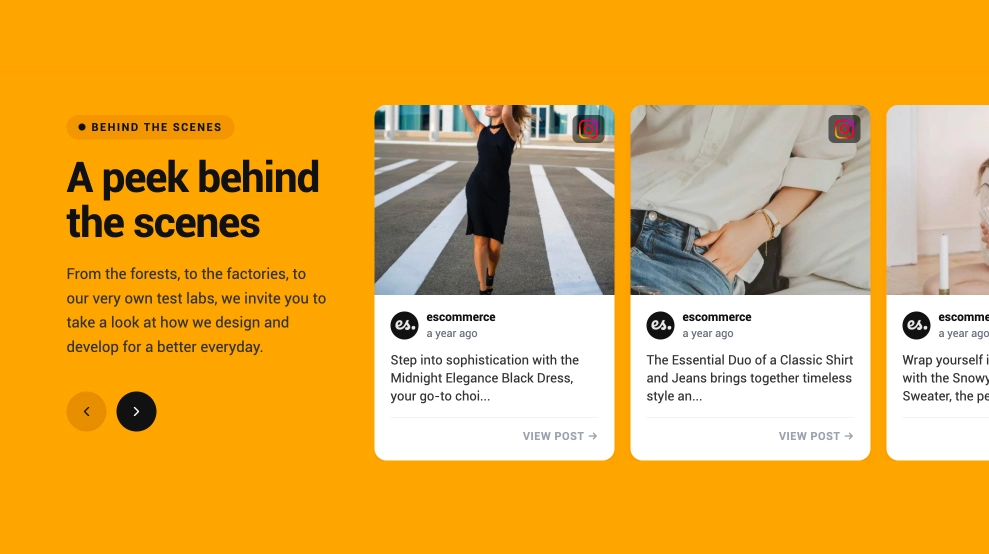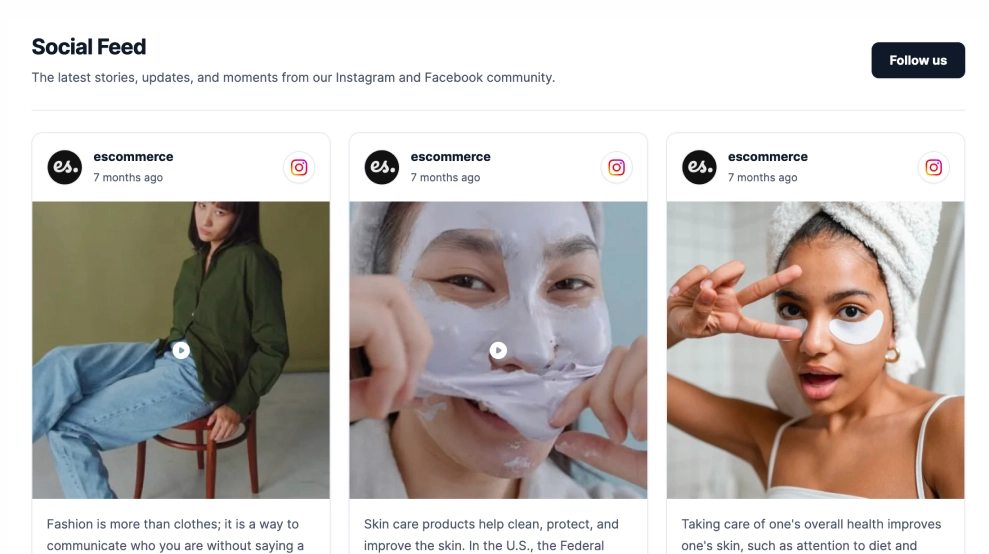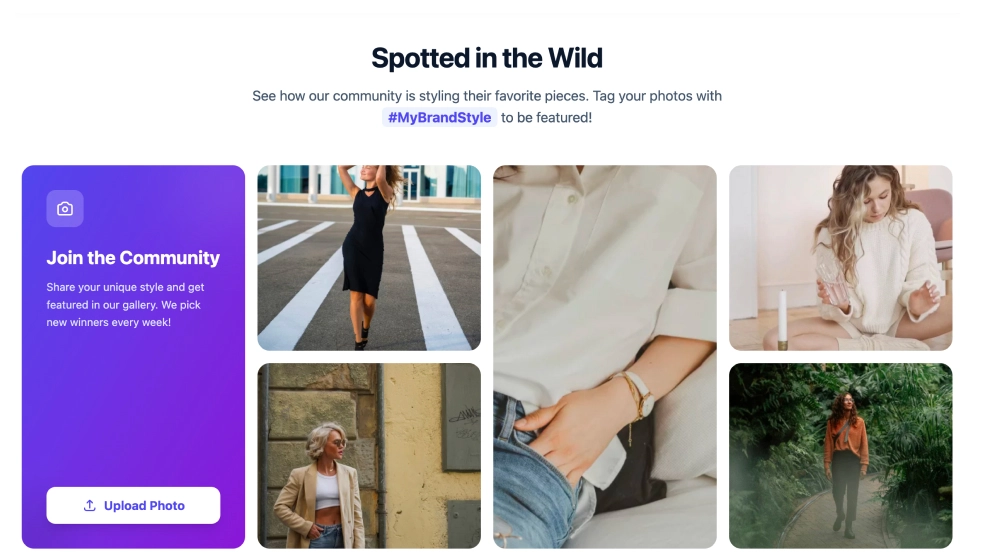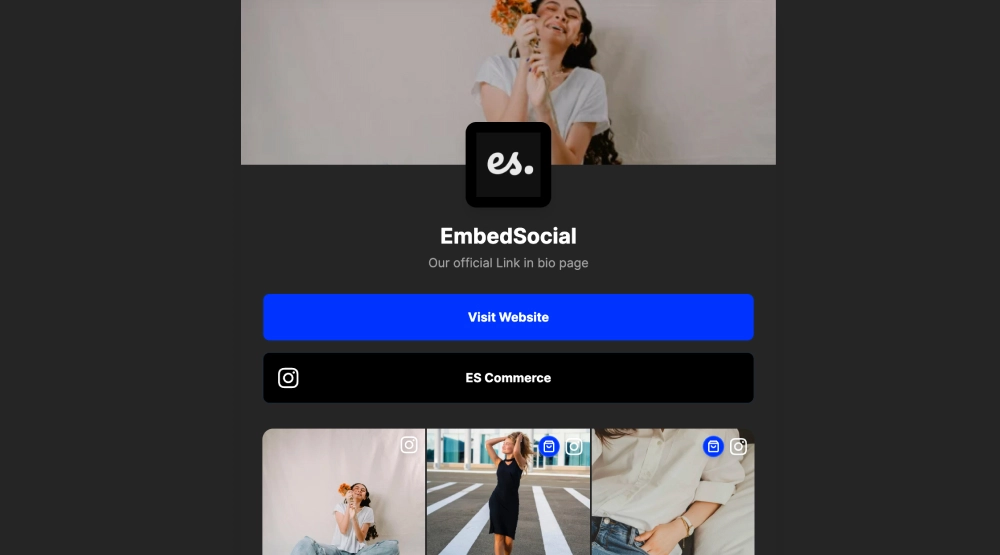
This link-in-bio page gives your brand a more premium, high-contrast mobile presence. With a dark background, strong hero image, centered brand identity, bold primary CTA, and a visual grid of recent posts, it feels less like a simple link list and more like a compact branded landing page.
What makes it work
-
Dark premium styling: The deep background helps the page feel more polished, focused, and visually distinct.
-
Strong hero image: The large image at the top adds personality immediately and gives the page a stronger visual entry point.
-
Centered brand block: The logo, brand name, and short description create a clear identity before any action is taken.
-
Bold primary CTA: The Visit Website button stands out quickly and gives traffic one obvious next step.
-
Social profile shortcut: A dedicated profile row keeps the connected social account easy to access.
-
Visual content grid: Recent posts below the main actions make the page feel active and content-rich.
-
Mobile-first structure: The narrow, stacked layout is built to work smoothly as a link-in-bio destination on phones.
Best fit for
-
Fashion and lifestyle brands
-
Creator and personal brand profiles
-
Ecommerce storefronts
-
Campaign-specific bio pages
-
Brands that want a moodier, more elevated alternative to a bright link hub
How to set it up
-
Create your link-in-bio page in EmbedSocial.
-
Add your hero image, logo, brand name, and short description.
-
Set the primary CTA, such as Visit Website, Shop Now, or another destination.
-
Connect your social profile and choose which recent posts to show in the content grid.
-
Copy the page link.
-
Add it to your social bio, creator profile, or campaign page and publish.
Build a link-in-bio page that feels more like a branded destination than a simple list of links.