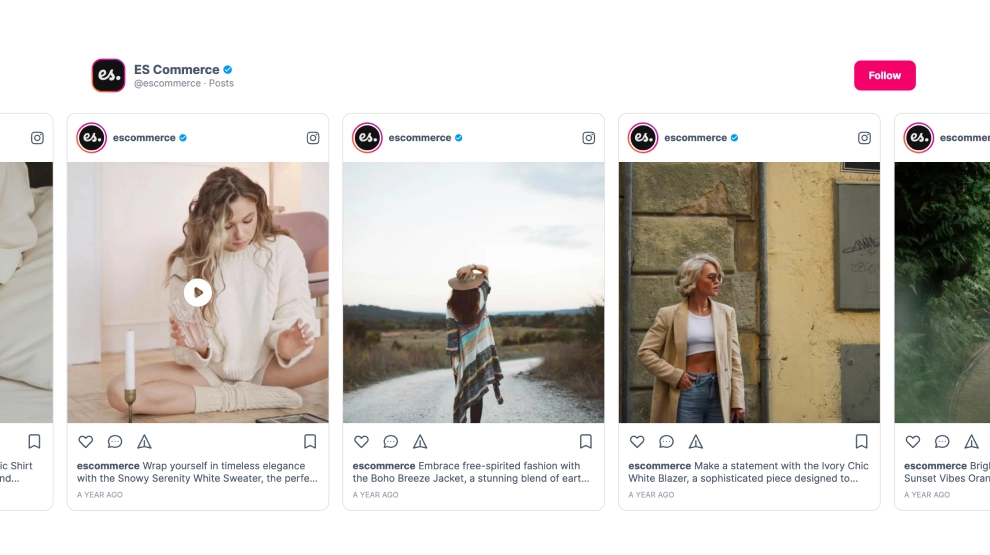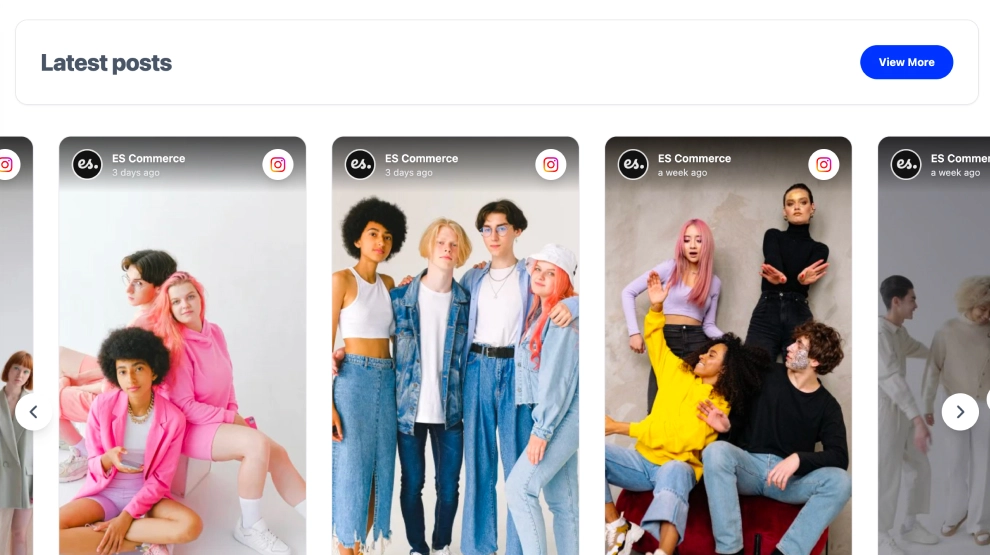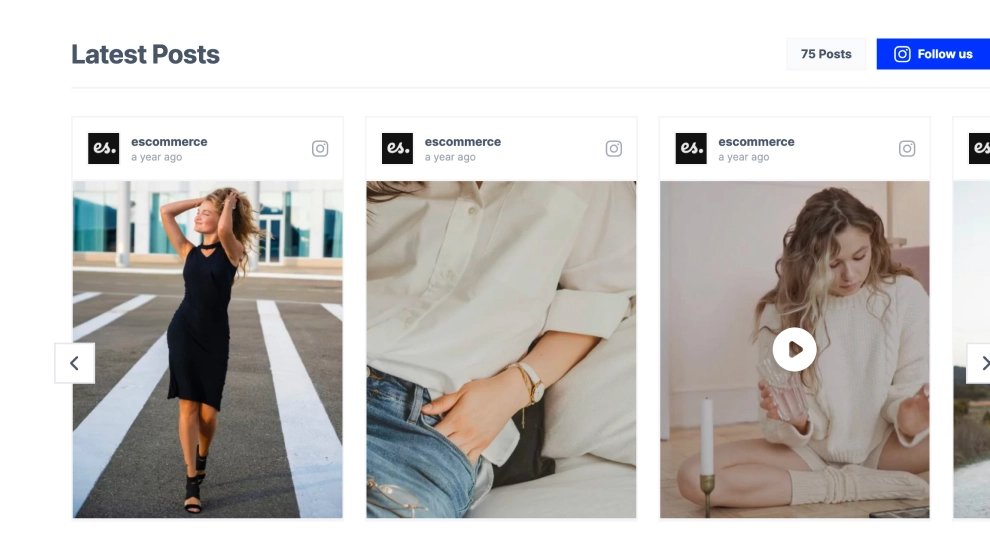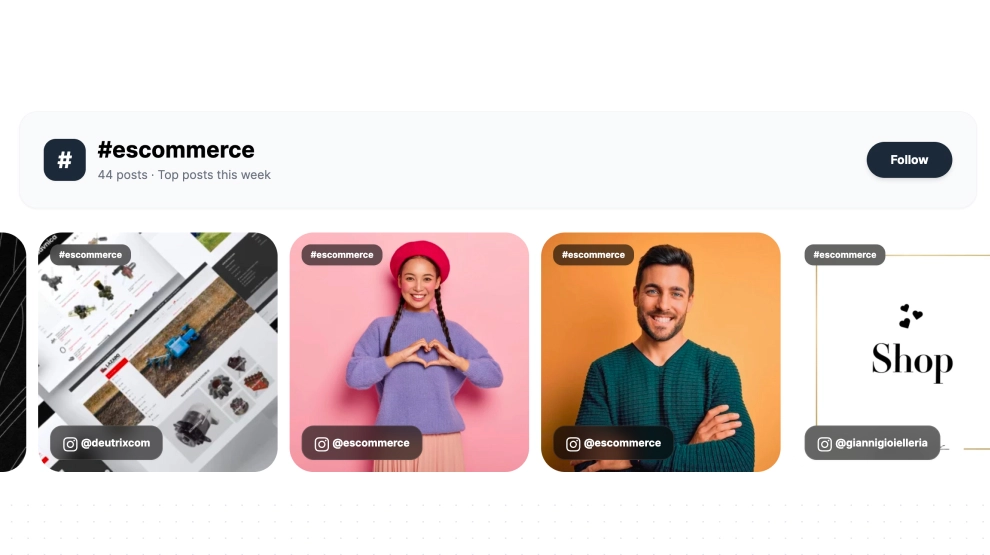
An Instagram carousel widget shows your latest Instagram posts in a single row that visitors slide through on your website. This template adds a header with your logo, account title, post count and a Follow button, so the section looks curated rather than like a raw feed.
What the carousel shows
- A header with your logo, a title you choose, the number of posts, and a Follow button
- Large, image-first cards in one horizontal row, with arrows on both sides
- Photos and videos together, with a play icon on video posts
It suits fashion and lifestyle sites, ecommerce homepages, creator portfolios and brand landing pages: anywhere you want a tidy strip of Instagram content without giving up a whole section to a grid.
How to add the Instagram carousel to your website
- Click Try this template to start your 7-day free trial on Pro.
- Click + Add source, choose Instagram, then Business account as the source type.
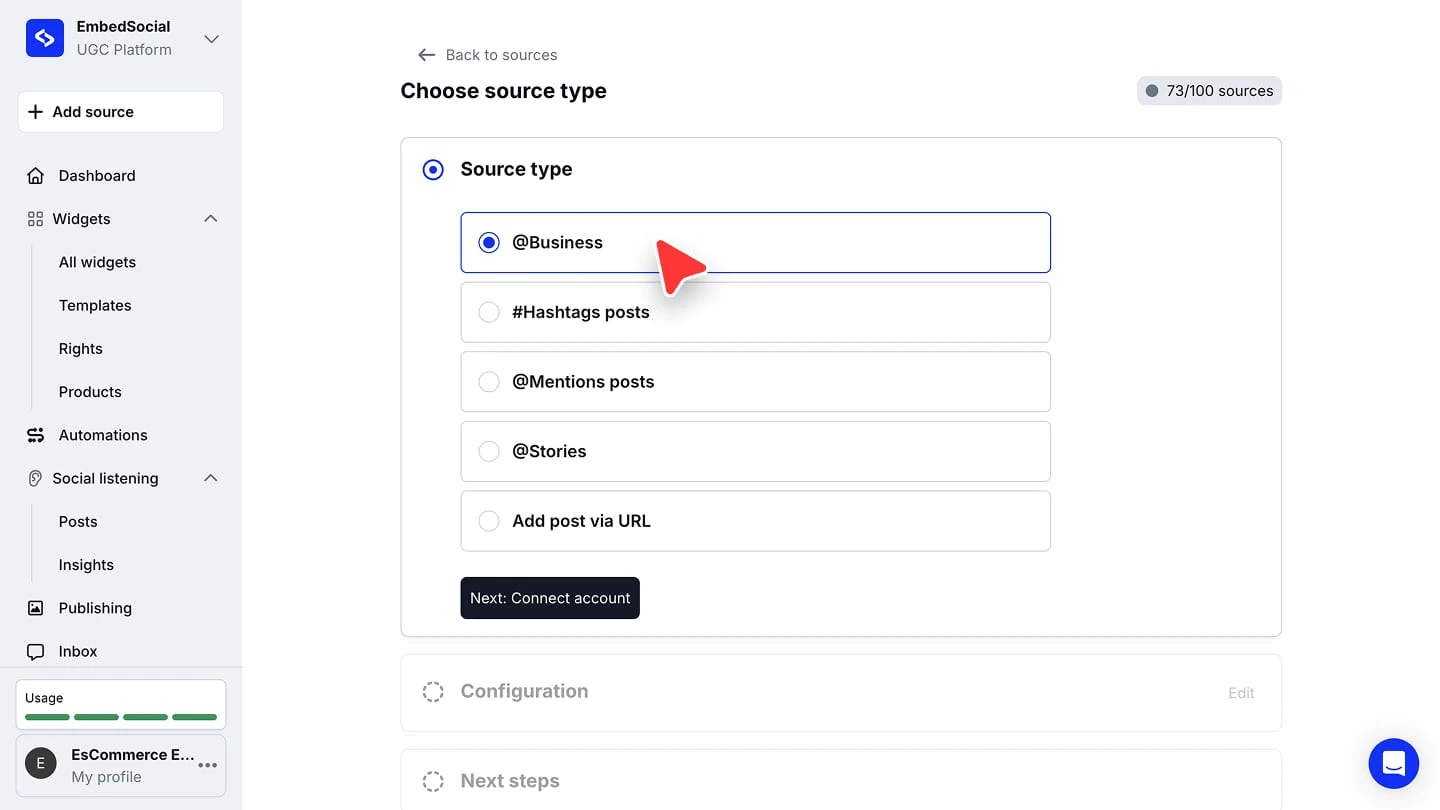
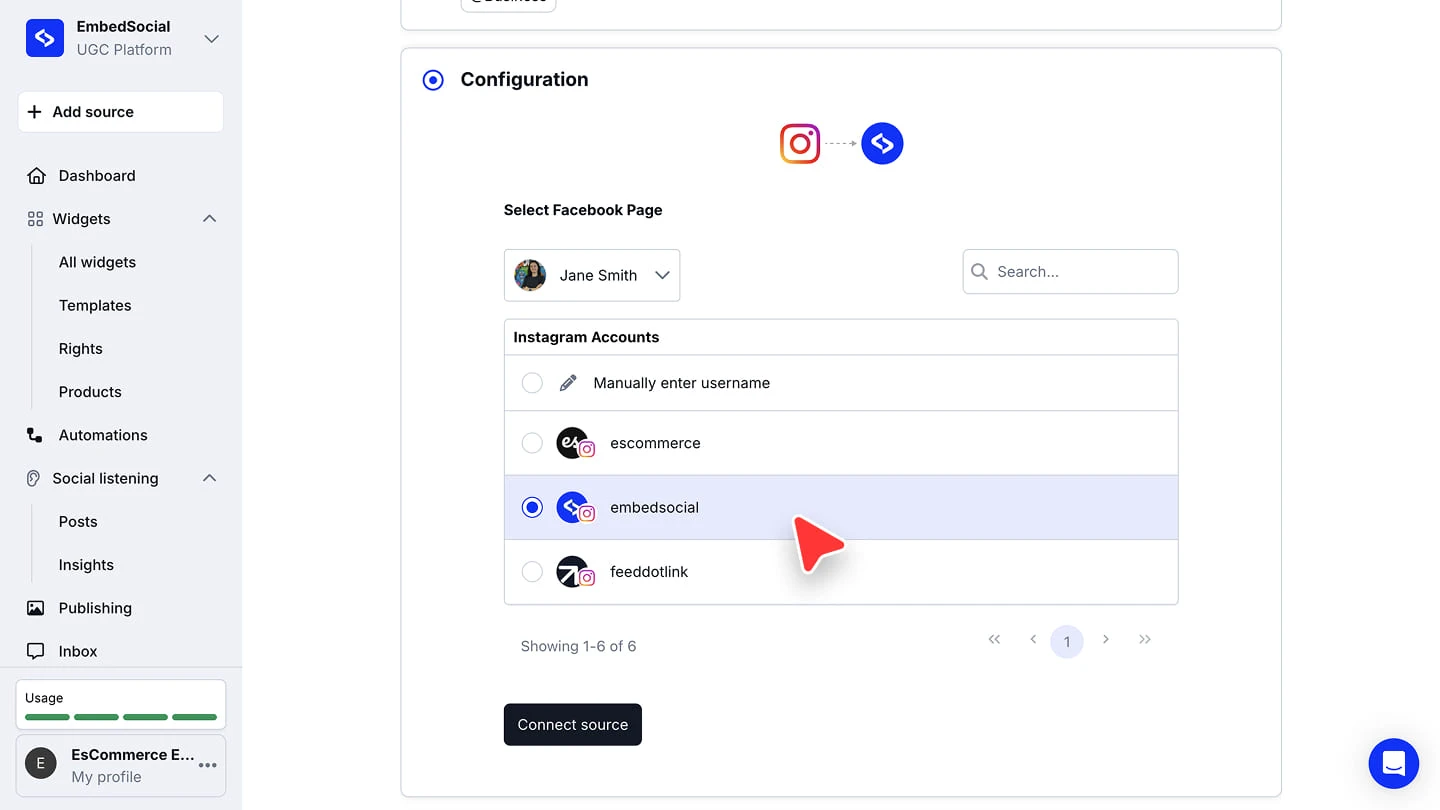
- Choose Continue with Facebook (the most reliable auto-sync) or Continue with Instagram, approve the permissions, pick your account and click Connect source.
- When you’re asked to pick a widget template, choose Instagram Carousel Widget.
- In the widget editor, click Embed, then Copy code, and paste it into your website builder’s custom HTML or embed block.
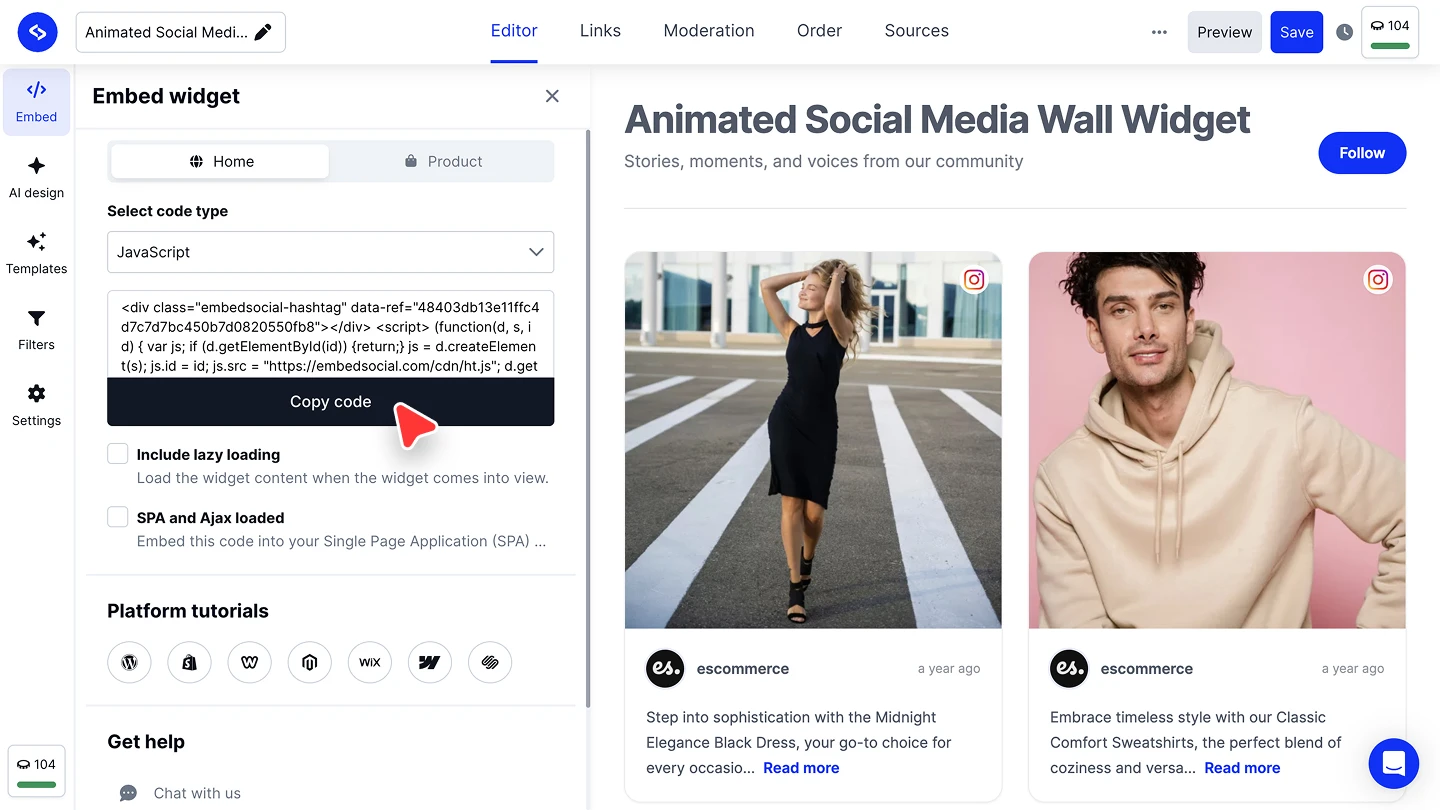


The full walkthroughs are in our Instagram source guide and embed guide.
Carousel or full Instagram feed?
Pick the carousel when the posts should sit in one tidy row on a page that’s about something else, such as a homepage or a product page. If Instagram is the main event and you want a grid, a wall or shoppable posts, start from the Instagram widget and its other layouts. Looking for how to make carousel posts on Instagram itself? That’s a different job, covered in our Instagram carousel posts guide.