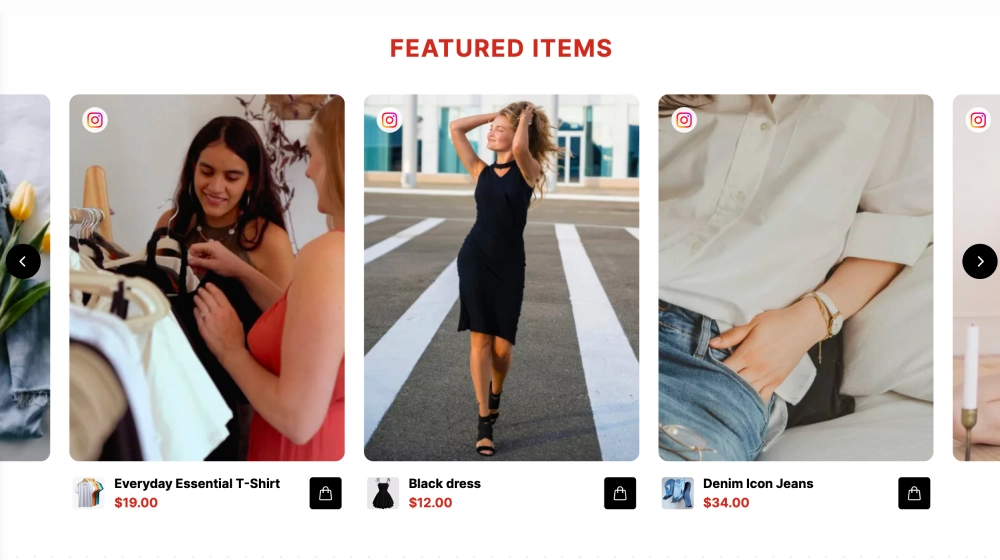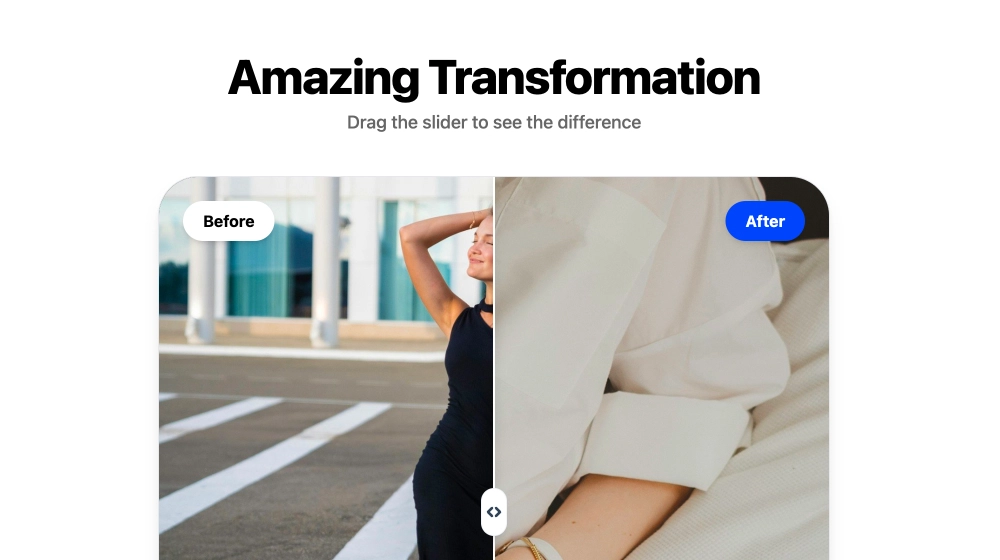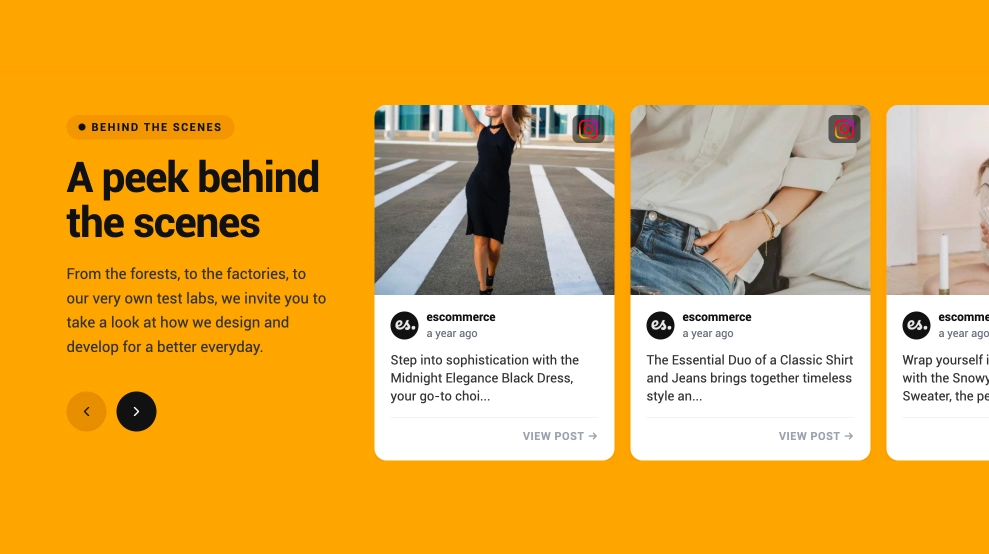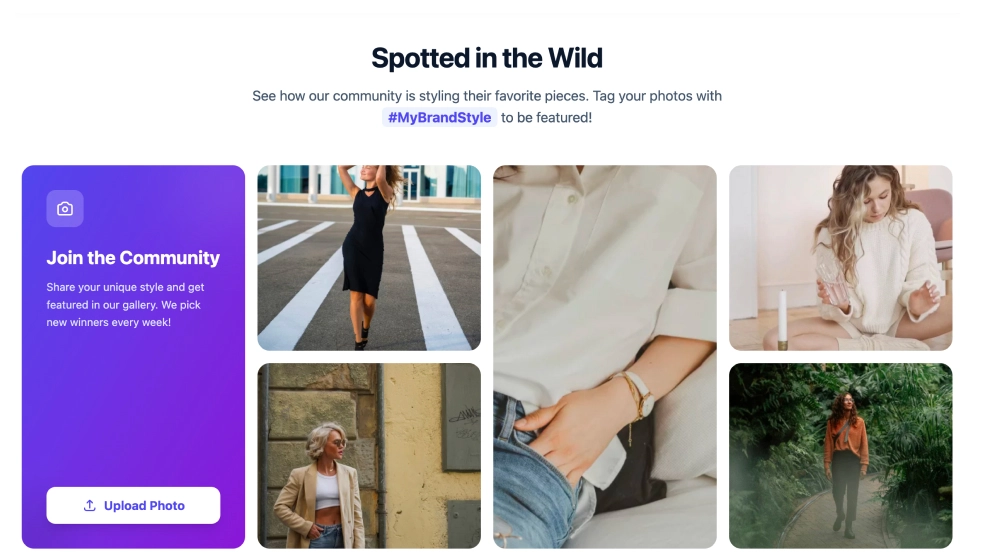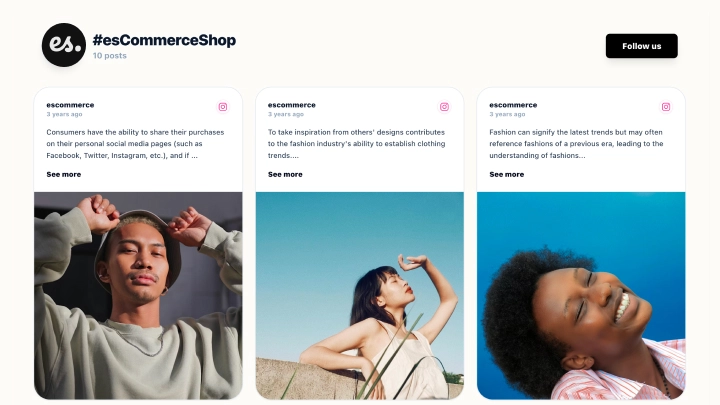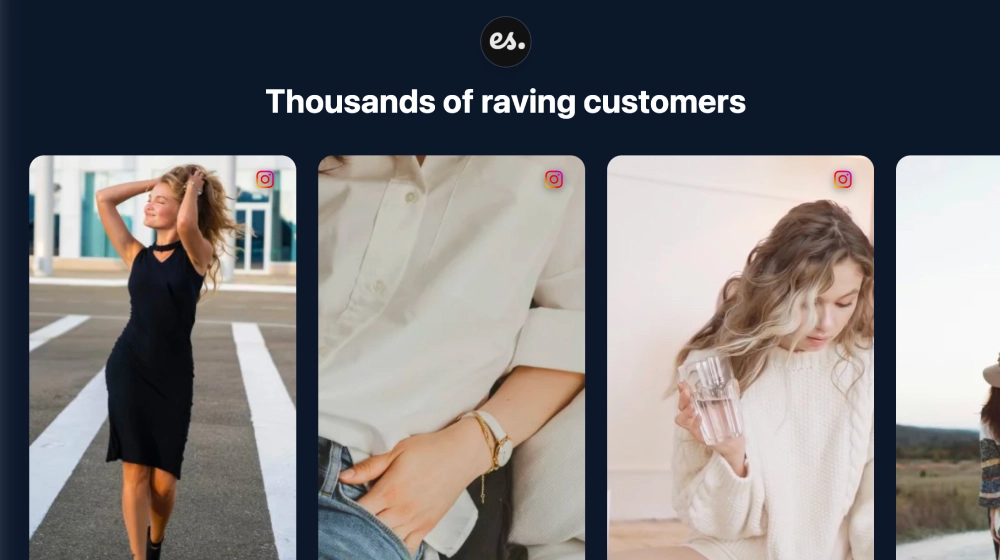
A Reels website section shows short vertical videos from Instagram on your website, in a row visitors slide through. This template sets them on a dark background under your logo and a headline, with the Instagram icon on each card, so the section reads like a highlight reel of your brand or your customers.
What the section shows
- Your logo and a headline you write, on a dark background
- Tall, vertical cards for Reels and photos, each with the Instagram icon
- Arrows to slide through the row
It fits homepages with real product reactions, beauty and fashion brands sharing tutorials and try-ons, and campaign pages built around creator videos.
How to add a Reels section to your website
- Click Try this template to start your 7-day free trial on Pro.
- Click + Add source and choose Instagram. To show your latest posts, pick Business account and connect. To show only the Reels you choose, pick Add post via URL.
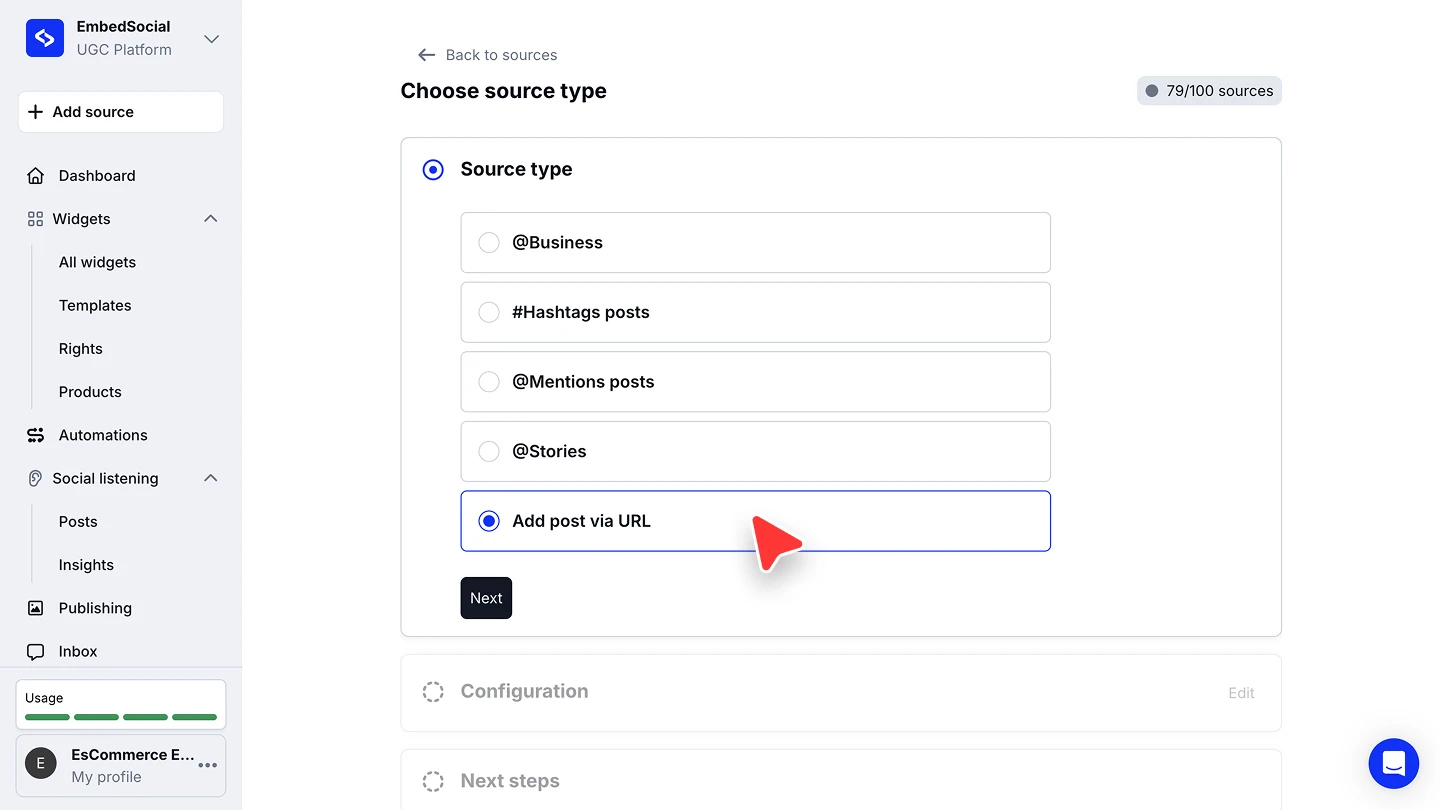
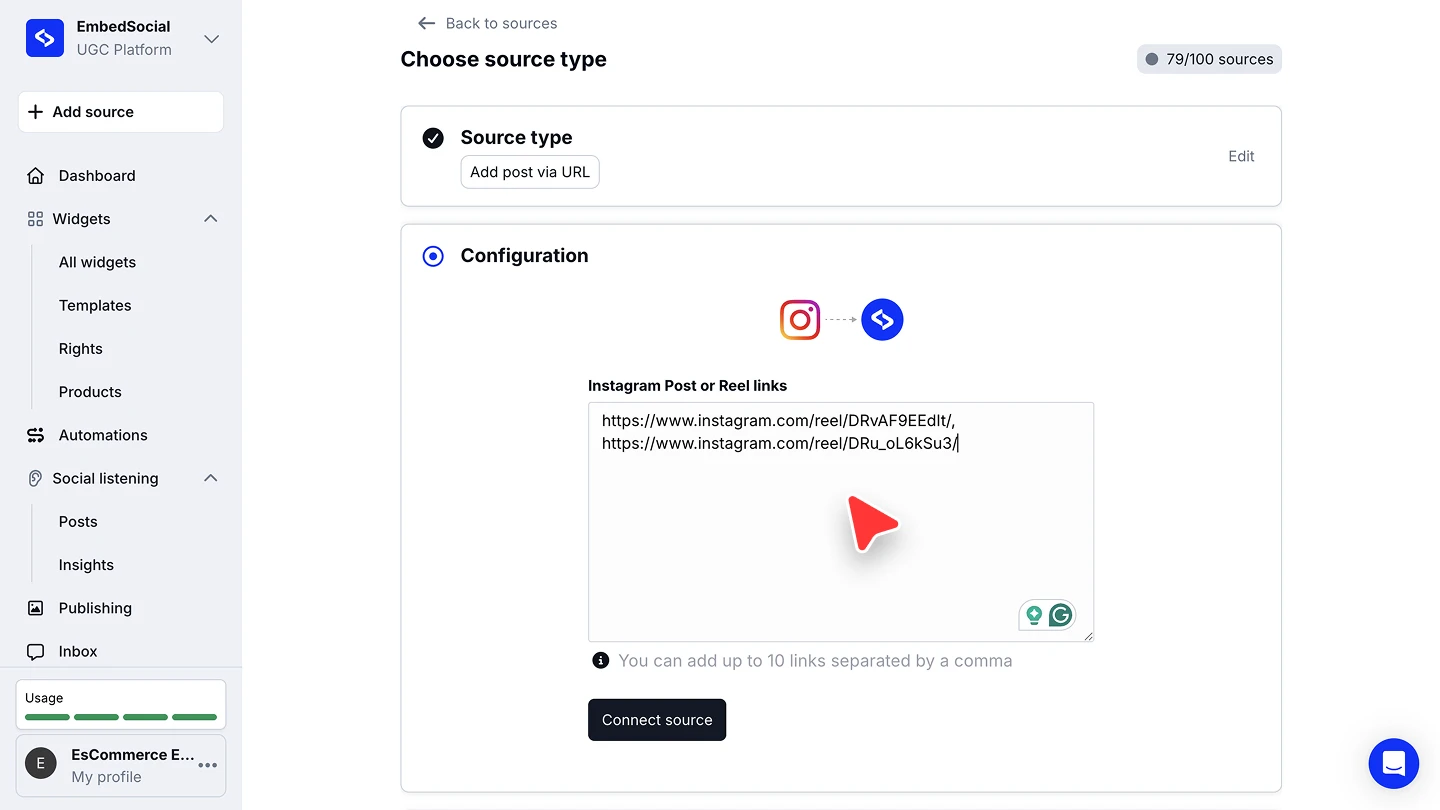
- For Add post via URL, paste up to 10 Reel links separated by commas, then click Connect source.
- When you’re asked to pick a widget template, choose Reels Website Section, then edit the headline.
- In the widget editor, click Embed, then Copy code, and paste it into your website builder’s custom HTML or embed block.
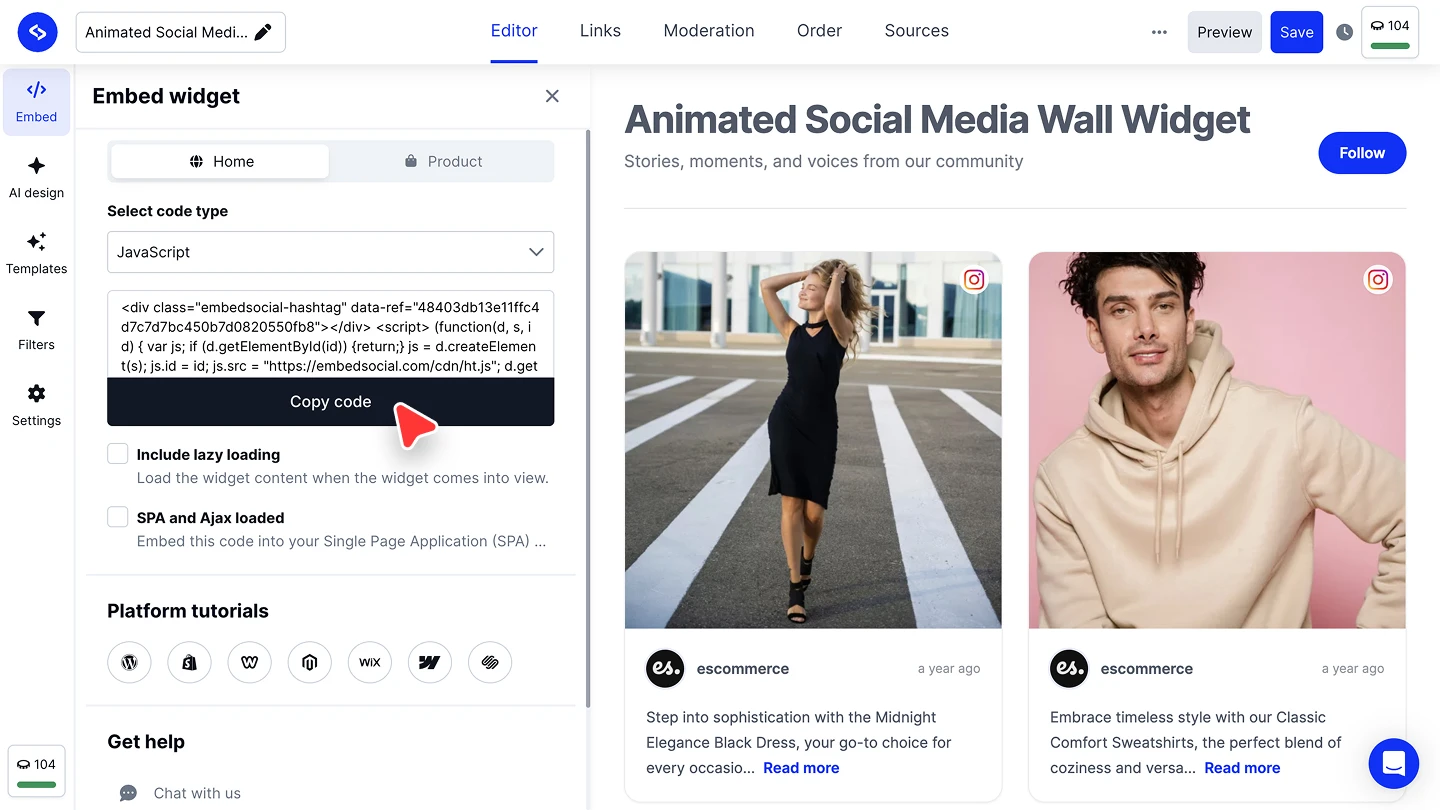


The full walkthroughs are in our Instagram source guide and embed guide.
Reels section or full Instagram feed?
Use this section to put a handful of videos front and centre. For a full grid or a shoppable feed, start from the Instagram widget. To embed one single Reel, our guide to embedding Instagram Reels covers that too.