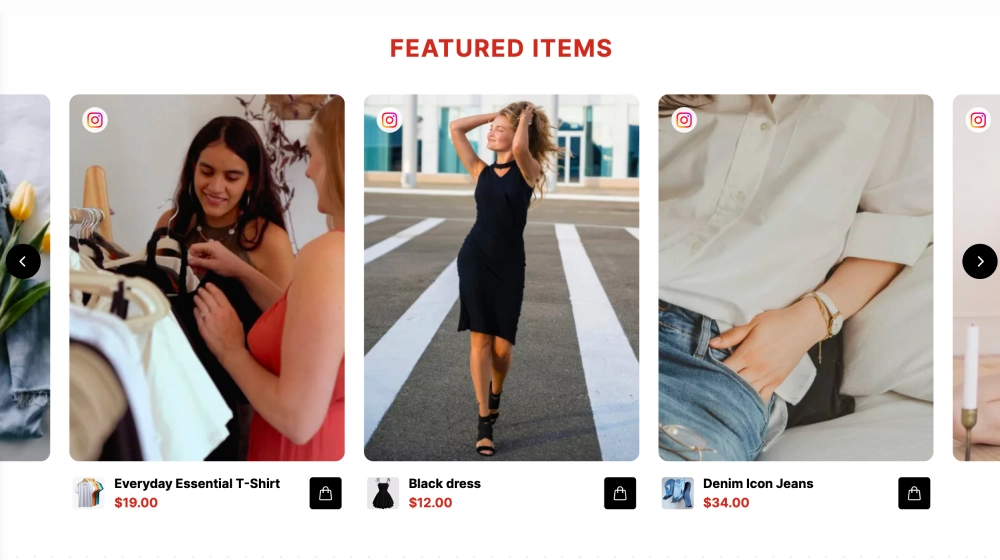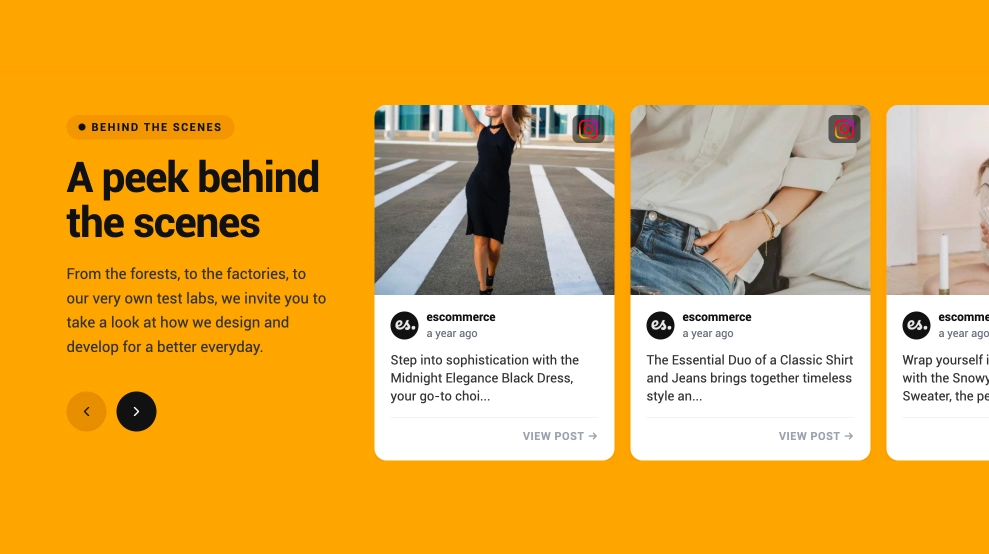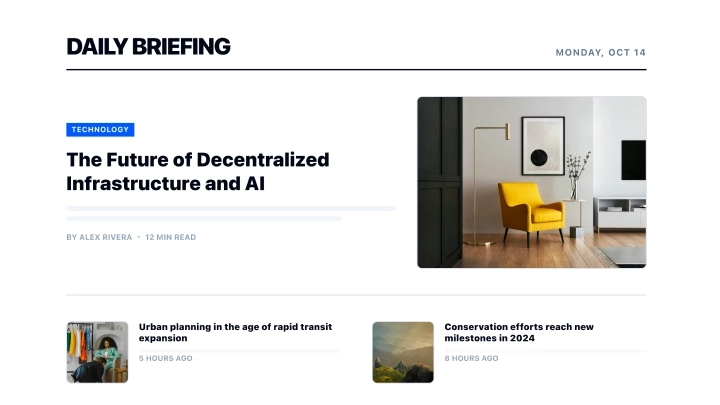
This social news widget turns your latest social posts into a more editorial, newsroom-style content block. Instead of showing a basic feed, it organizes one featured story at the top with a large headline, category label, media preview, and summary, then supports it with a grid of smaller updates underneath.
What makes it work
-
Editorial lead story: One post gets headline treatment, which gives the section a stronger point of entry than a standard post grid.
-
News-style layout: The structure feels closer to a digital briefing or media page than a social embed.
-
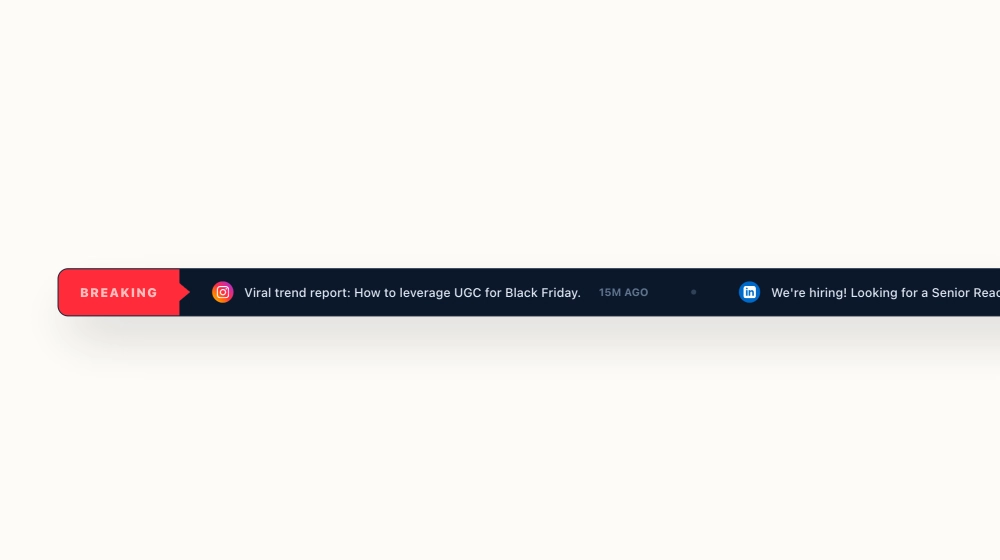
Clear category and source cues: Platform labels, author details, and timestamps help each post feel organized and credible.
-
Featured media panel: The large visual area on the right helps the main story stand out and adds motion when video is included.
-
Supporting story grid: Smaller posts below extend the section without competing with the lead item.
-
Cross-post visibility: The format works well for company updates, hiring posts, launches, product announcements, and press-style content.
-
Strong brand voice: The bold typography and briefing-style layout make social content feel more intentional and ownable on the website.
Best fit for
-
Company newsrooms and update pages
-
SaaS and startup websites
-
Brand announcement sections
-
Founder or leadership update hubs
-
Businesses that want LinkedIn or social posts to feel more like editorial content
How to embed it
-
Connect your social source in EmbedSocial.
-
Choose the Social News Section template.
-
Customize the section title, featured-post layout, source labels, and visible metadata.
-
Set which post should appear as the lead story and how supporting posts should be arranged.
-
Copy the embed code.
-
Paste it into your website, newsroom page, or CMS and publish.
Turn your social updates into a cleaner, more editorial news block that feels built for reading, not just scrolling.