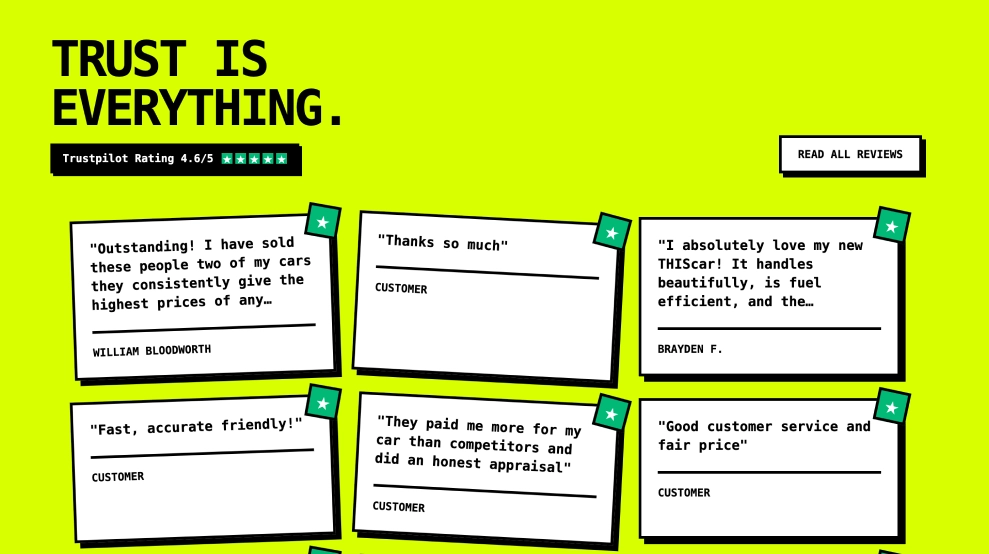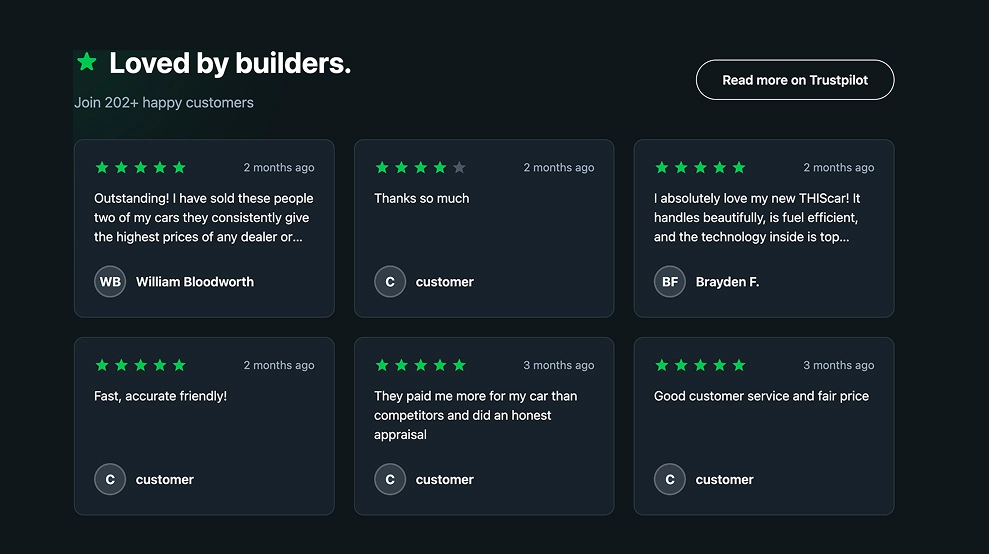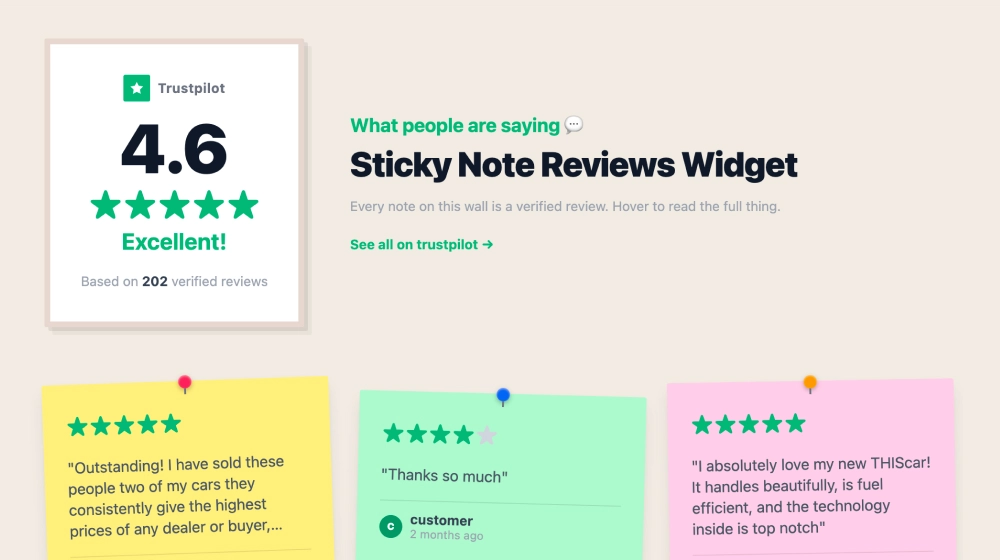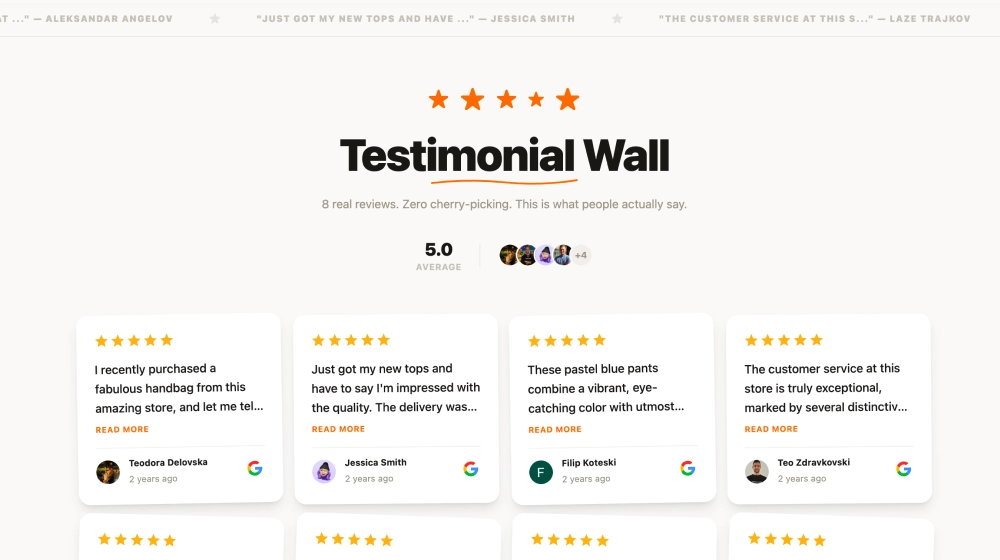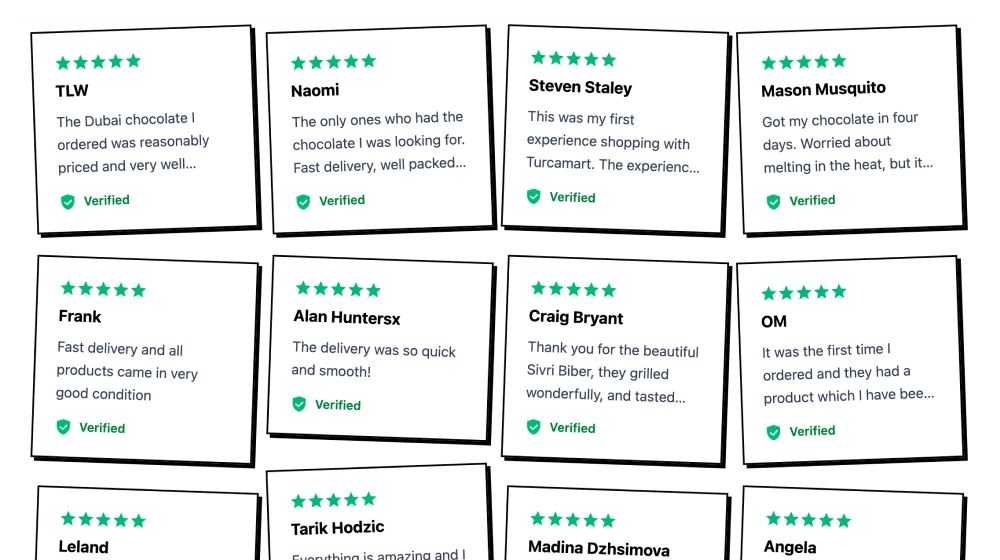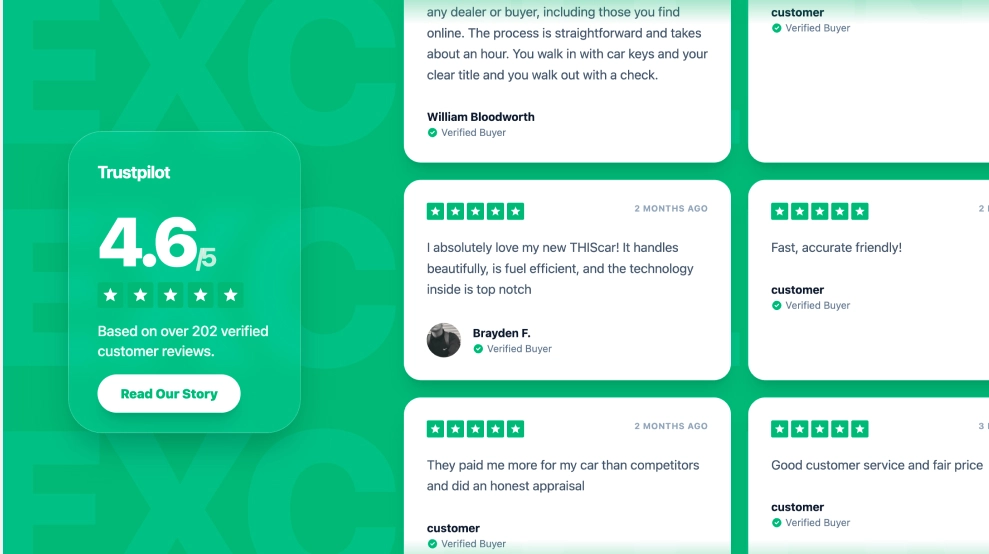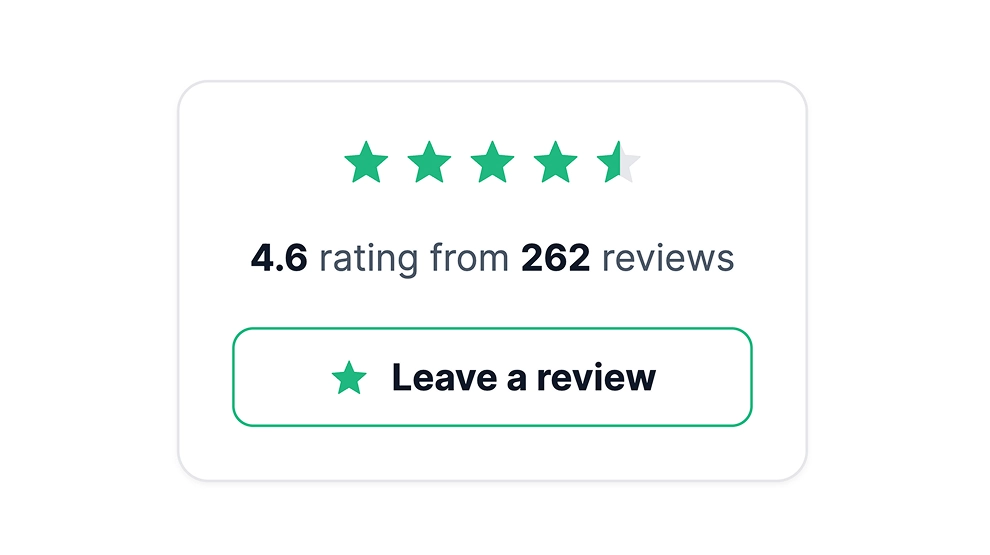
A Trustpilot badge is a small card that shows your Trustpilot star rating and how many reviews it is based on, right on your own website. Visitors see your score without leaving the page. It shows up wherever you paste the code, for example under your hero buttons or next to your checkout button, and its Leave a review button opens your Trustpilot review page.
What the badge shows
- Your average Trustpilot star rating, as stars and as a number
- The total behind it, for example “4.6 rating from 262 reviews”
- A Leave a review button that links to your Trustpilot review page
The rating comes from your Trustpilot profile through Trustpilot’s official API, using your own API key. It refreshes on your plan’s auto-sync interval: every 3 hours on Pro.
How to add the Trustpilot badge to your website
Have two things ready before you start: the URL of your Trustpilot review page, and your Trustpilot API key, which you get from your Trustpilot Business account settings.
- Click Try this template to start your 7-day free trial on Pro, the plan that includes Trustpilot sources.
- Click + Add source, then Trustpilot. On Choose source type, select Pull Reviews via Official API Key and click Next.
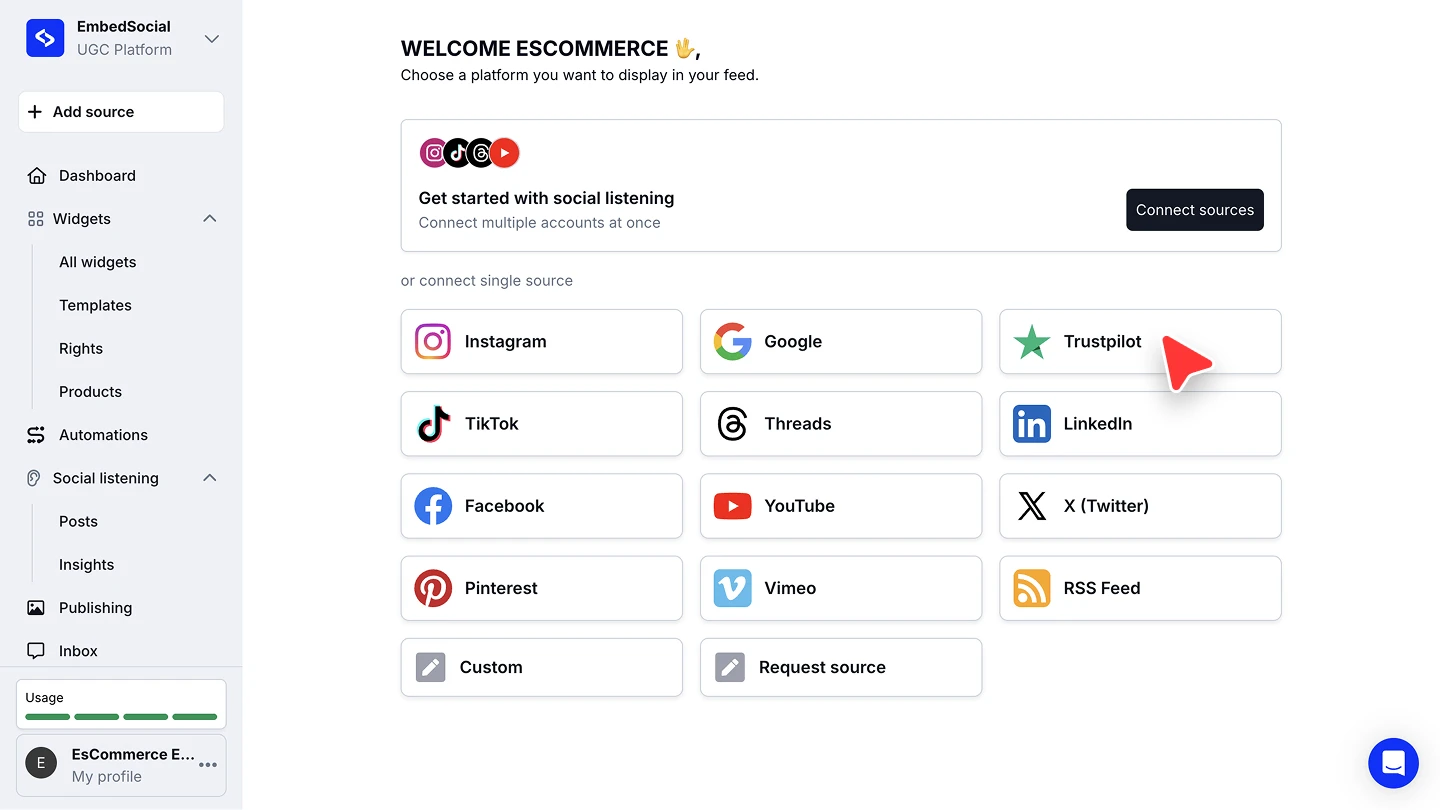
- Add your Trustpilot review page (it looks like
https://www.trustpilot.com/review/your-business) and your API key, then click Connect source.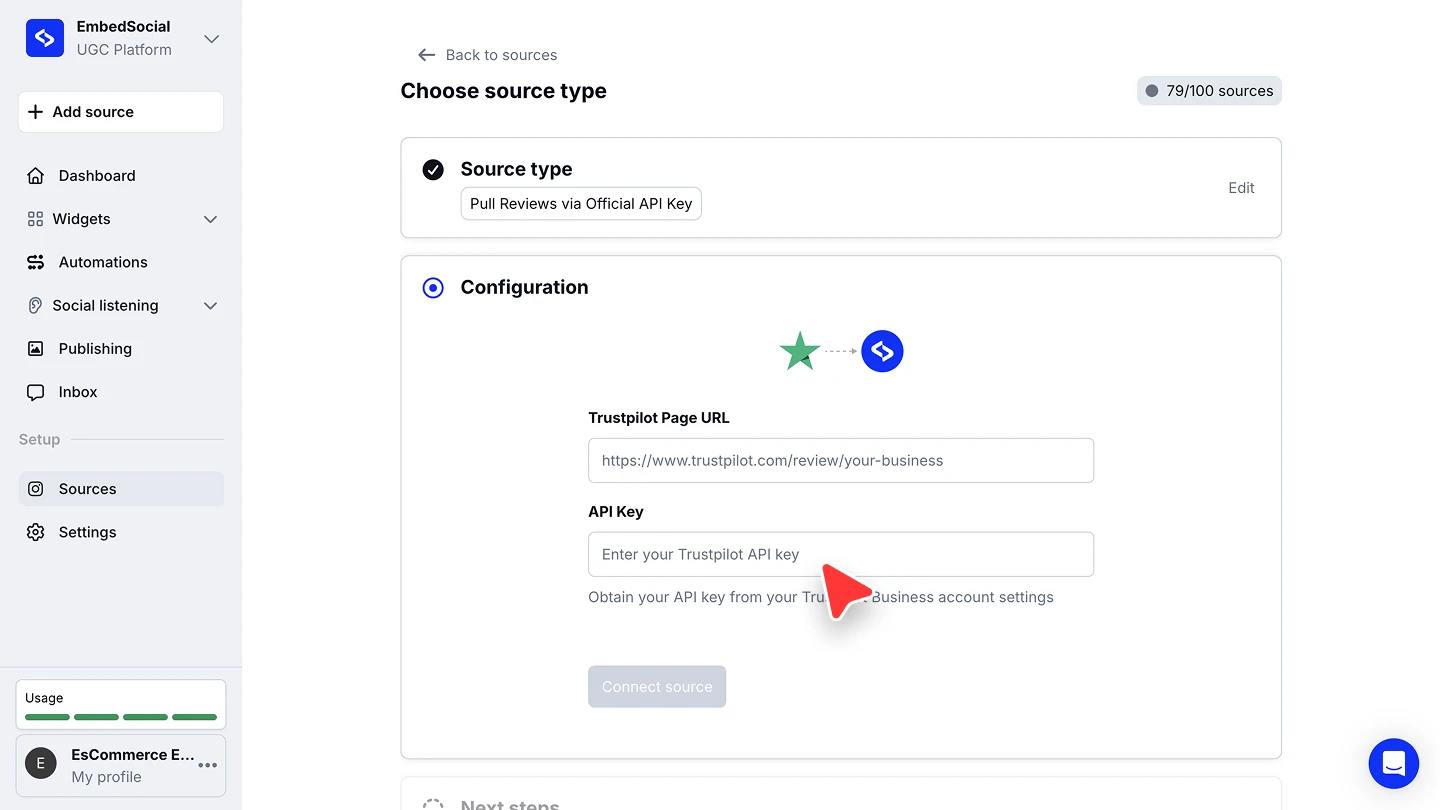
- When you’re asked to pick a widget template, choose Trustpilot Badge.
- In the widget editor, click Embed, then Copy code. Paste it into your website builder’s custom HTML or embed code block.



The full walkthroughs are in our Trustpilot source guide and embed guide.
This badge or Trustpilot’s own TrustBox?
Trustpilot has its own embeddable widgets, called TrustBoxes, which you set up from your Trustpilot Business account (Trustpilot’s TrustBox overview). This badge is for when you already show reviews or social posts with EmbedSocial and want your Trustpilot score in the same place, managed from the same dashboard. If you want the reviews themselves on the page, not just the score, the Trustpilot reviews widget covers sliders, grids and walls.