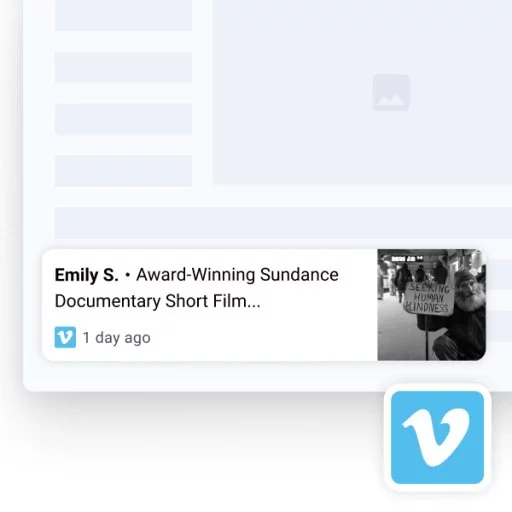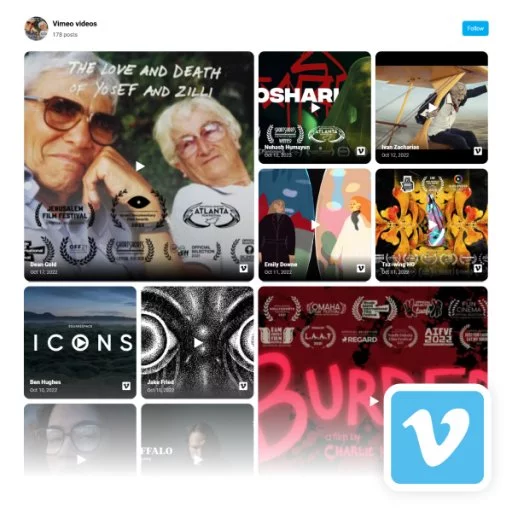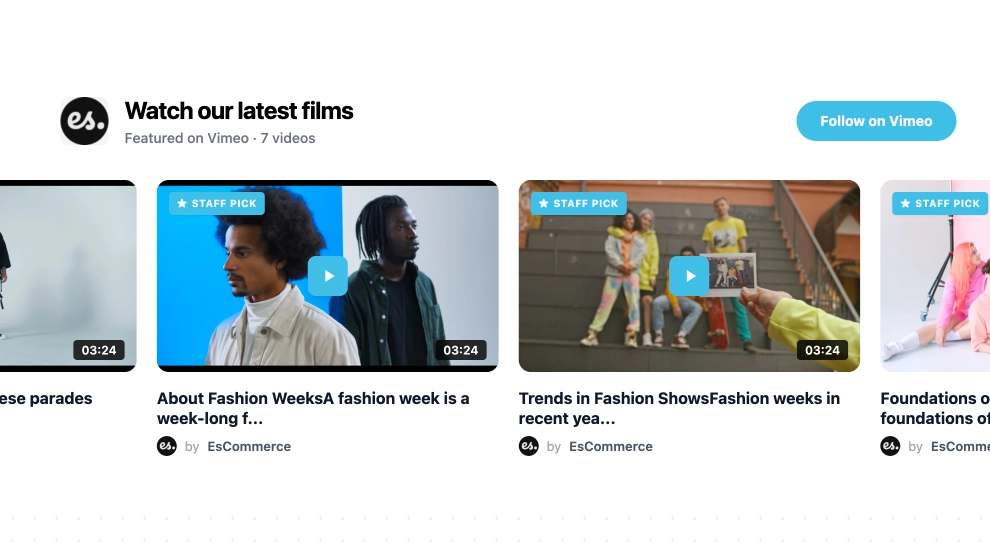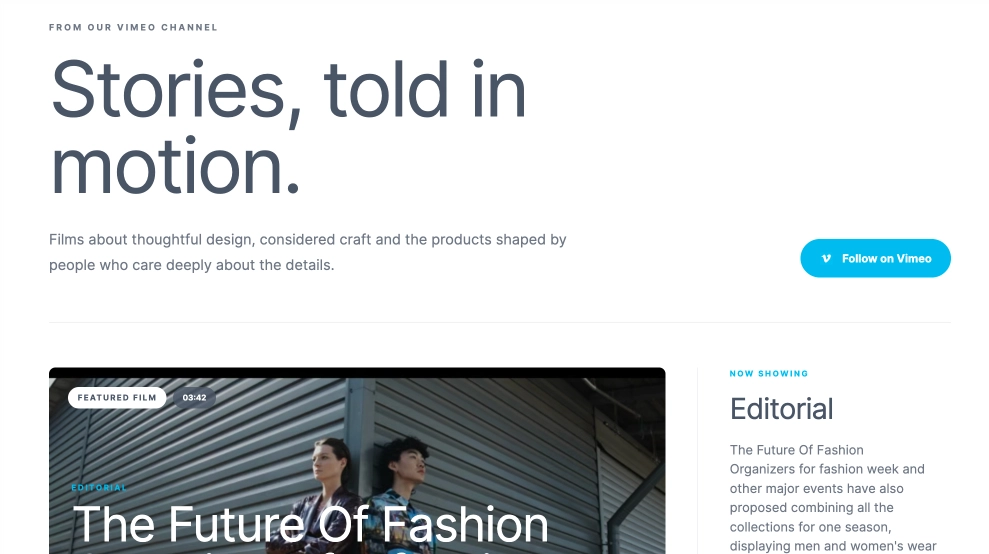
The Vimeo Video Feed turns your video channel into a more editorial, cinematic section on your website. Instead of feeling like a simple embed gallery, it combines a featured film area, a detailed content spotlight, and a browseable grid of recent videos, giving visitors both a hero viewing experience and a clear way to explore more.
What makes it work
-
Featured-video hero: One film takes the lead with a large visual frame, making the section feel more like a curated channel than a basic feed.
-
Editorial content layout: The highlighted video is paired with supporting text, category labels, and metadata that add more story and context.
-
Browseable video grid: Recent uploads appear below in structured cards, so visitors can quickly scan what else is available.
-
Vimeo-first branding cues: The
Follow on Vimeobutton and Vimeo badges keep the source clear and recognizable. -
Strong video metadata: Durations, categories, publish timing, and titles help the feed feel organized and easy to navigate.
-
Channel-style pacing: The layout moves naturally from featured content to the wider library, which makes the experience feel thoughtful rather than crowded.
-
Pagination support: The feed can handle a larger content library without overwhelming the page.
Best fit for
-
Creative studios and production companies
-
Fashion, design, and culture brands
-
Portfolio websites with original video work
-
Brand storytelling pages
-
Businesses that want video content to feel premium and editorial
How to embed it
-
Connect your Vimeo channel in EmbedSocial.
-
Choose the Vimeo Video Feed template.
-
Customize the hero section, featured video details, titles, and follow button.
-
Set how many videos to show in the grid and how pagination should appear.
-
Copy the embed code.
-
Paste it into your website, landing page, or CMS and publish.
Bring your Vimeo channel onto your website in a format that feels more like a curated video destination than a simple feed.