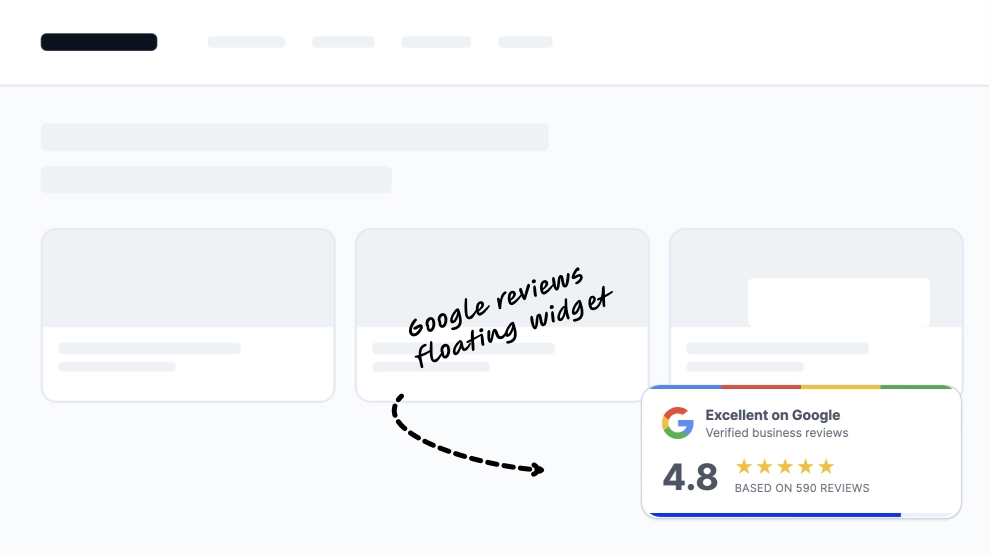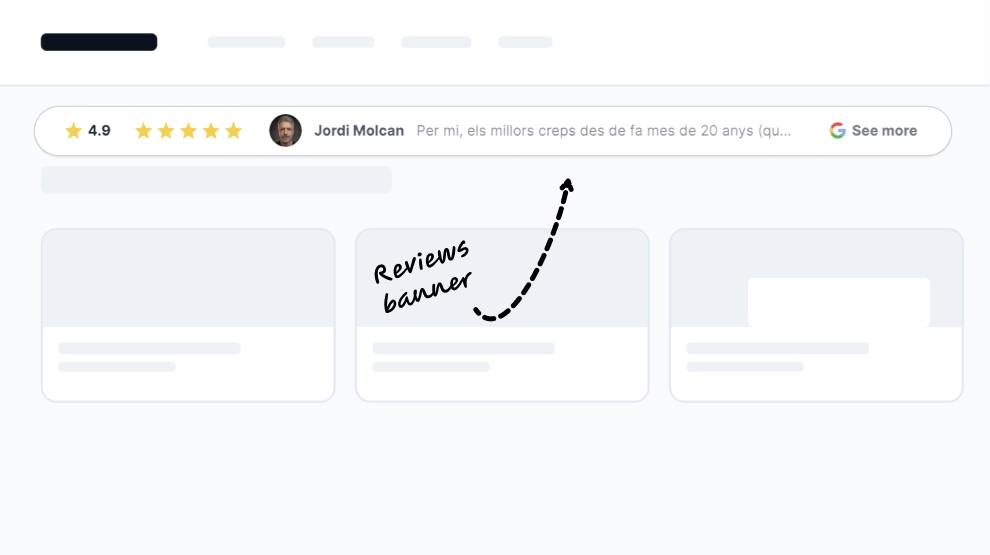
A reviews banner is a slim strip that shows your average rating and your reviewers on your website without taking up a whole section. This template shows the score with a star, one of your reviewers with their photo and name, the Google icon and a See more link to your Google listing.
What the banner shows
- Your average Google rating with a star
- One of your reviewers, with avatar and name
- The Google icon and a See more link that opens your Google listing
It fits near the top of a page or next to a call to action: homepage headers, landing pages, product and service pages, and checkout areas.
How to add the reviews banner to your website
- Click Try this template to start your 7-day free trial on Pro.
- Click + Add source, choose Google, select Reviews and click Next: Connect account.
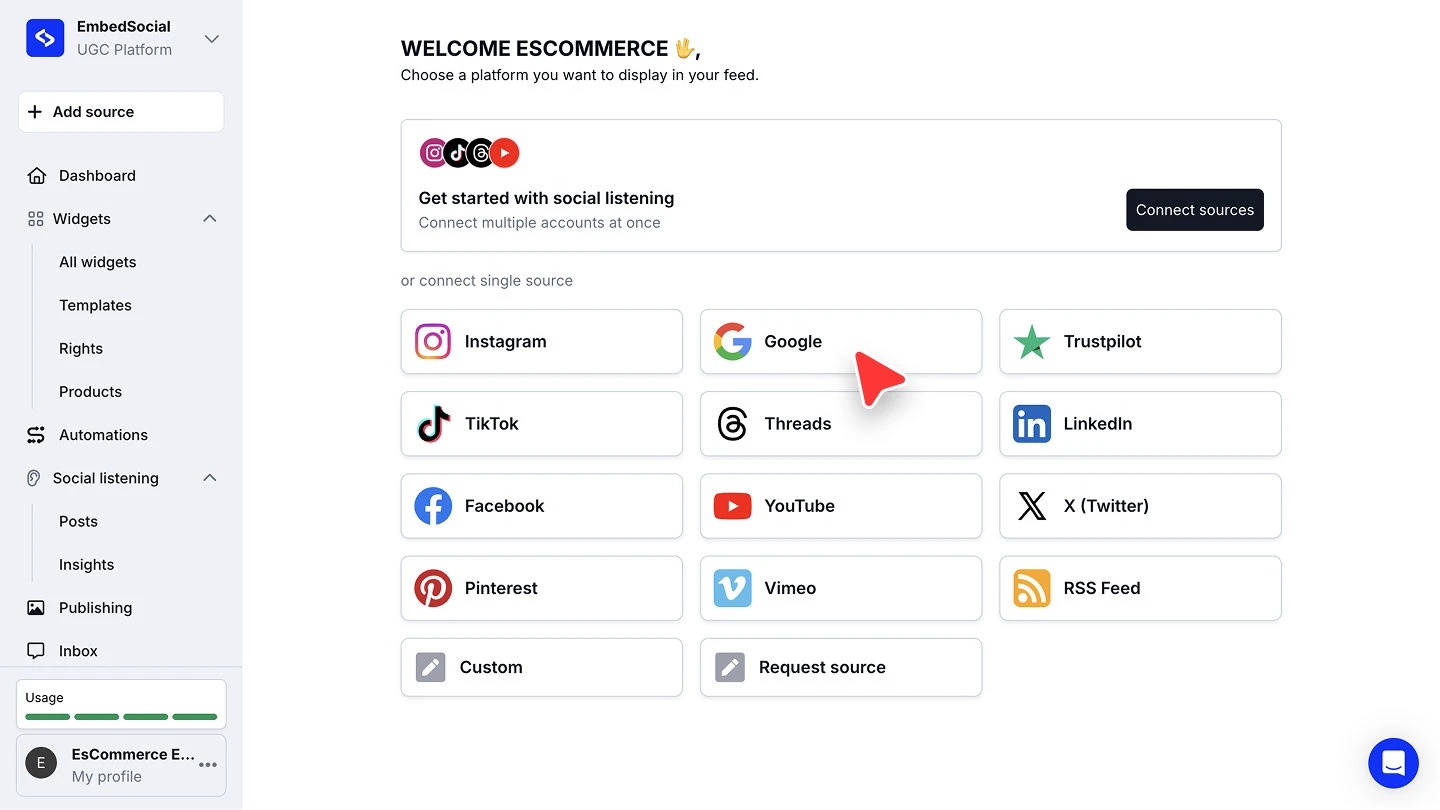
- Sign in with the Google account that manages your business, approve the permissions, then pick your location under Places and click Connect source.
- When you’re asked to pick a widget template, choose Reviews Banner.
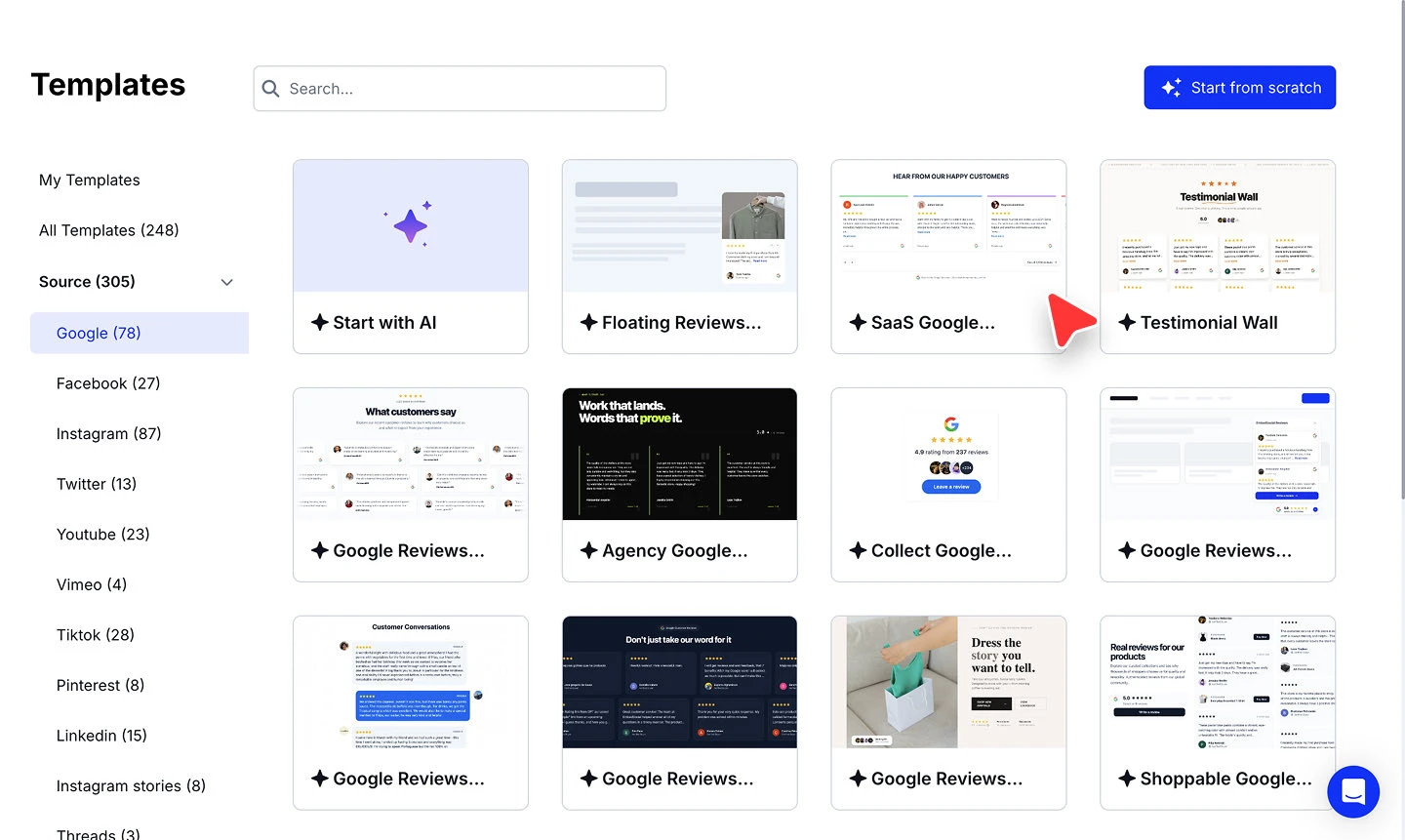
- In the widget editor, click Embed, then Copy code, and paste it into your website builder’s custom HTML or embed block, wherever you want the strip to sit.



The full walkthroughs are in our Google source guide and embed guide.
Banner or full reviews widget?
The banner is a trust signal: a rating and a face, in one line. When visitors need to read what people said, give them a full layout from the Google reviews widget instead, or use the banner at the top of the page and the full widget further down.