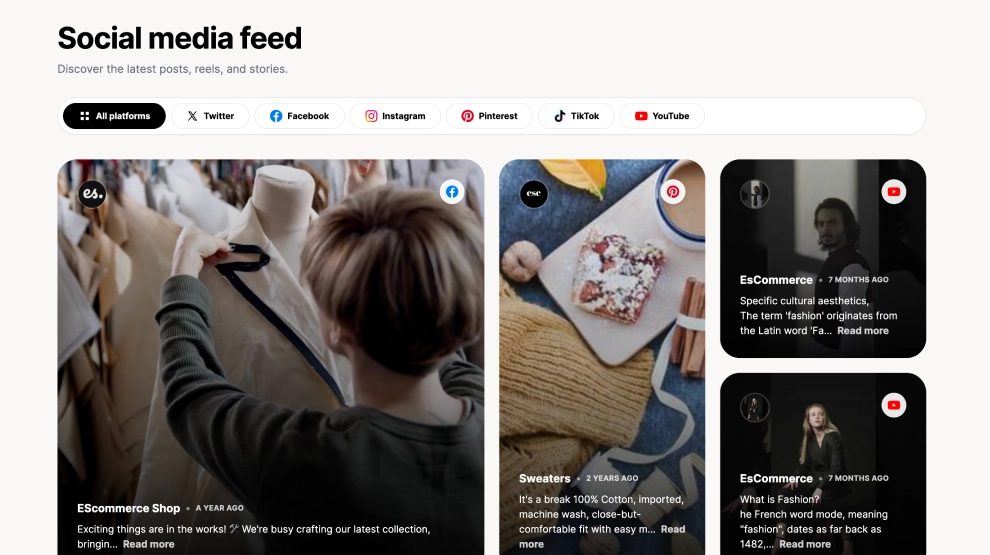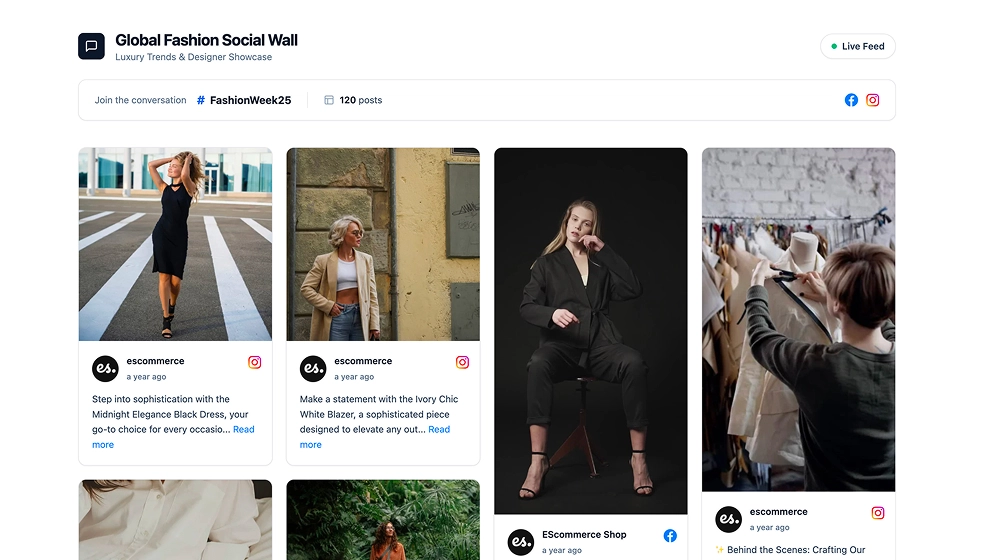
This social media section combines featured content with a clear follow action, turning a single post preview into a lightweight conversion block. Instead of showing a full feed, it uses one prominent social card, layered background cards, and a strong text-and-button area to encourage visitors to stay connected with your brand.
What makes it work
-
Featured social card: One post takes the spotlight, giving the section a clear visual anchor.
-
Layered card effect: The stacked background cards suggest an active feed without overwhelming the layout.
-
Balanced split layout: Content on the left and messaging on the right create a clean, easy-to-read section.
-
Social proof and CTA in one block: The widget does more than display content, it also drives a clear next step.
-
Follow-focused button: The Follow us CTA makes the section immediately actionable.
-
Feed preview feel: Visitors get a quick look at the kind of content you publish before deciding to follow.
-
Website-friendly simplicity: The section is compact enough to fit naturally into homepages, landing pages, and brand pages.
Best fit for
-
Homepage social sections
-
Brand and community pages
-
Landing pages with a follow goal
-
Ecommerce sites that want a softer social CTA
-
Businesses that want to promote social content without adding a full gallery
How to embed it
-
Connect your social media source in EmbedSocial.
-
Choose the Social Media CTA Section template.
-
Select the featured post and customize the headline, supporting text, and CTA button.
-
Adjust the card stack style and section layout if needed.
-
Copy the embed code.
-
Paste it into your website, landing page, or CMS and publish.
Turn one social post into a clean follow-focused section that keeps visitors connected to your latest content.