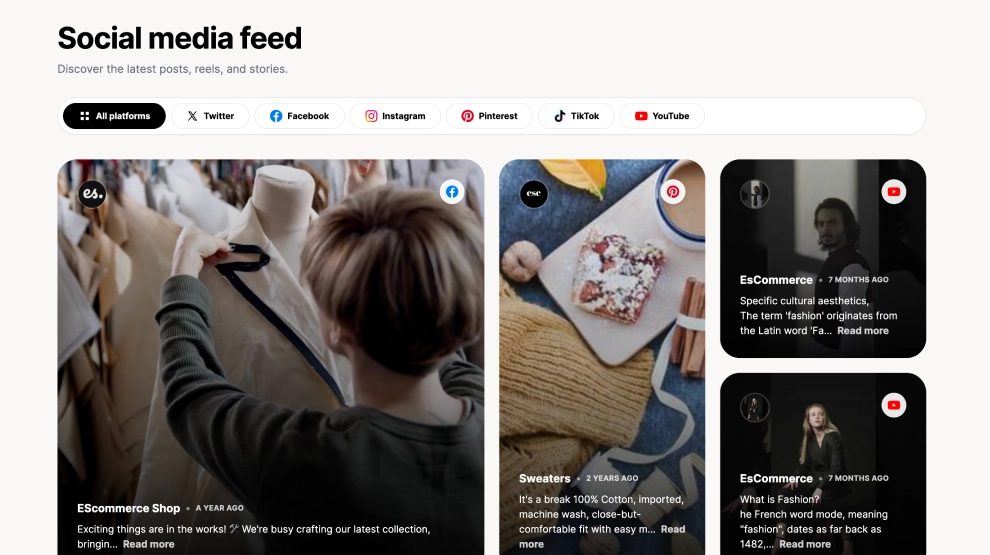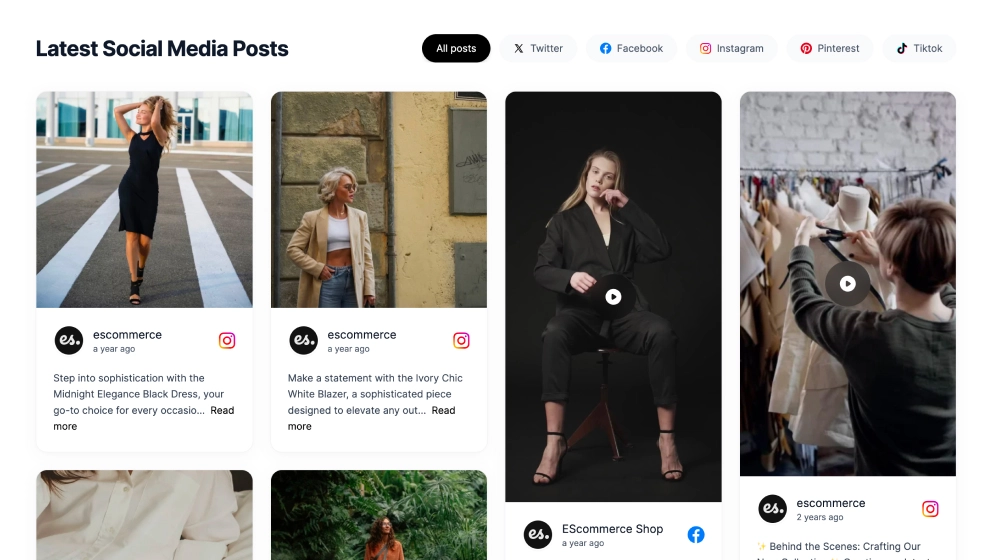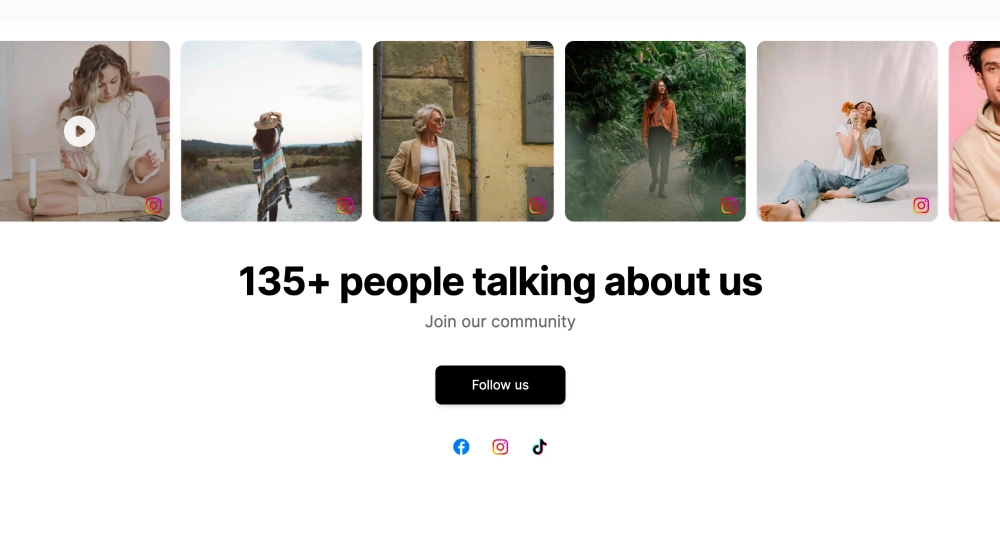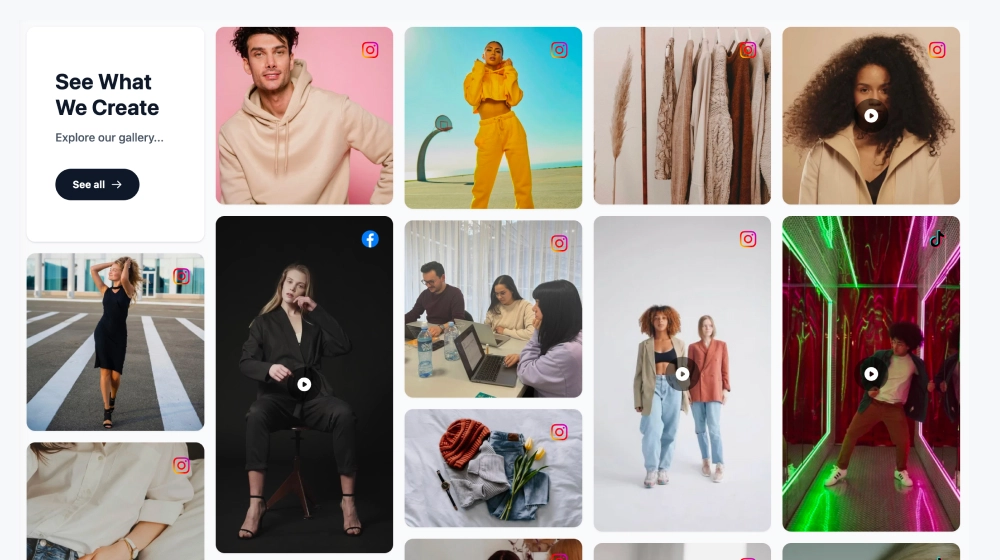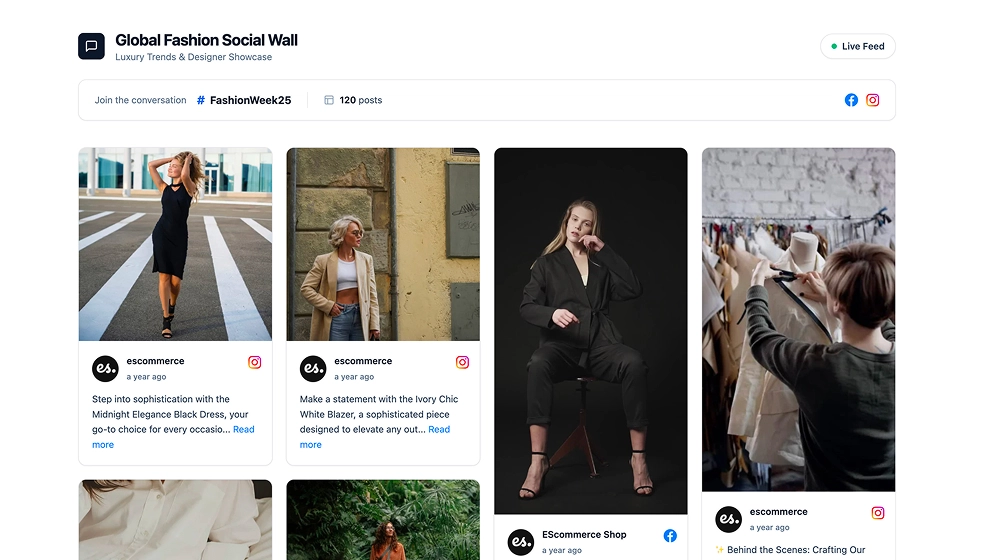
A social media slider shows posts from several platforms in one row that visitors slide through on your website. This template puts a headline and the Instagram, TikTok and YouTube icons on top, with tall photo and video cards underneath, so visitors see your whole social presence in one section instead of three.
What the slider shows
- A headline you write, with the icons of the platforms you connect
- Tall cards for photos and videos in one row, with arrows on both sides
- Video cards that play in place, with the post title, account name, and mute and replay controls
It fits brand homepages, creator sites, fashion and lifestyle stores and landing pages that need visual social proof without a separate section per platform.
How to add the social media slider to your website
- Click Try this template to start your 7-day free trial on Pro.
- Click + Add source and connect your first platform, for example Instagram with Business account.
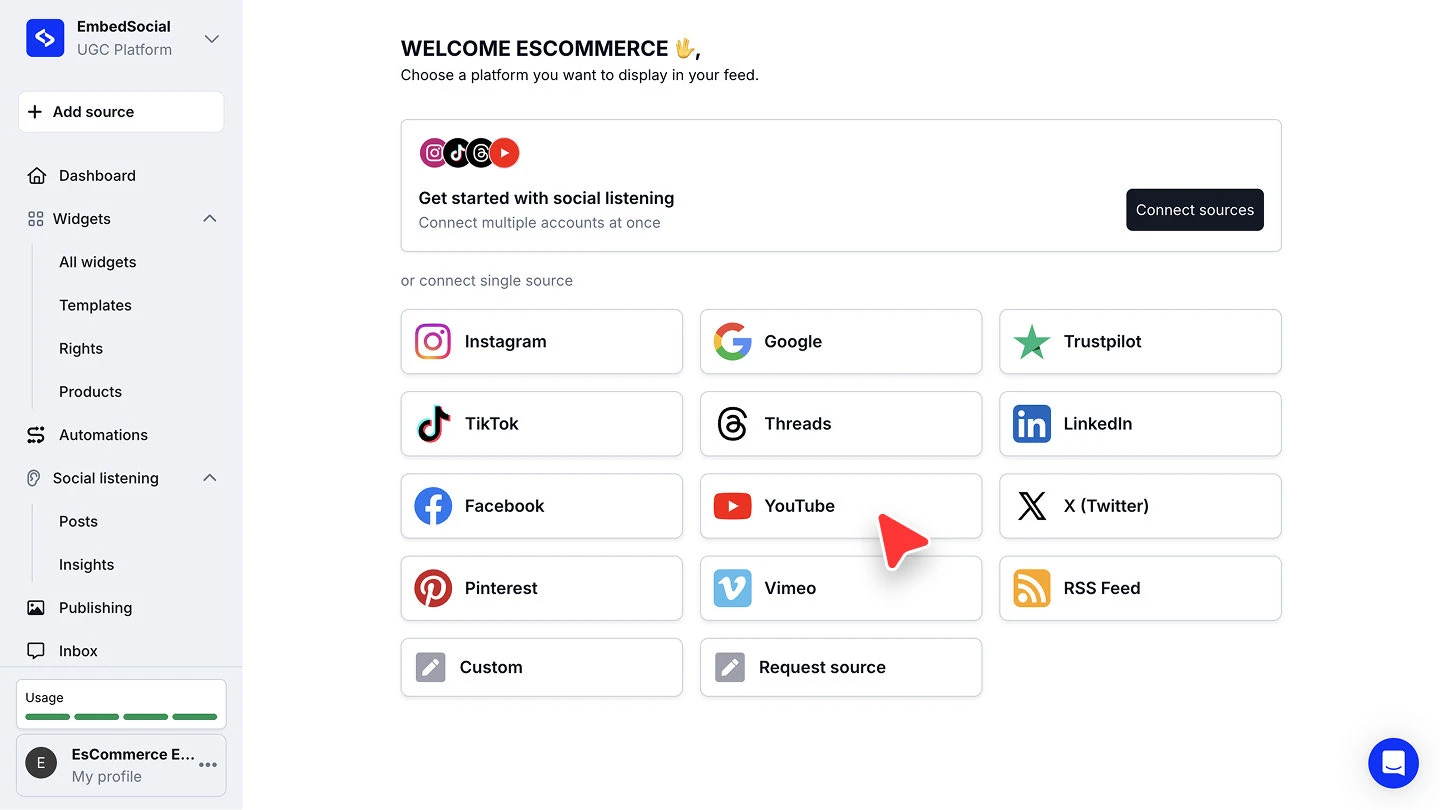
- Repeat + Add source for each other platform: TikTok with TikTok Account, YouTube with Channel. Each one counts as one source.
- When you build the widget, select all the sources you want in the slider and choose Social Media Slider as the template. Then edit the headline.
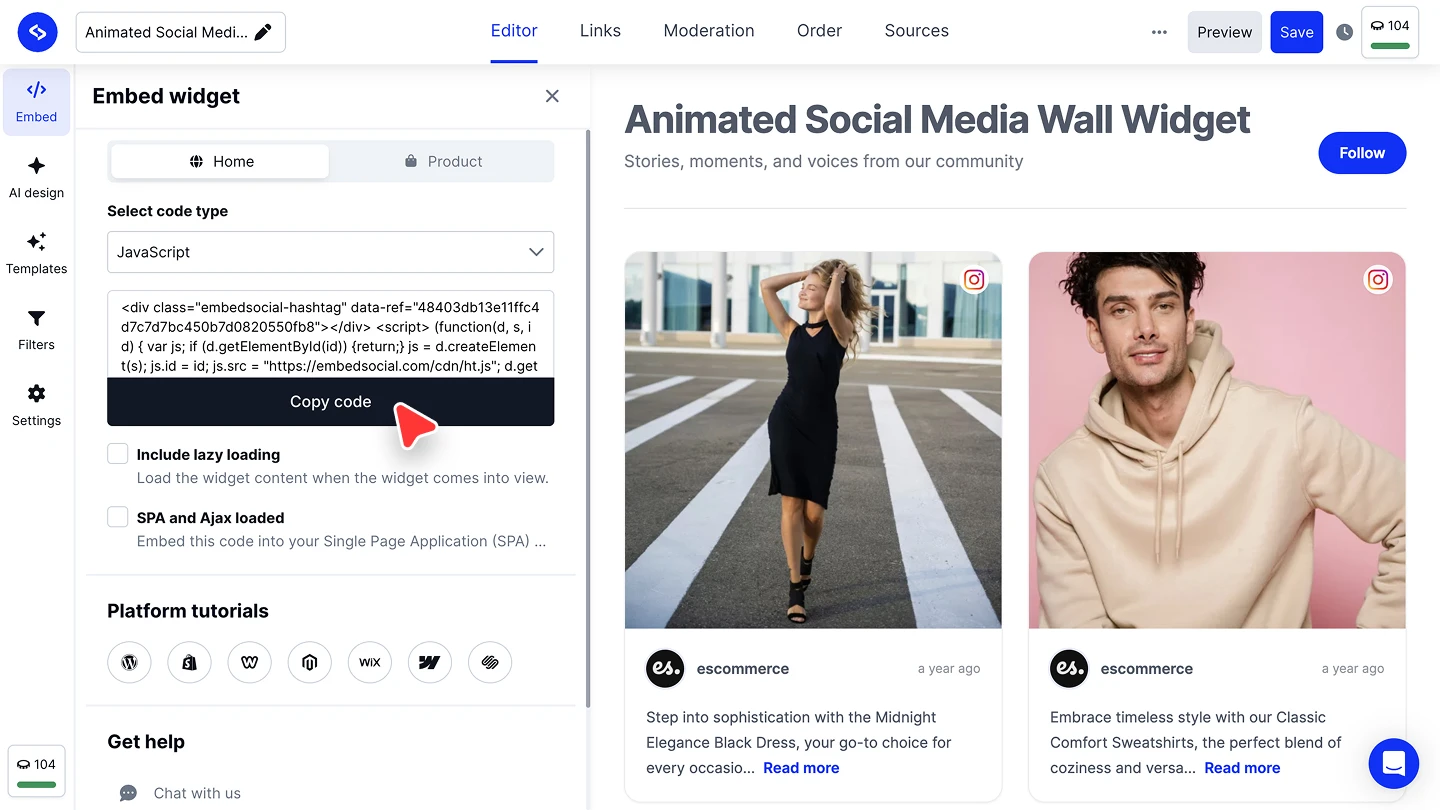
- In the widget editor, click Embed, then Copy code, and paste it into your website builder’s custom HTML or embed block.


The walkthroughs per platform are in our Instagram, TikTok and YouTube source guides, and the embed guide.
Slider or a full social wall?
A slider keeps several platforms to one tidy row. If you want every post in a grid or a live wall, for an event screen or a dedicated page, start from the social media aggregator or the social wall.