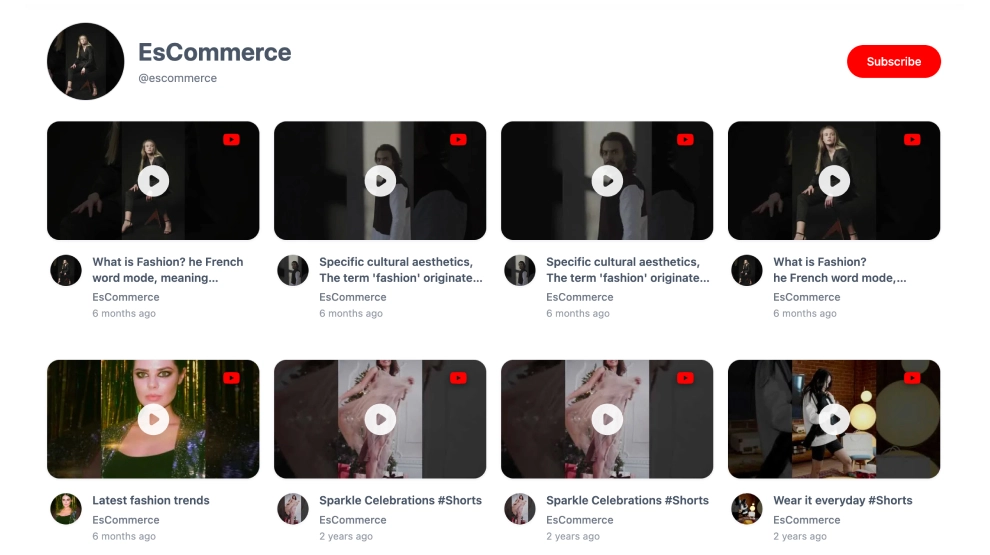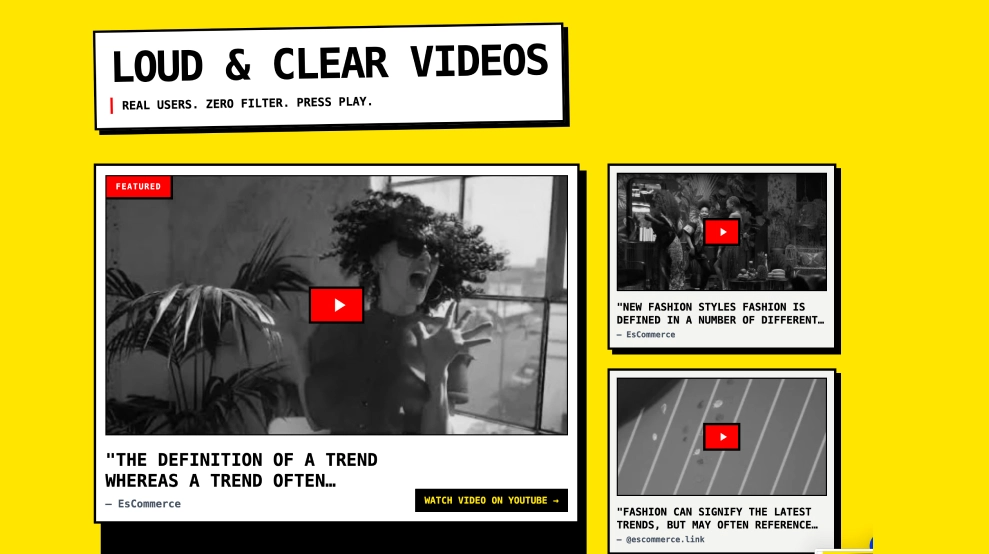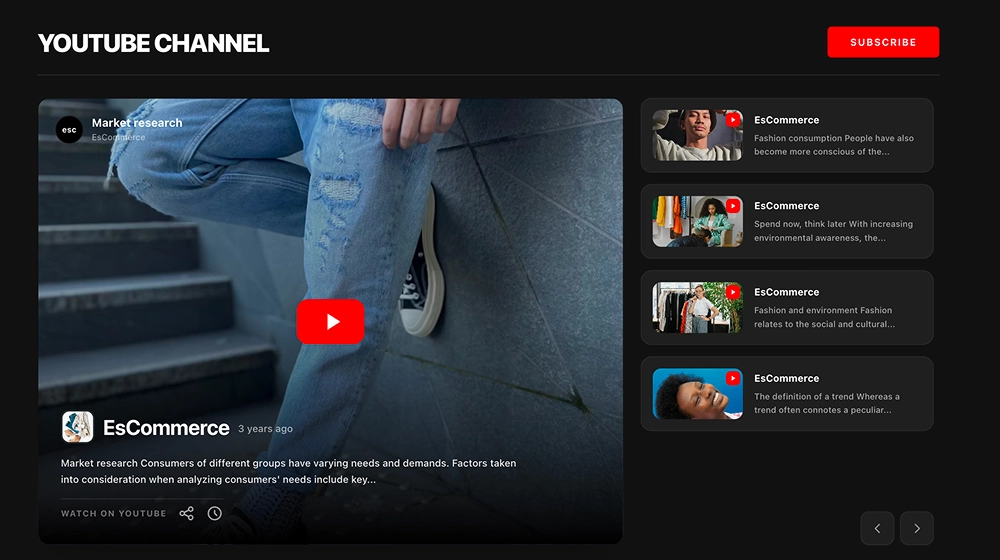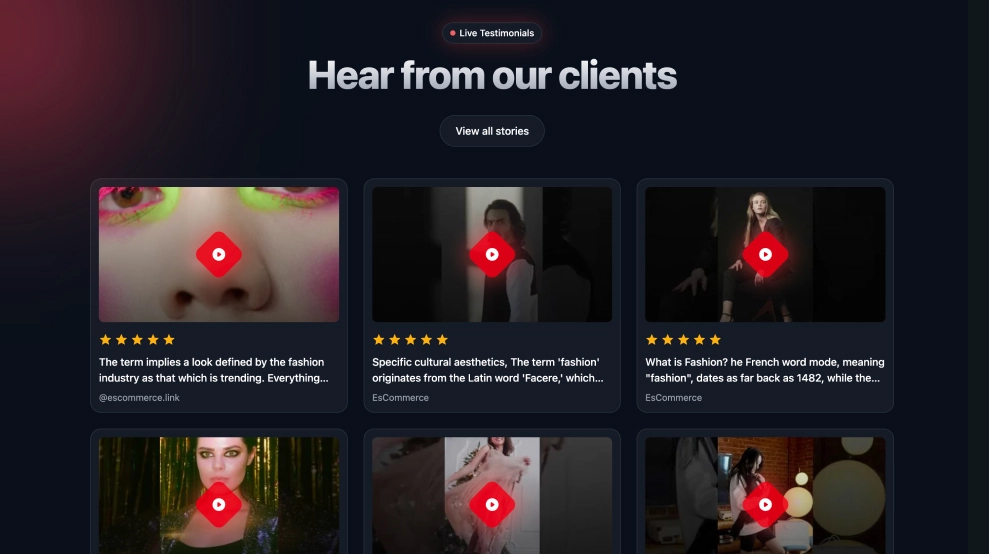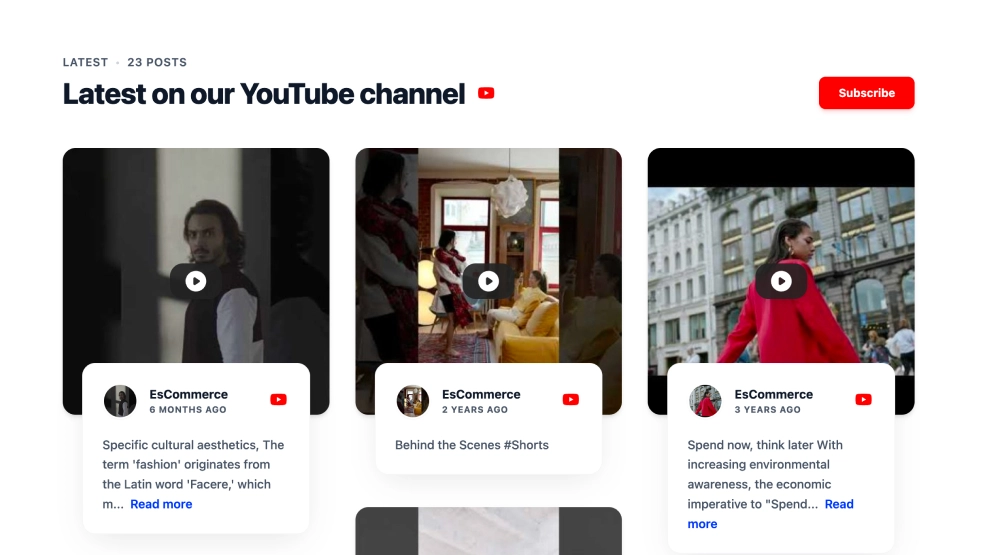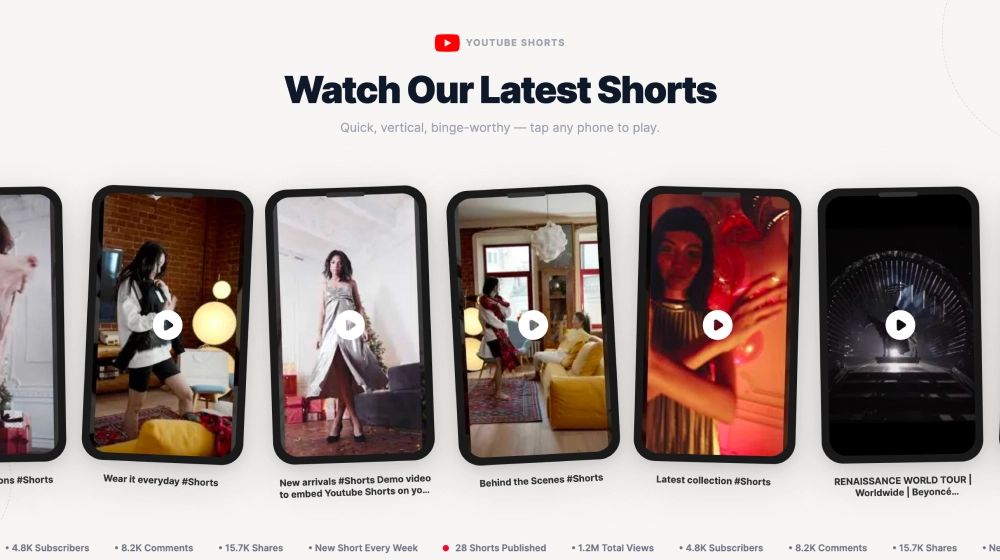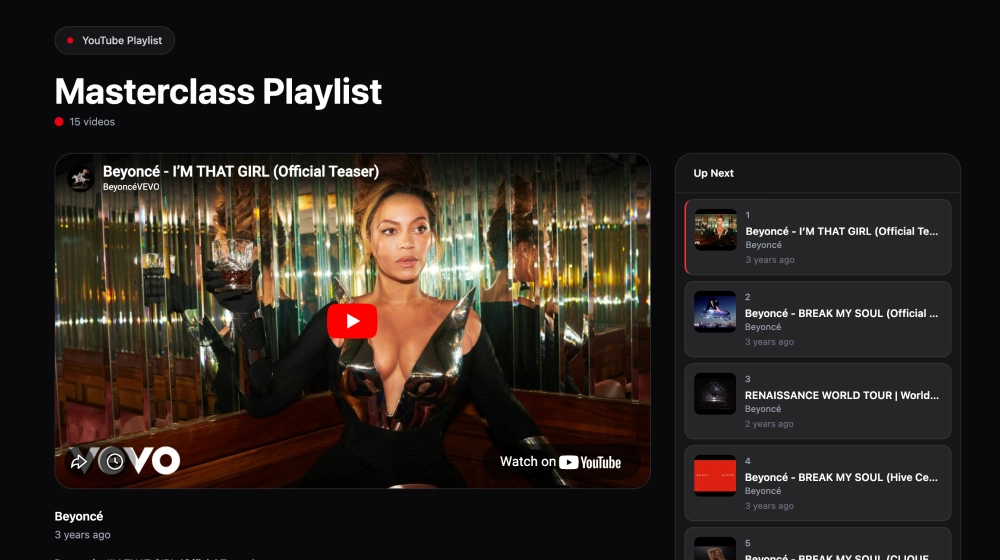
A YouTube playlist widget puts a playlist on your website as a small viewing hub: one large player for the current video and the rest of the list beside it. In this template the Up Next panel shows each video’s number, thumbnail, title, channel and upload date, so visitors can keep watching or jump to an episode without leaving your page.
What the playlist widget shows
- A heading with the playlist name and the number of videos
- A large player for the selected video
- An Up Next panel with numbered thumbnails, titles, channel name and dates, with the current video highlighted
- A dark layout that suits course, podcast and creator sites
It fits online courses and masterclasses, product demo collections, podcast and interview series, onboarding and help pages.
How to add the YouTube playlist widget to your website
- Click Try this template to start your 7-day free trial on Pro.
- Click + Add source, choose YouTube, select Playlist and click Next.
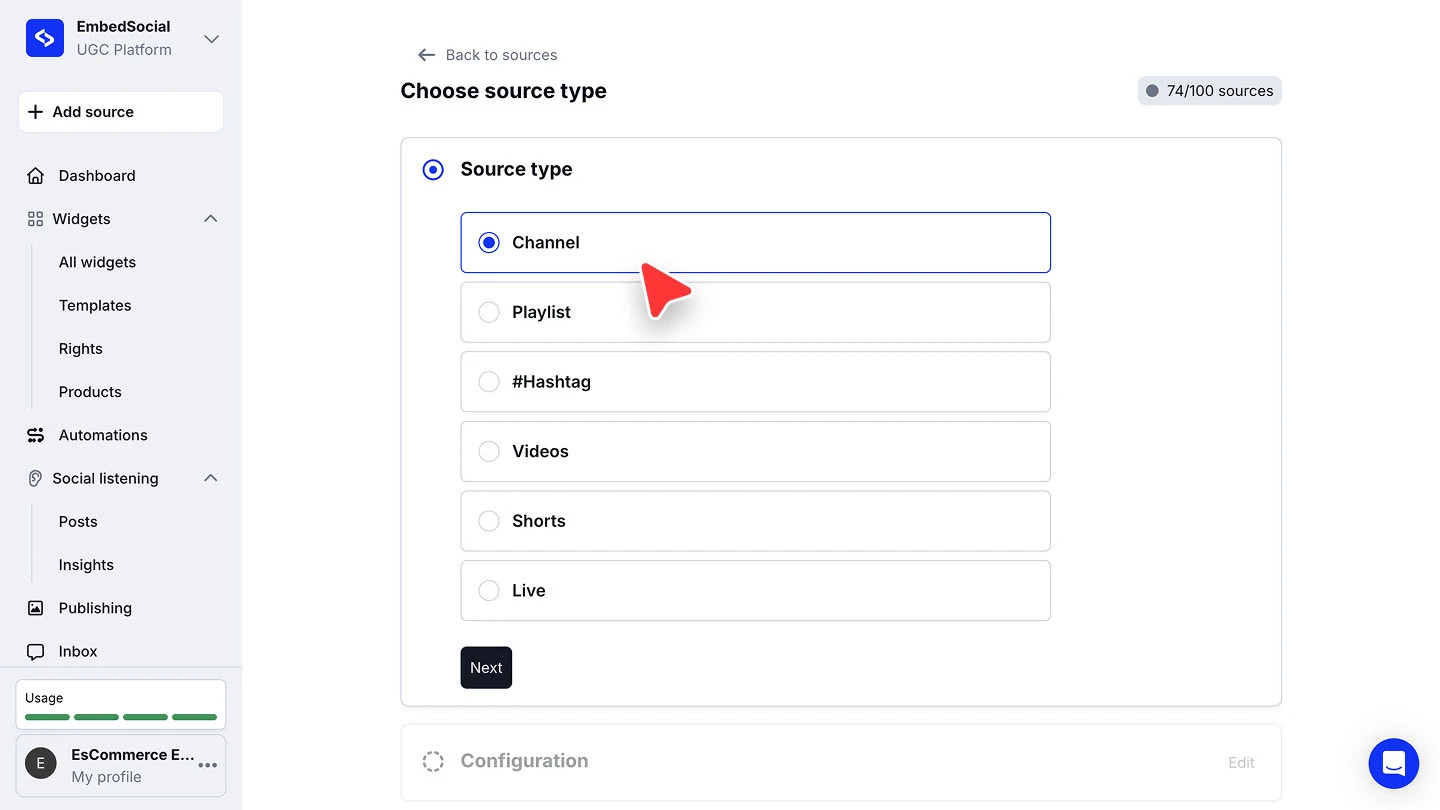
- Paste the playlist URL and click Connect source.
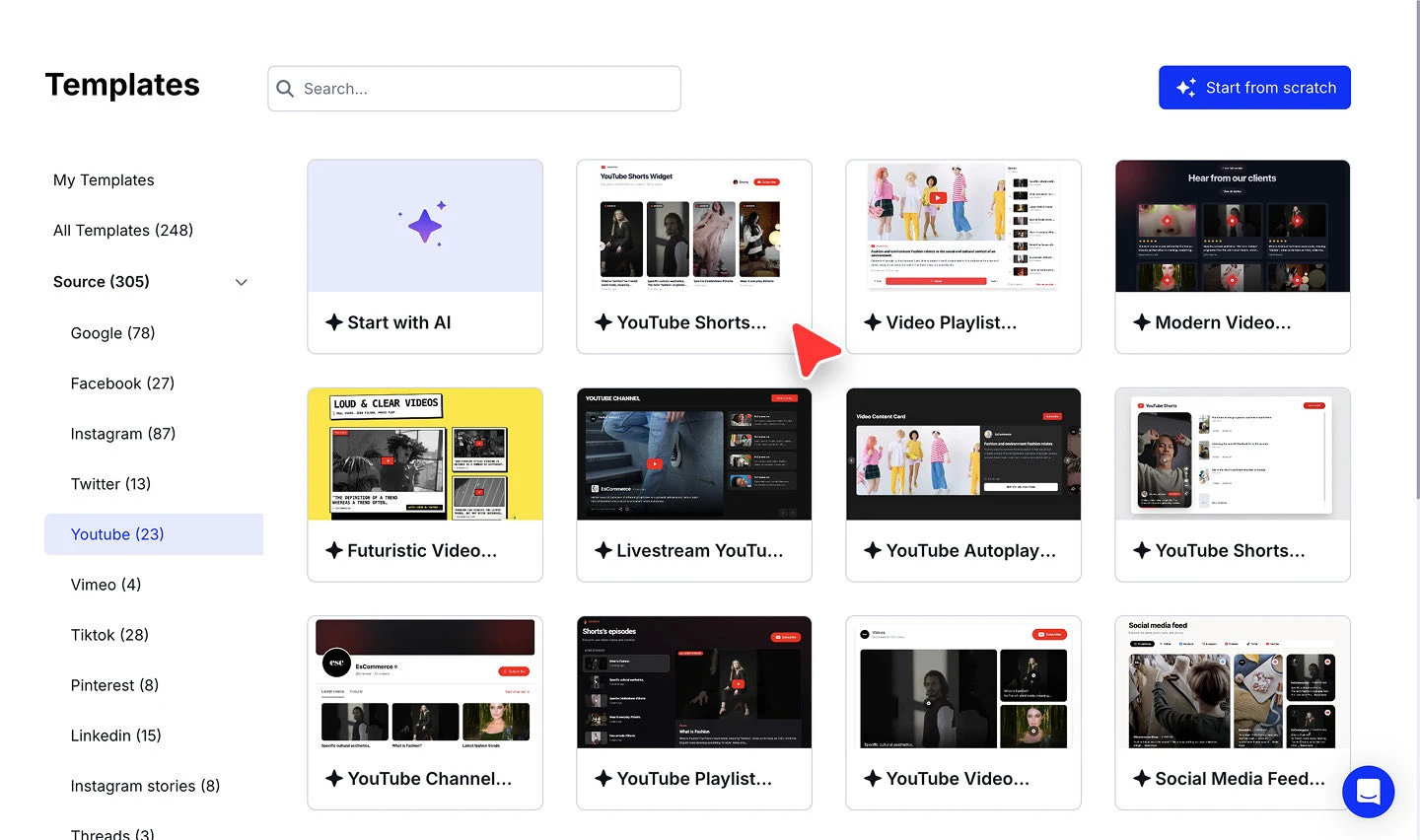
- When you’re asked to pick a widget template, choose YouTube Playlist Widget.
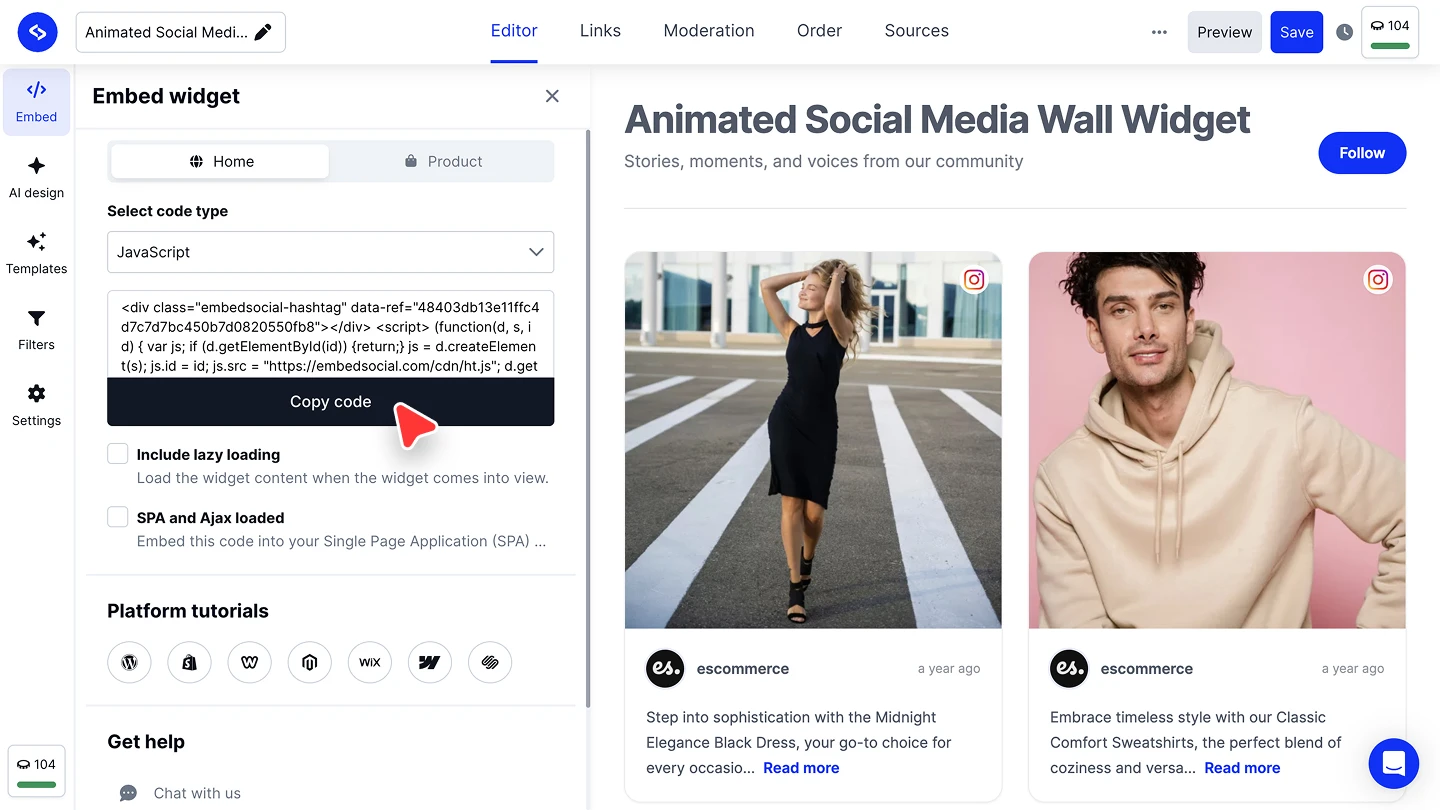
- In the widget editor, click Embed, then Copy code, and paste it into your website builder’s custom HTML or embed block.


The full walkthroughs are in our YouTube source guide and embed guide.
When a carousel fits better
If the videos don’t need to be watched in order and you only have room for a strip, the YouTube Video Carousel is lighter. For every YouTube layout we have, see the YouTube widget.