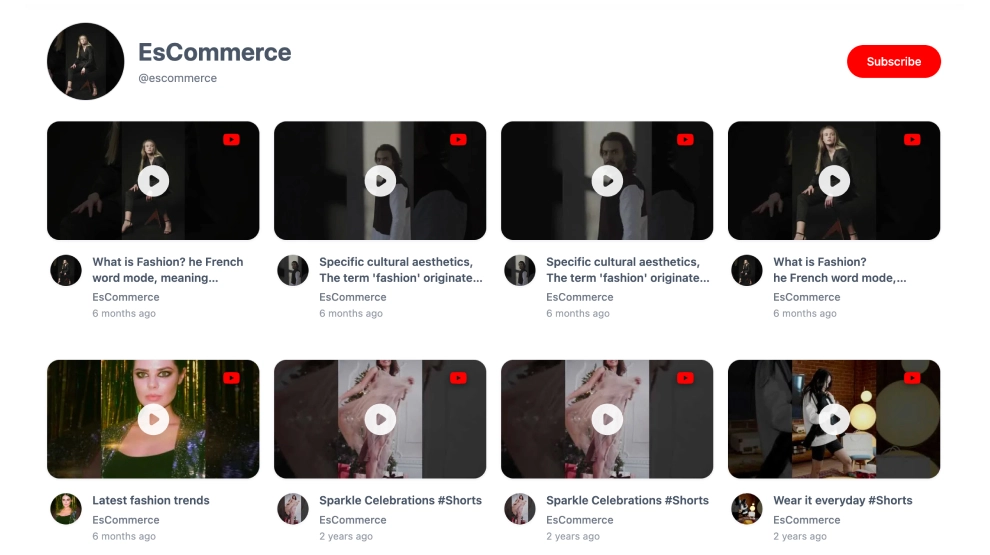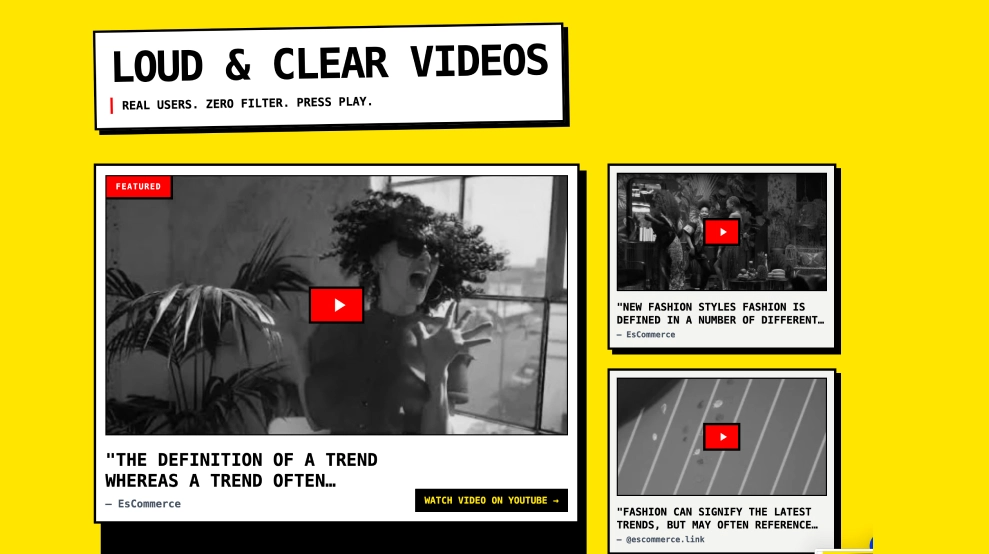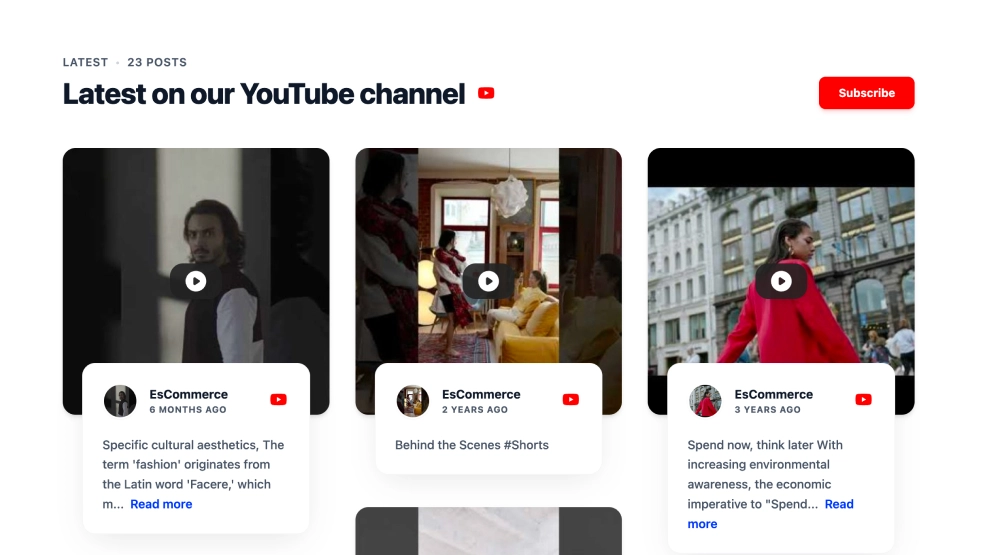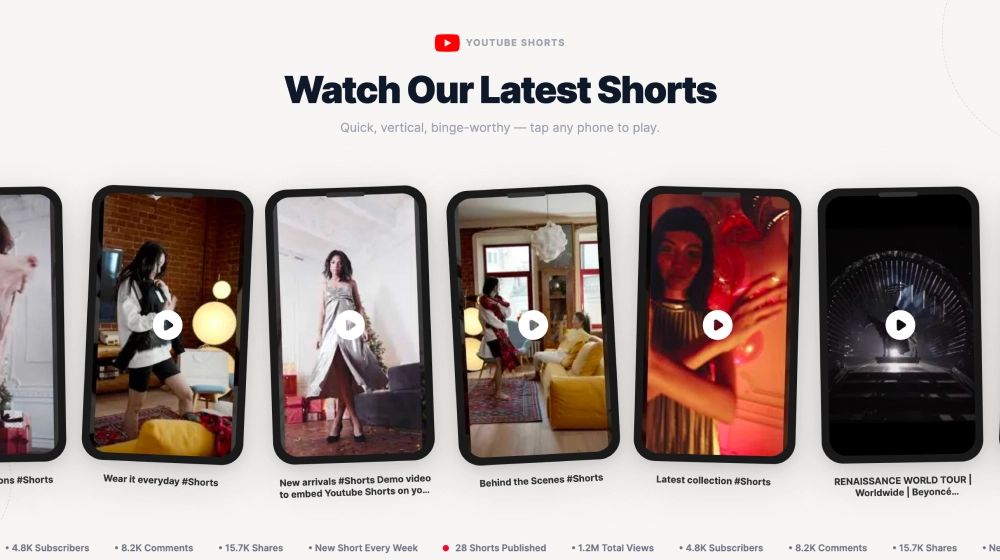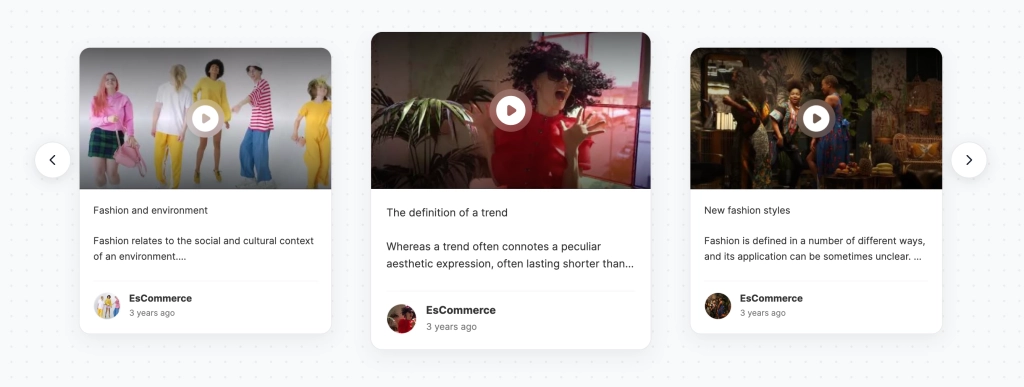
A YouTube video carousel shows your videos as a row of cards that visitors slide through on your website. Each card in this template has the video thumbnail with a play button, the start of the title or description, your channel name and how long ago it was posted. The centre card is larger, so one video always has the focus.
What the carousel shows
- Video cards with a thumbnail and play button
- The first lines of each video’s title or description
- Your channel avatar and name, and the upload date (“10 months ago”)
- A larger centre card, with arrows to move left and right
It works well for explainer and education videos, campaign highlights, resource pages and SaaS or ecommerce brands that publish regular updates.
How to add the YouTube video carousel to your website
- Click Try this template to start your 7-day free trial on Pro.
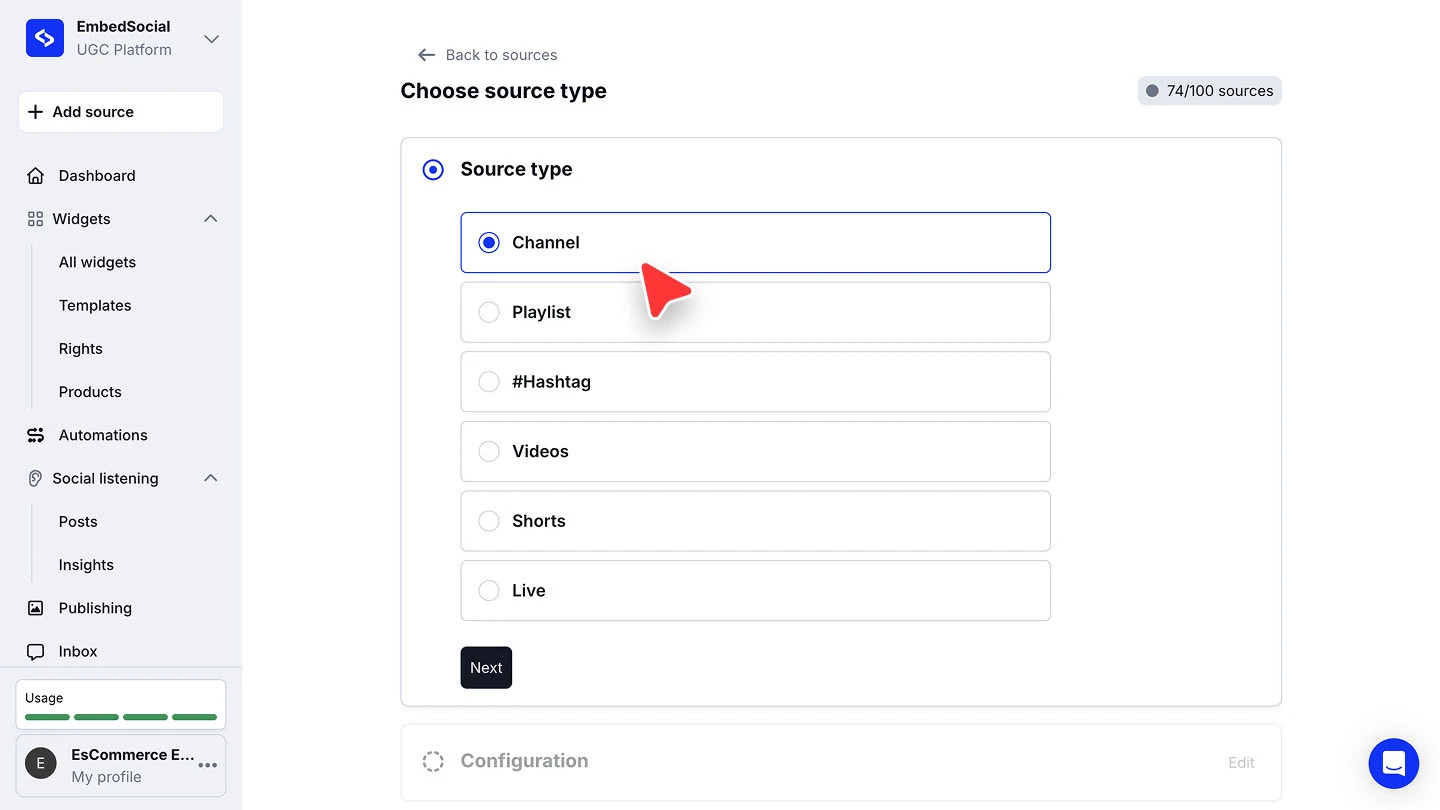
- Click + Add source, choose YouTube, select Channel and click Next.
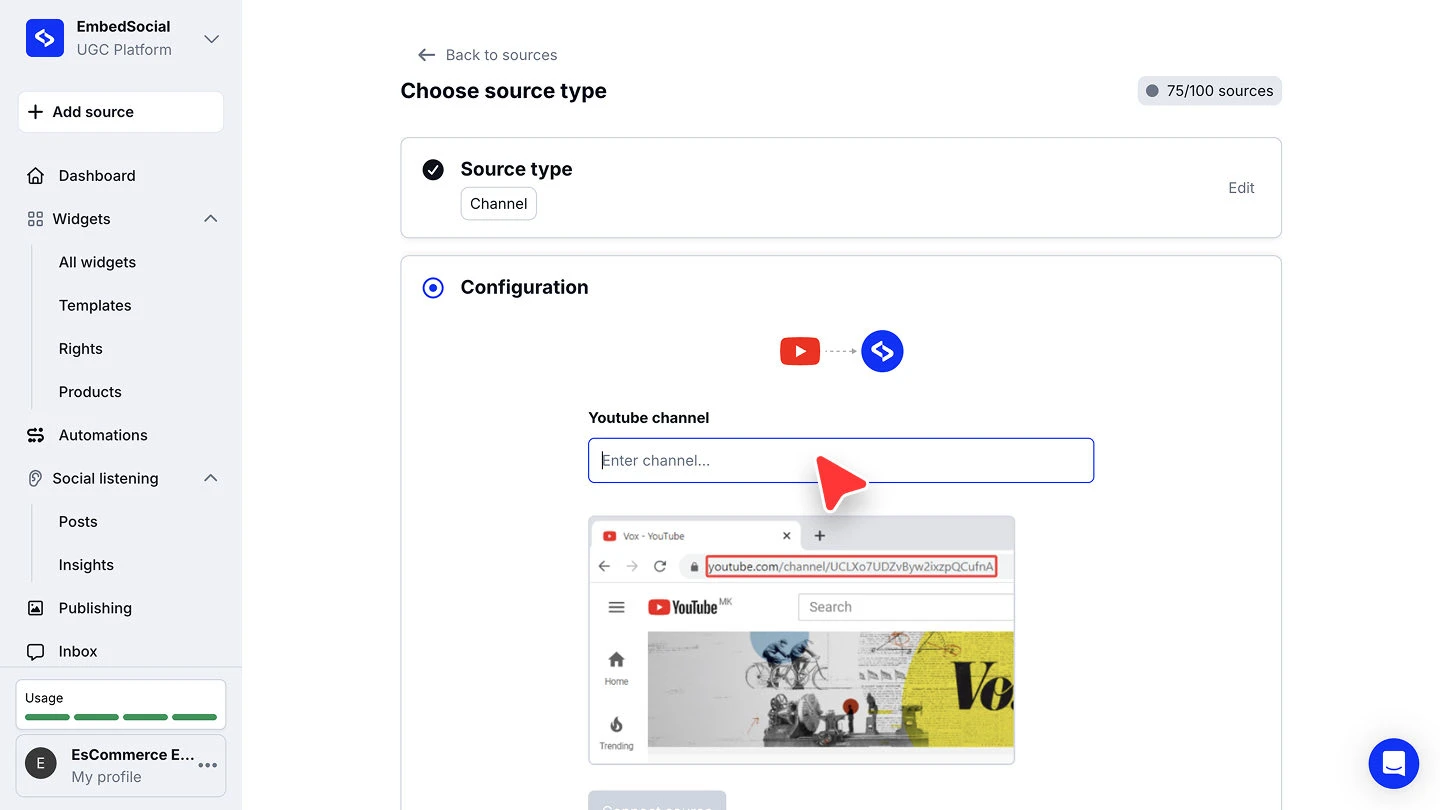
- Paste your channel URL (copy it from your browser’s address bar on the channel page) and click Connect source.
- When you’re asked to pick a widget template, choose YouTube Video Carousel.
- In the widget editor, click Embed, then Copy code, and paste it into your website builder’s custom HTML or embed block.



The full walkthroughs are in our YouTube source guide and embed guide.
Carousel, playlist or gallery?
Use the carousel to tease a handful of videos in a small space. If your videos are a series people should watch in order, the YouTube Playlist Widget keeps a player and an Up Next list side by side. For a full video gallery on its own page, start from the YouTube widget.